
If you’re hunting for the best Apple Watch app for workout tracking, whether that’s dialed-in running metrics, strength training timers, or gentle coaching, you’ve got options. Apple’s built‑in Workout app is a strong baseline, but it isn’t the ceiling. Over the last few weeks, we trained with a mix of apps on Apple Watch Series 9 and Ultra 2, testing long runs, gym sessions, and recovery days, to see what actually helps you move better. Below, we break down where Apple’s native app shines, where power users hit a wall, and the third‑party picks that deliver more. Consider this your research shortcut from the Smartwatches.org test bench.
What The Built-In Workout App Gets Right (And Where It Falls Short)
Apple’s Workout app nails the basics for most people. It’s quick to start, easy to read at a glance, and covers a huge range of workout types, from Outdoor Run, HIIT, and Functional Strength Training to Dance, Rowing, and more. You can set targets (time, distance, calories), get gentle nudges mid‑session, and see a clean summary when you’re done.
Where it’s less friendly: customization and depth. Serious runners, cyclists, and triathletes will quickly bump into layout limits and post‑workout analysis that feels a little thin compared to dedicated tools.
Key Metrics And Custom Workouts
During a workout you’ll see essentials like active calories, heart rate, pace/speed, distance, elevation gain, and time. For runners and cyclists, Apple has improved cadence, power (for running), and split views over recent watchOS updates, and you can create Custom Workouts with intervals, warmups/cooldowns, and repeat blocks. It’s enough to structure a tempo run or a simple ladder without bringing your phone.
Apple Watch can also pair with compatible gym equipment (treadmills, ellipticals) via GymKit, tightening accuracy for distance and calories when available. For many users, that’s a perfect balance of simplicity and smarts.
Limitations Power Users Notice
Power users tend to want more. Two common friction points:
- Screen layouts and data fields: You can tweak a few things, but not to the degree of purpose‑built training apps. You can’t build multi‑page data screens with 10–18 fields or stack complex lap logic.
- Advanced features: Configurable alerts for pace/power/HR zones are basic, interval design is good but not pro‑level, and there’s no native turn‑by‑turn route navigation. Post‑workout analysis, especially across weeks, leans on the Fitness app or third‑party tools.
If you’re peaking for a race, training by power, or want rich map experiences and export control, you’ll want a more advanced apple watch workout app alongside Apple’s default.
Set Up Your Apple Watch For Better Workouts
A few under‑the‑radar settings can instantly improve accuracy and usability before you even install another app.
Calibrate GPS, Fit The Band, And Enable Precision Start
- Calibrate GPS: On your iPhone, confirm Location Services are on for Fitness/Workout. Then do a 20‑minute Outdoor Walk and Outdoor Run at your usual pace in an open area. This helps the watch learn your stride and improves pace/distance when GPS is spotty.
- Fit the band: Heart‑rate accuracy depends on good skin contact. Wear the watch about a finger’s width above the wrist bone, snug but comfortable. For intervals or cold weather (vasoconstriction can mess with HR), consider a sport band or an external HR strap paired via Bluetooth.
- Precision Start: In Workout settings on Apple Watch, enable Precision Start so the watch waits for a stronger GPS fix before your run, reducing wobbly first‑mile pace data.
Configure Heart Rate Zones And Data Screens
- Heart Rate Zones: In the Watch or Health app, set custom HR zones based on a recent max HR test or a lab/field estimate. Zones make coaching cues (and post‑run insights) way more meaningful.
- Data Screens: Within Workout Views, add the metrics you care about, pace, rolling pace, cadence, elevation, power. Even with Apple’s limits, a bit of setup makes glances faster and decisions cleaner during hard efforts.
The Best Apple Watch Workout Apps We Recommend
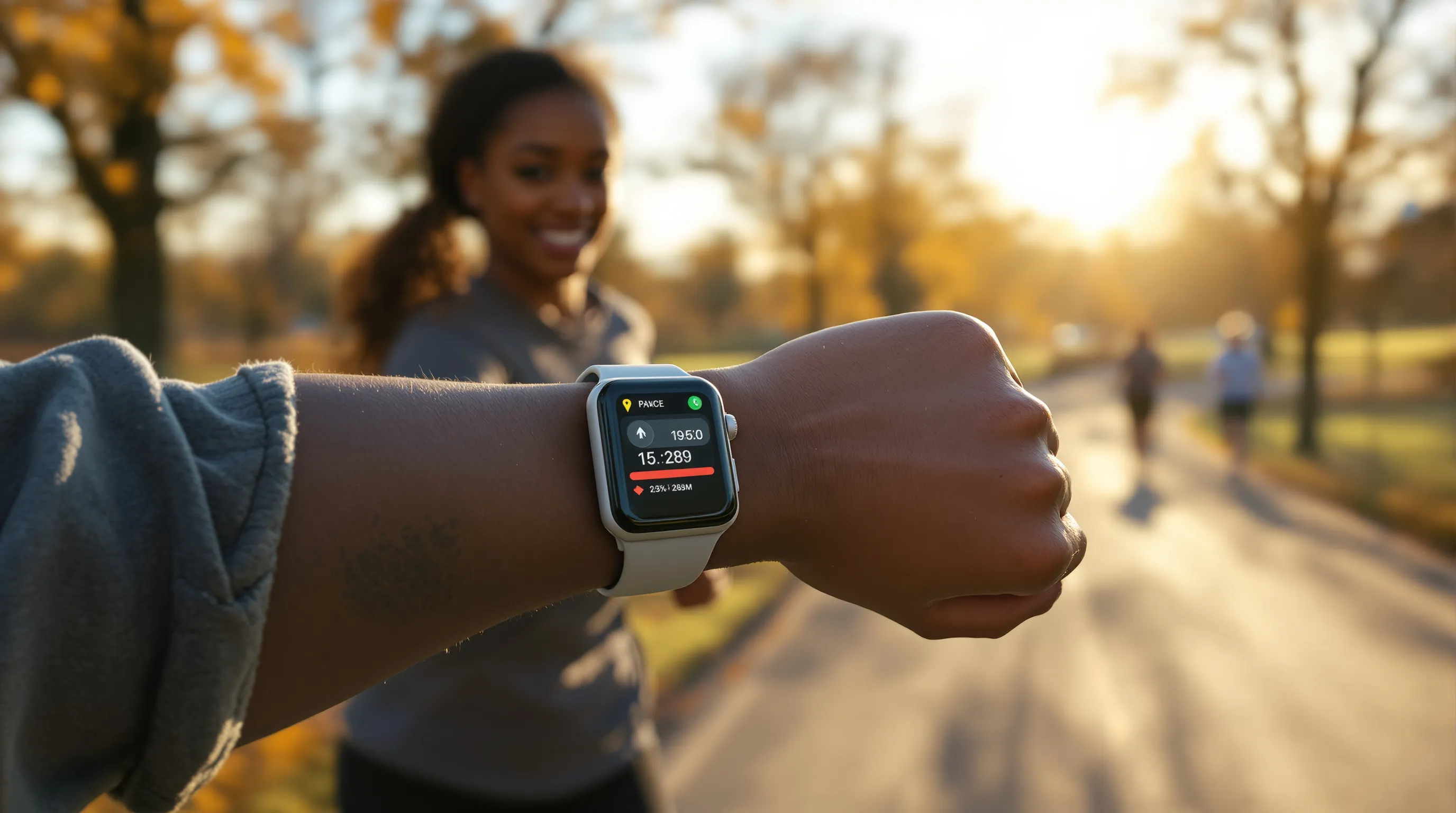
We tested a wide field and kept coming back to a handful that meaningfully extend the Watch. Pick based on your sport and how nerdy you want to get with data.
Strava And Nike Run Club: Social, Segments, And Coaching
- Strava: If community motivates you, Strava still rules. Segments, clubs, and challenges turn solo miles into friendly competition. The Apple Watch app records cleanly, supports beacons for safety, and syncs to the broader Strava ecosystem for analysis. The paid tier adds route planning, segment leaderboards, and training insights. Downsides: analysis depth is good but not lab‑grade, and some features sit behind a subscription.
- Nike Run Club (NRC): Free, approachable coaching plans and guided runs with in‑run audio cues. Great for newer runners who want structure without spreadsheets. The app’s Apple Watch experience is simple and reliable, though map/route extras are basic. No serious cycling or multi‑sport support here, this is for running first and foremost.
WorkOutDoors And Athlytic: Data-Dense Dashboards And Analysis
- WorkOutDoors: The power user’s pick. It offers vector maps on the watch, route import with turn‑by‑turn, dozens of alert types (pace, power, HR zones, cadence), and wild customization, 800+ data fields and multiple configurable screens with up to ~18 metrics each. Exports to FIT/TCX/GPX and syncs to services like Strava without needing your phone on the run. If you want an apple watch app for workout navigation and racer‑level control, this is it.
- Athlytic: Think recovery and load, similar in spirit to WHOOP but using your Apple Health data. It blends heart‑rate variability (HRV), sleep, and training strain to suggest when to push or back off. The Apple Watch companion is lightweight: most value lives in the iPhone analysis. Great if you care about sustainable progress and want a coach‑like dashboard grounded in your data.
Gentler Streak And Zones: Sustainable Training And HR Focus
- Gentler Streak: A friendly coach for consistency. It advocates effort that fits your recent training and recovery, nudging you toward just‑right intensity instead of all‑out every day. The tone is supportive, not punitive, which helps adherence.
- Zones for Training: If you train by heart‑rate zones, this app keeps your session glued to the right intensity with clear in‑run zone time, alerts, and post‑workout breakdowns. Simple and focused.
Strong And SmartGym: Strength Tracking, Supersets, And Rest Timers
- Strong: Excellent for logging sets, supersets, and rest with a big exercise library. The Watch app makes it easy to tick off reps and adjust weight without fishing for your phone mid‑workout.
- SmartGym: Polished UI, templated routines, and smart suggestions based on muscle groups you’ve hit recently. Rest timers and haptic cues keep you moving. Both apps sync back to Apple Health so your strength work sits alongside runs and rides.
How To Choose The Right Apple Watch Workout App For You
Match By Sport, Goals, And Coaching Style
Start with your primary sport: runners and hikers who want maps and intervals, WorkOutDoors. Runners who want motivation, Strava or NRC. Recovery‑first athletes, Athlytic or Gentler Streak. Strength‑focused, Strong or SmartGym. Then sanity‑check your goals: racing a PR, building base, or rebuilding consistency after a layoff. Finally, pick the coaching vibe you’ll actually follow: data‑driven dashboards or friendly nudges.
Check Sync: Apple Health, Strava, TrainingPeaks, And Offline Needs
- Sync: Confirm the app writes to Apple Health and can push to Strava, TrainingPeaks, or your platform of choice. That keeps your history portable.
- Offline: If you leave the iPhone at home, verify the Watch app records and stores sessions locally, supports offline maps/routes, and syncs when you’re back on Wi‑Fi/LTE. Multi‑service export (FIT/TCX/GPX) is a plus if you analyze elsewhere.
Real-World Tips From Testing
Use Low Power Mode (Or Not) For Long Runs And Rides
Low Power Mode and workout‑specific battery settings can stretch multi‑hour efforts, but they may reduce GPS frequency and heart‑rate sampling. Our rule: for efforts under 3 hours, keep full accuracy. For ultralight days or all‑day hikes, enable Low Power and consider an external HR strap to preserve data quality.
Tame Notifications And Use Water/Touch Lock During Sweaty Sessions
Nothing kills intervals like a barrage of pings. Create a Workout Focus that silences notifications except for safety or family. For pool swims or sweaty HIIT, use Water Lock/Touch Lock so stray droplets don’t pause your session. Small tweaks: big sanity wins.
Privacy, Data Ownership, And Subscription Costs
What’s Stored On-Device Vs. In The Cloud
Apple Health data is encrypted on your device and, if you enable iCloud for Health, end‑to‑end encrypted in transit and at rest. Third‑party apps may sync to their own clouds for features like social feeds, route storage, or recovery analysis. Before you commit, check each app’s privacy page: look for clear data‑deletion options, export tools, and whether data is used for ads or shared with partners. If privacy tops your list, favor apps that process on‑device and store only what’s necessary.
Free Tiers, Trials, And What’s Worth Paying For
- One‑time vs subscription: WorkOutDoors is typically a one‑time purchase, great value for power users. Strava, Athlytic, Gentler Streak, Strong, and SmartGym lean on subscriptions with free tiers or trials.
- What we’d pay for: If navigation, intervals, and data control matter, WorkOutDoors is easily worth it. If community drives consistency, Strava’s paid features (routes, segment analysis) earn their keep. For recovery‑guided training, Athlytic or Gentler Streak can prevent overdoing it, arguably the best ROI for injury‑prone athletes. Prices change, so check the current App Store listing before you jump.
Conclusion
The built‑in Workout app is a solid starting point. But the right apple watch app for workout tracking depends on what keeps you moving, maps and metrics, friendly nudges, or a cheering squad. Set up your Watch properly, pick an app that matches your sport and mindset, and let Apple Health keep the history tidy. If you’ve found a combo that works brilliantly (or hilariously failed), share it with us at Smartwatches.org, we’re always testing, and your tips make the community stronger.