
If you’ve got an Apple Watch and golf GPS on your mind, good news: your wrist can replace a separate golf watch for most players. After testing the top apps over several rounds, we’ve found you can get fast yardages, clean scoring, and deep post‑round stats, without juggling extra gear. Below, we break down the smartest ways to set up your Apple Watch golf GPS, dial in accuracy, and squeeze more battery life for 18–36 holes. Expect clear picks, practical tips, and a fair look at when a dedicated golf watch or laser still wins.
1. Pick The Right Apple Watch Golf GPS App
Top App Options And Pricing
Picking the app is half the battle. These Apple Watch golf GPS apps are standouts, each with a different vibe and price:
- TheGrint (free: Pro ~$39/year): Best for scoring + GHIN handicap sync. The watch app keeps it simple, yardages and quick scores, so battery holds up.
- Golfshot Golf GPS (Pro ~$69/year): Gorgeous visuals on iPhone, strong Apple Watch yardages, Auto Shot Tracking, and Swing ID analysis.
- GolfLogix (subscription): Utilitarian but powerful, with 3D green maps and topographical detail that helps on tricky putts.
- Hole19 (free GPS: Premium ~$49.99/year): Clean interface with reliable watch yardages and solid round summaries.
- V1 Game (subscription): 40,000+ courses, automatic swing detection, and smart analytics without club sensors.
- SwingU (free watch scoring: premium tiers available): Simplest in-round watch experience if you want no-fuss scoring.
Quick pick: If you’re score- and handicap‑first, start with TheGrint. If you want the richest visuals and auto tracking, Golfshot Pro is worth it.
Course Coverage, Offline Maps, And Updates
Most top apps cover 39,000–40,000+ courses worldwide. Golfshot‘s 3D maps and optimized downloads shine when you’re offline, while GolfLogix‘s topographical greens are clutch for reading contours. Many apps offer animated flyovers and even AR (Golfshot‘s Golfscape) for pre-shot planning. Before you head out, download the course to your phone inside the app, your watch pulls lean data efficiently, and you’ll avoid spotty clubhouse Wi‑Fi.
iPhone vs. Standalone On-Watch Use
Watch apps are intentionally streamlined: quick yardages, hazards, and scoring. Detailed visuals and editing live on the iPhone. Golfshot nails the combined experience with stunning phone graphics, while TheGrint keeps watch actions minimal to save battery. If you like to glance and swing, rely on the watch: if you obsess over lines and flyovers, keep the phone handy in your pocket or cart.
2. Dial In Accuracy Before You Tee Off
Enable Precise Location, Motion Calibration, And Compass
Before the first tee:
- On iPhone: Settings > Privacy & Security > Location Services: On. Scroll to your golf app > Allow While Using + Precise Location: On.
- On Apple Watch: Settings > Privacy & Security > Location Services: On: check your golf app is allowed. Settings > Compass > Calibration: On.
- In the Watch app (iPhone): Privacy > Motion & Fitness: Fitness Tracking + Heart Rate: On. Motion calibration helps distance/shot tracking.
- Open the golf app outdoors for 1–2 minutes before the round so GPS can lock.
Model Differences: Ultra’s Dual‑Frequency GPS vs. Standard Models
Apple Watch Ultra/Ultra 2 uses dual‑frequency GPS (L1 + L5) for better accuracy in tough environments, tree lines, canyons, or near buildings. Standard Series models use single‑frequency GPS but are still accurate for most tee‑to‑green yardages.
Cellular, Bluetooth, And Airplane Mode Caveats
- Connected to iPhone: the watch may lean on the phone’s GPS to save battery. Accuracy is typically fine.
- Airplane Mode: turns off cellular/Wi‑Fi: GPS still works for workouts and golf apps but initial lock can take longer without assisted data.
- Poor signal: download courses ahead of time so maps and hole data aren’t stuck loading.
3. Master Distances: Front/Middle/Back, Hazards, And Layups
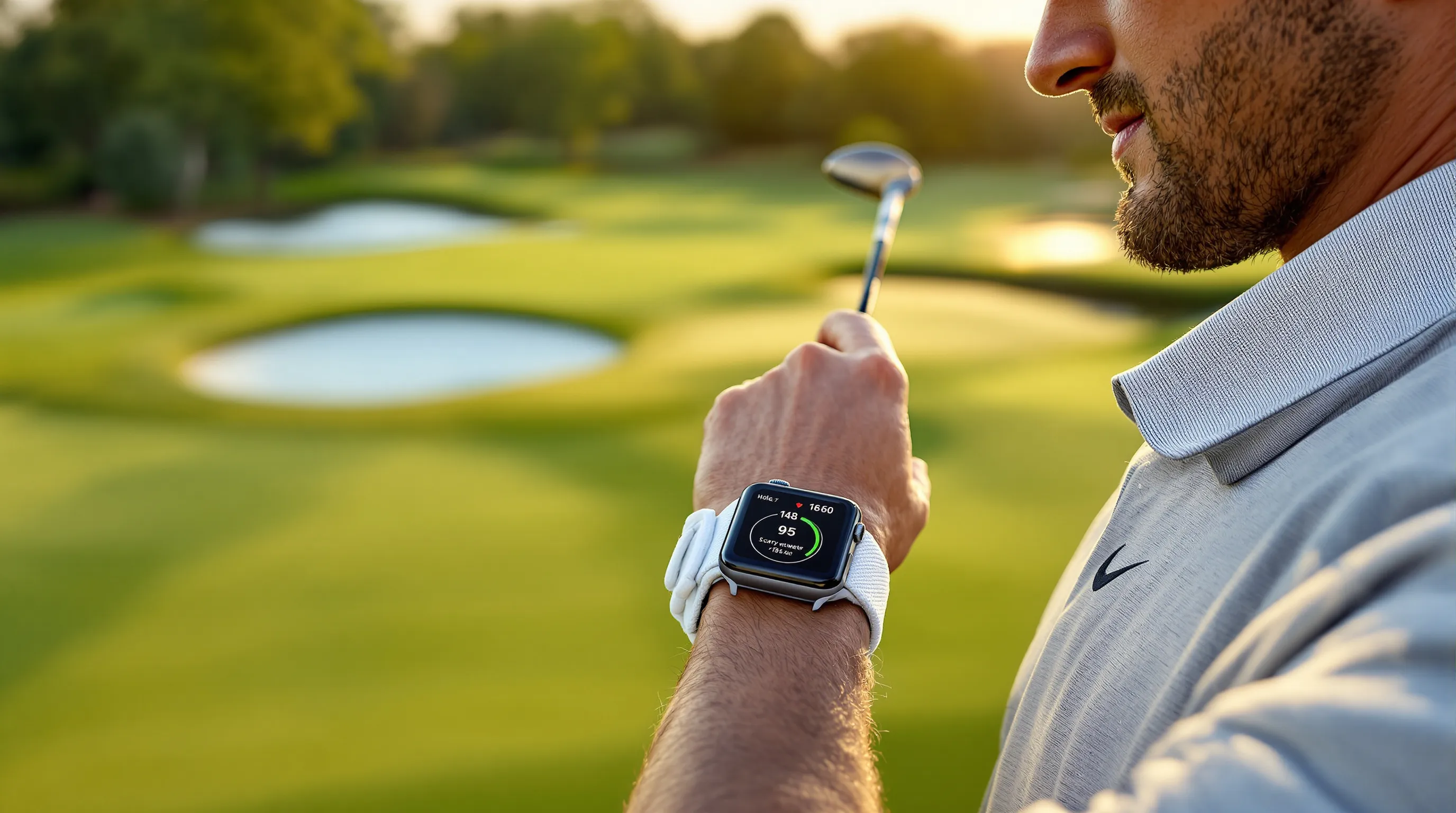
Reading At-A-Glance Yardages On The Watch Face
Most Apple Watch golf GPS apps prioritize front–middle–back distances. That’s your fast, reliable baseline. On approach, glance and commit: if the middle is 152, choose the club that carries 155 in normal conditions.
Auto-Advance, Green View, And Pin Placement
- Auto-Advance: Golfshot and others move you to the next hole automatically. Less tapping, more pacing.
- Green View: Switch to a green diagram to see shape and depth, then pick a safe landing zone.
- Pin Placement: Manually drag the pin on your phone for more precise yardages when the flag is clearly front/back.
Hazard Carry/Clear And Smart Layup Targets
Good apps show carry and clear numbers for bunkers, water, and trees. Use smart layup targets, e.g., a 95‑yard wedge in beats flirting with a 235‑yard water carry. Pro tip: windy? Favor carry numbers into the wind and roll‑out numbers downwind.
4. Track Shots, Clubs, And Strokes Gained From Your Wrist
Manual Shot Tagging vs. Sensor Systems (e.g., Arccos)
- Manual (TheGrint, SwingU): Tap your watch to log shots and putts. Cheapest and battery‑friendly, but you must remember to tag.
- Sensor‑based (Arccos): Club sensors auto-detect shots for near‑hands‑free tracking and deep analytics. Setup takes time: sensors add cost and need occasional battery swaps.
- AI Auto Tracking (Golfshot, V1 Game): Uses phone/watch sensors and algorithms to detect swings, no club sensors. Expect to review/edit a few shots post‑round.
Post-Round Analytics And Handicap Insights
On your phone, you’ll see strokes gained by facet (tee, approach, short game, putting), FIR/GIR trends, up‑and‑down %, and make rates by distance. TheGrint simplifies handicap updates with GHIN sync, while others export stats for coaches. Use one clear goal per round, e.g., “fewer short‑sided misses“, and track it for a month.
Privacy And Data Permissions
Limit location to “While Using,“ turn off background location if you don’t need it, and review data sharing in each app’s settings. If you’re testing multiple apps, revoke Health permissions for the ones you’re not using that day to avoid duplicate workouts.
5. Extend Battery For 18–36 Holes
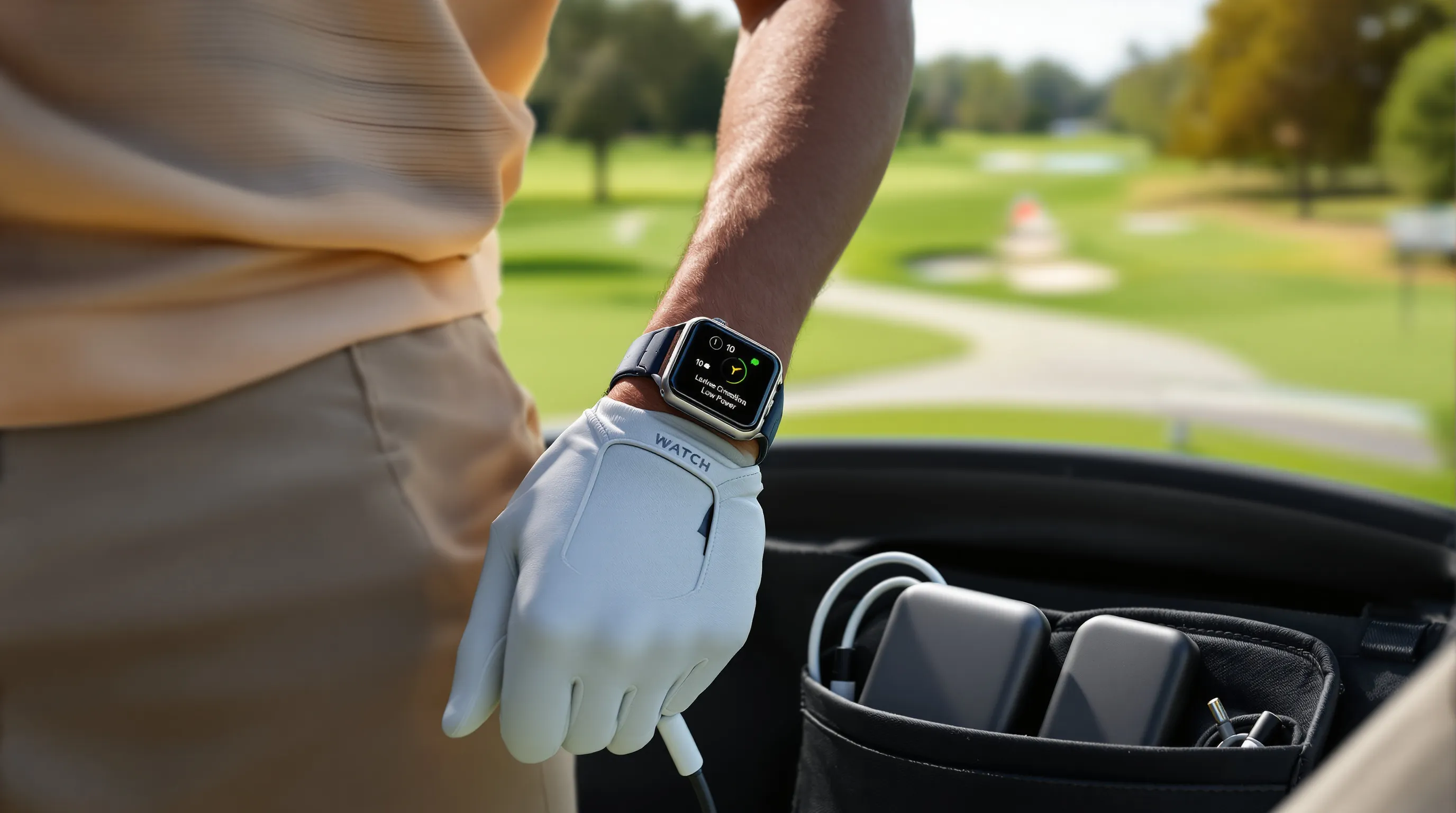
Power Settings: Always-On Display, Haptics, And Brightness
- Turn off Always‑On Display during golf (Settings > Display & Brightness) or use a minimal watch face.
- Lower brightness to 1–2 bars: keep haptics on but set to default.
- Disable Background App Refresh for non‑golf apps during the round.
Pre-Download Courses And Use Low Power Modes
- Pre‑download maps/course data in your golf app.
- Use Workout Low Power Mode for long days (Watch app > Workout > Low Power Mode). On Ultra, you can stretch multi‑round days easily.
Charging Plans: Quick Top-Ups And Portable Pucks
Series 7 and newer fast‑charge with Apple’s USB‑C puck, 10–15 minutes at the turn can add hours. Toss a lightweight power bank and puck in the bag for 36‑hole days or golf trips.
6. Apple Watch Golf GPS vs. Dedicated Golf Watches And Rangefinders
Pros And Cons For Beginners, Regulars, And Competitive Players
- Beginners: Apple Watch with a free app is perfect, clean yardages, easy scoring, no extra gear.
- Regulars: Paid apps add auto tracking, strokes gained, and better course visuals. Good balance of value and features.
- Competitive players: Dedicated golf watches (often Garmin) offer deeper on‑wrist tools, pin‑point hazard mapping, green contouring on the watch, and button-first controls that are quicker with a glove.
Trade-offs: Apple Watch is unbeatable for versatility and apps: golf‑specific watches are faster to operate mid‑swing and can feel more “purpose‑built.“
Apple Watch Ultra Outdoors Perks (Brightness, Battery, Durability)
Ultra’s 2000‑nit display stays readable in harsh sun: dual‑frequency GPS improves accuracy under trees: battery comfortably covers 36 (with settings tuned). The titanium case and big Action button are great with wet hands or gloves.
When A Laser Rangefinder Still Wins
Lasers provide exact flag distances and shine on uneven terrain or when pins are tucked. They’re also tournament‑reliable when you need absolute precision. Best combo for many golfers: Apple Watch for fast F/M/B and hazards, laser for the final number.
7. On-Course Etiquette And Troubleshooting
Glanceable Use: Silent Mode, Raise-To-Wake, And Do Not Disturb
Flip Silent Mode on the first tee. Keep Raise‑to‑Wake enabled for quick yardages, no tapping, and use Do Not Disturb or Focus so notifications don’t break pre‑shot routines.
Fix GPS Drift, Missed Shots, And Auto-Advance Issues
- Drift: Step into open sky for 10–20 seconds: relaunch the app: ensure Precise Location is on: re‑download the course.
- Missed shots: Edit post‑round: in‑round, add a manual tag on the watch before you forget.
- Auto‑advance: If it stalls, lock the phone, keep it in the lead pocket, and avoid switching between multiple golf apps simultaneously.
Rain, Gloves, And Band Fit Tips
Water isn’t a problem, but wet screens can mis-tap. Use the Action button (Ultra) or larger tap targets. A snug sport band improves heart-rate lock and tap accuracy. With gloves, button‑driven interfaces are faster, another reason some players prefer dedicated golf watches.
Conclusion
Using Apple Watch and golf GPS together is a legit upgrade: quick front/middle/back, hazard carry, and simple shot logging from your wrist, plus deep stats later. Pick an app that matches your style, tune accuracy and battery, and pair your watch with a laser if you’re chasing pins. For most golfers, that setup is lighter, smarter, and plenty precise.