
If you’ve ever ordered a gorgeous Apple Watch band that pinched, slipped, or just didn’t click into your case, been there. This Apple Watch band size guide walks you through the essentials: confirm your case size and band compatibility, measure your wrist accurately, and match band styles to your lifestyle. By the end, you’ll know exactly which size to buy and how to dial in the fit for comfort, heart‑rate accuracy, and durability. Let’s make sure your next band feels like it was made for you.
Confirm Your Apple Watch Case Size and Band Compatibility
Find Your Case Size on the Watch or in Settings
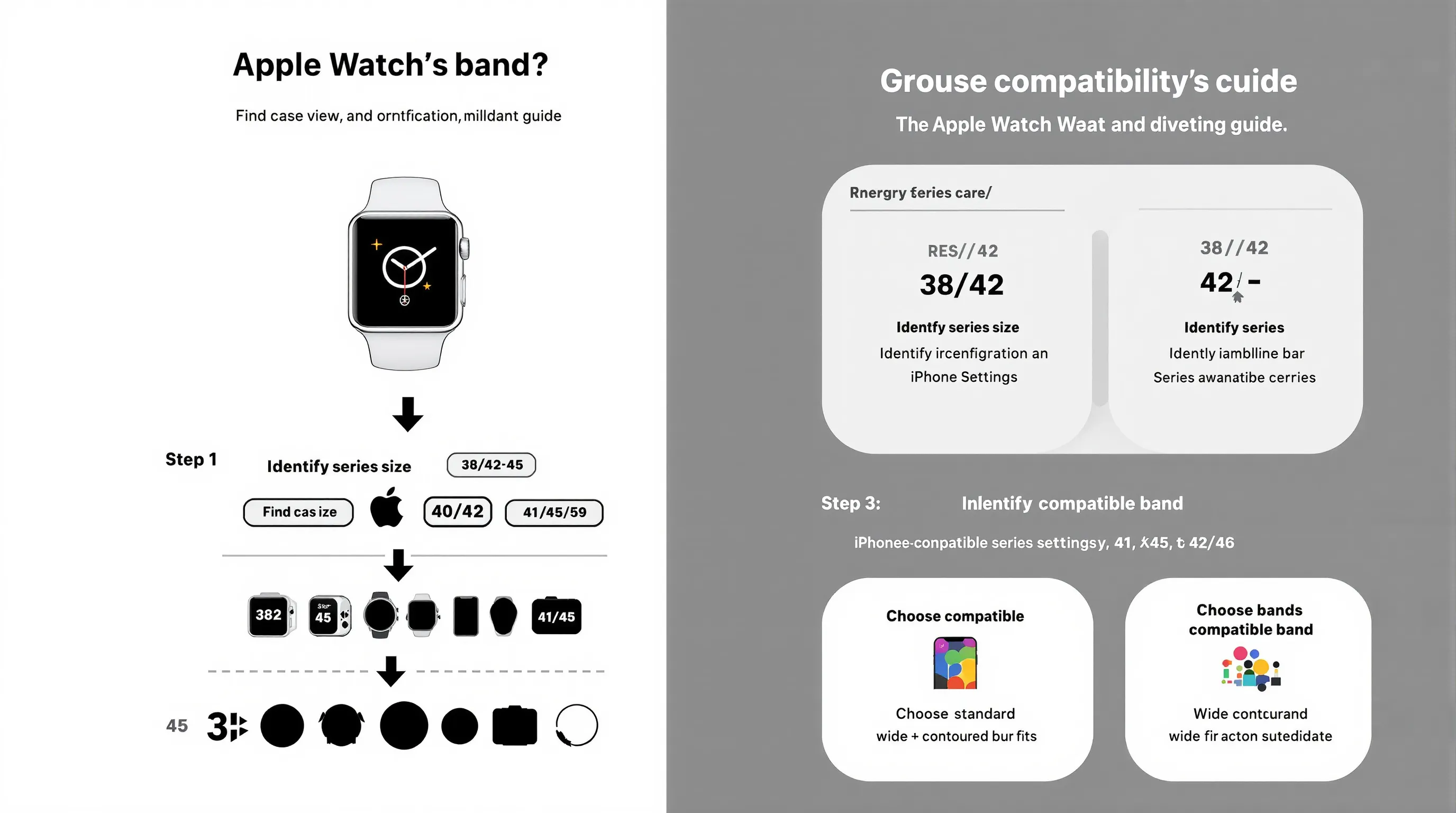
Why it matters: Your case size determines which bands will physically fit. Apple has kept lug widths consistent within two groups, so once you know your size, shopping gets much easier.
How to check:
- Flip your Apple Watch over, the case size is engraved on the back.
- Or on your iPhone: Watch app > My Watch > General > About > Model to identify your series/size.
Sizes by series:
- Series 1–3: 38mm, 42mm
- Series 4–6 and SE (1st gen): 40mm, 44mm
- Series 7–9 and SE (2nd gen): 41mm, 45mm
- Ultra/Ultra 2: 49mm
- Series 10: 42mm, 46mm
Know the Two Compatibility Groups (38/40/41mm vs. 42/44/45/49mm)
Why it matters: Bands are interchangeable inside these size families thanks to consistent lug widths.
- 38/40/41mm group: Bands designed for any of these cases will fit the others in this group.
- 42/44/45/49mm group: Bands for any of these sizes, including Ultra at 49mm, will fit across the group.
This cross‑compatibility is intentional and makes upgrading simpler.
Where Ultra Fits In: Using 49mm With 42/44/45mm Bands
We’ve tested the Ultra and Ultra 2 with standard 42/44/45mm bands, they attach securely and work well. Just note:
- Visual balance: Slim bands can look narrow on the 49mm case. Wider or contoured straps (Trail/Alpine/Ocean) look more proportional.
- Activity fit: For diving or trail runs, use bands with robust hardware and a locking mechanism (Ocean/Alpine are standouts) for extra security.
Third-Party Adapters: When to Use Them, and When to Avoid
Adapters let non‑Apple straps connect to Apple Watch lugs. Use them when you:
- Want a specialty strap (e.g., NATO, custom leather) not sold for Apple Watch.
- Need extended sizing beyond typical Apple/third‑party options.
What to avoid:
- Poor machining or loose tolerances, these can rattle or unlock under tension.
- Weak spring bars or screws, risk of the watch dropping.
Quality checklist:
- Solid, precise slide‑in fit with a positive click.
- Stainless steel hardware, secure screws/pins, no sharp edges.
- Reputable brand with warranty and clear return policy.
Measure Your Wrist Accurately (So Your Band Isn’t Too Tight or Too Loose)
Use a Soft Measuring Tape or Paper Strip + Ruler
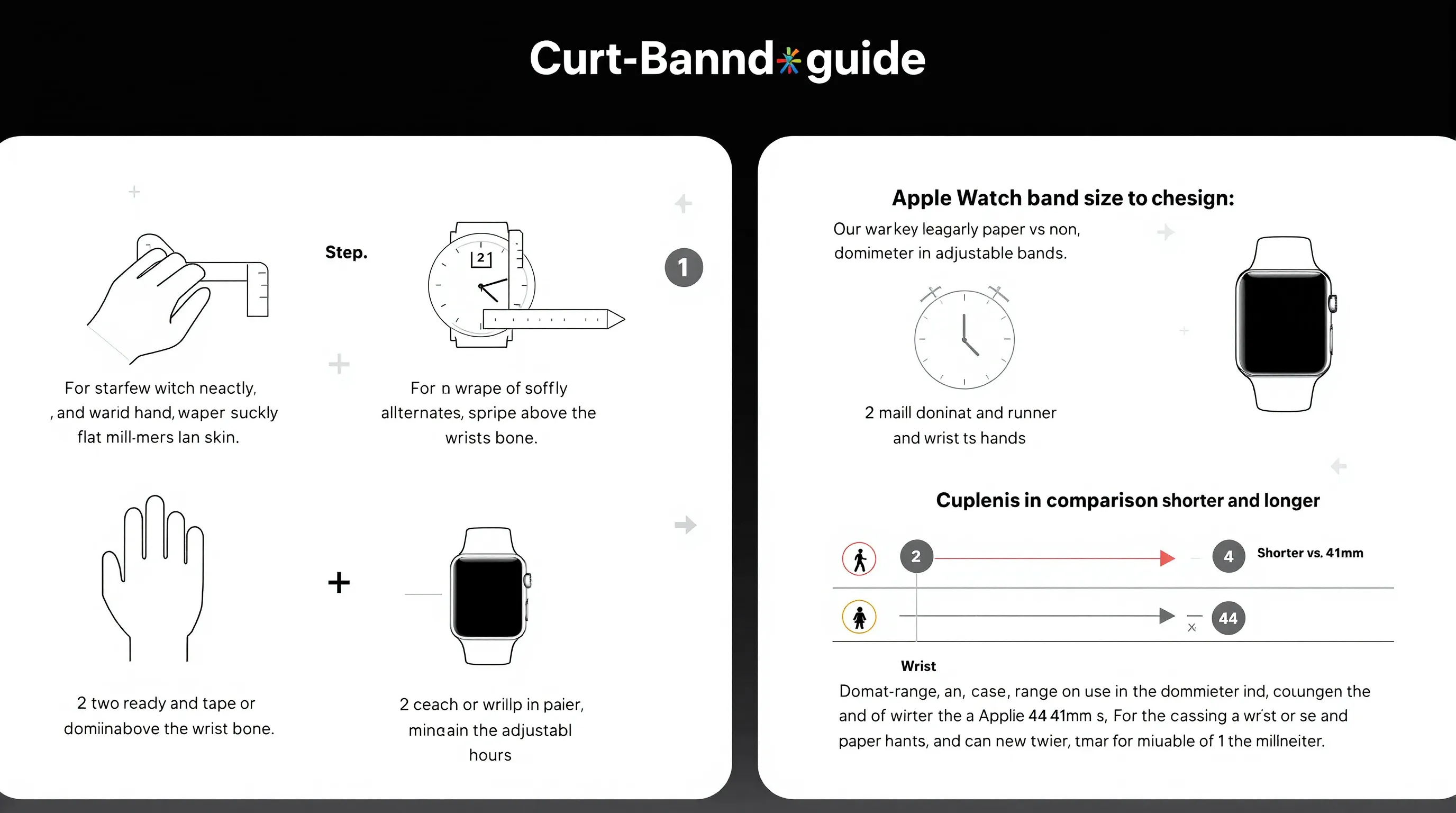
Why it matters: An accurate wrist measurement is the foundation for picking the right band and size, especially for Solo Loops.
- Wrap a soft tape measure snugly where the band will sit, flat against skin, not digging.
- No tape? Use a strip of paper or string, mark the overlap, then measure against a ruler.
- Record in millimeters for easiest comparison with Apple’s charts.
Measure at the Band’s Natural Position and Note Dominant Wrist Differences
- Measure at the spot you actually wear the watch. A few millimeters above the wrist bone usually yields the best sensor readings.
- Dominant wrists can be slightly larger. If you switch wrists, measure both and choose based on where you wear it most.
Account for Daily Swelling and Workout Expansion
Wrists change during the day and with activity. To avoid a too‑tight or too‑loose outcome:
- Measure during normal daytime hours, not first thing in the morning.
- If you train regularly, take a second measurement post‑workout and split the difference when choosing adjustable bands.
Typical wrist ranges by watch size:
| Watch Model | Wrist Range |
|---|---|
| 40/41mm | 130–200mm |
| 44/45mm | 145–220mm |
Use these as guide rails: exact comfort depends on band material and closure.
Match the Band Type to Your Lifestyle and Skin
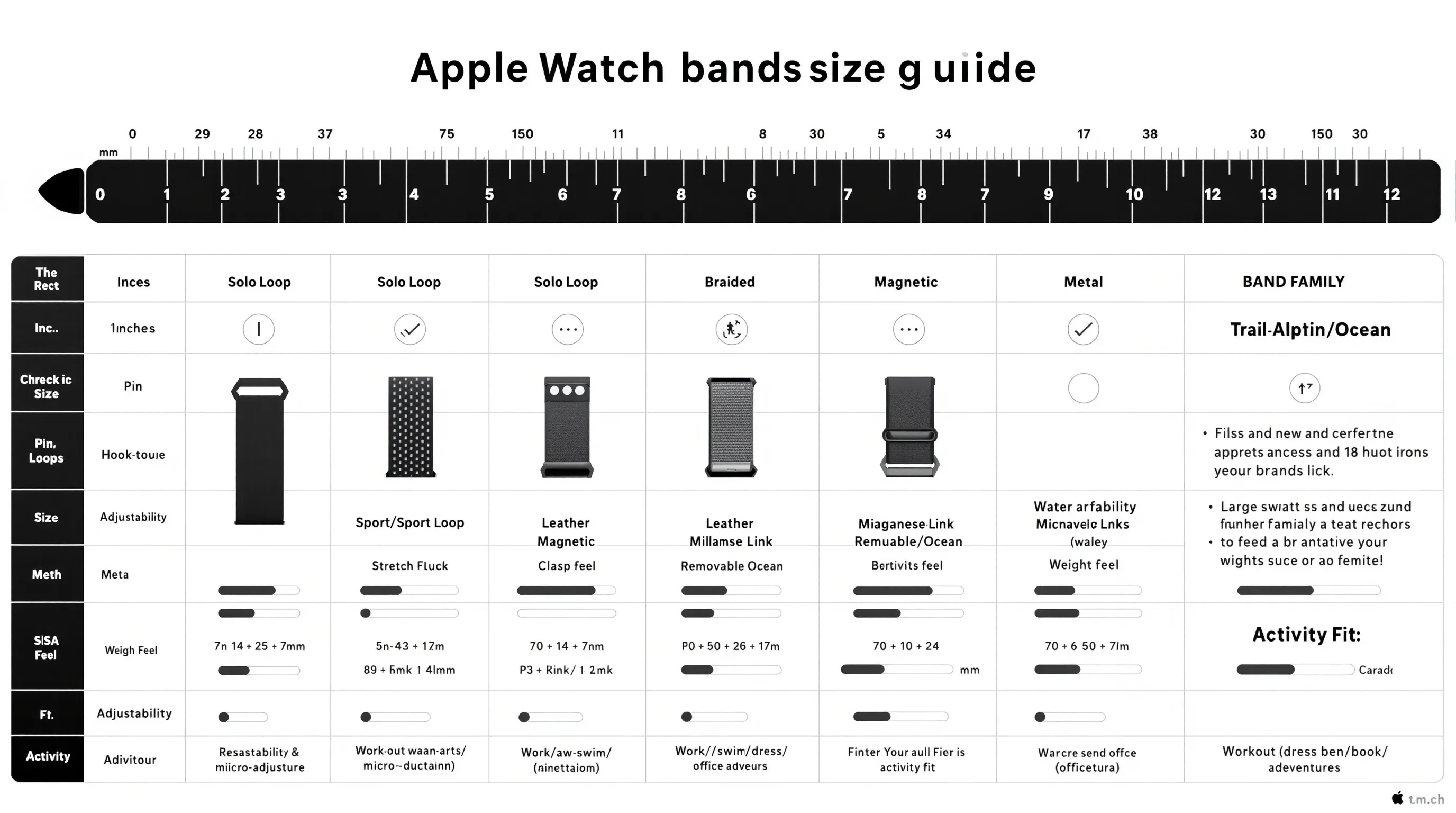
Sport and Sport Loop: Sweat, Swim, and All-Day Comfort
Best for: workouts, swimming, and anyone who wants a breathable, easy‑clean strap.
- Sport Band (fluoroelastomer): Smooth, waterproof, secure pin‑and‑tuck closure. Great for pool days and HIIT. Can feel warm for some in summer.
- Sport Loop (nylon hook‑and‑loop): Soft, breathable, infinitely adjustable. Dries fast, comfy for sleep tracking. Clean regularly to prevent odor.
Solo Loop and Braided Solo Loop: Stretch Fit, No Clasp
Best for: minimalists who want zero hardware and quick on/off.
- Requires precise sizing (Sizes 1–12). Each size changes by ~4–5mm.
- Braided version is softer with more give: Solo Loop is smoother and a bit more water‑friendly.
- Order your exact size, don’t size down aggressively or it can pinch and impact sensors.
Leather Link/Magnetic Bands: Easy On-Off, Casual to Dressy
Best for: office, dinners, and everyday wear with quick adjustability.
- Leather Link: Flexible segments with concealed magnets: comfy and stylish.
- Modern/Leather Buckles: Classic look, defined holes or magnetic closure.
- Avoid soaking leather: sweat and salt can age it quickly.
Metal Link/Milanese: Polished Look, Heavier Feel
Best for: dressy setups and precise micro‑adjustments.
- Milanese Loop: Magnetic mesh conforms to your wrist with infinite adjustment.
- Link Bracelet: Tool‑free removable links for custom sizing: premium weight and price.
- Heavier bands shift on small wrists, snug them for accurate heart‑rate tracking.
Trail/Alpine/Ocean Bands: Adventure-Grade for Ultra (Works on 44/45mm Too)
Best for: hiking, diving, endurance training, and yes, they fit 44/45mm cases.
- Trail Loop: Soft nylon with low‑profile pull tab: quick micro‑adjusts mid‑run.
- Alpine Loop: Rugged weave with G‑hook, secure under load.
- Ocean Band: High‑flex rubber with a substantial buckle and keeper: built for water sports and gloved use.
Pick the Right Size by Band Style (Apple’s Sizing Systems Explained)
Solo Loop and Braided Solo Loop: Use Apple’s Size Chart (Sizes 1–12)
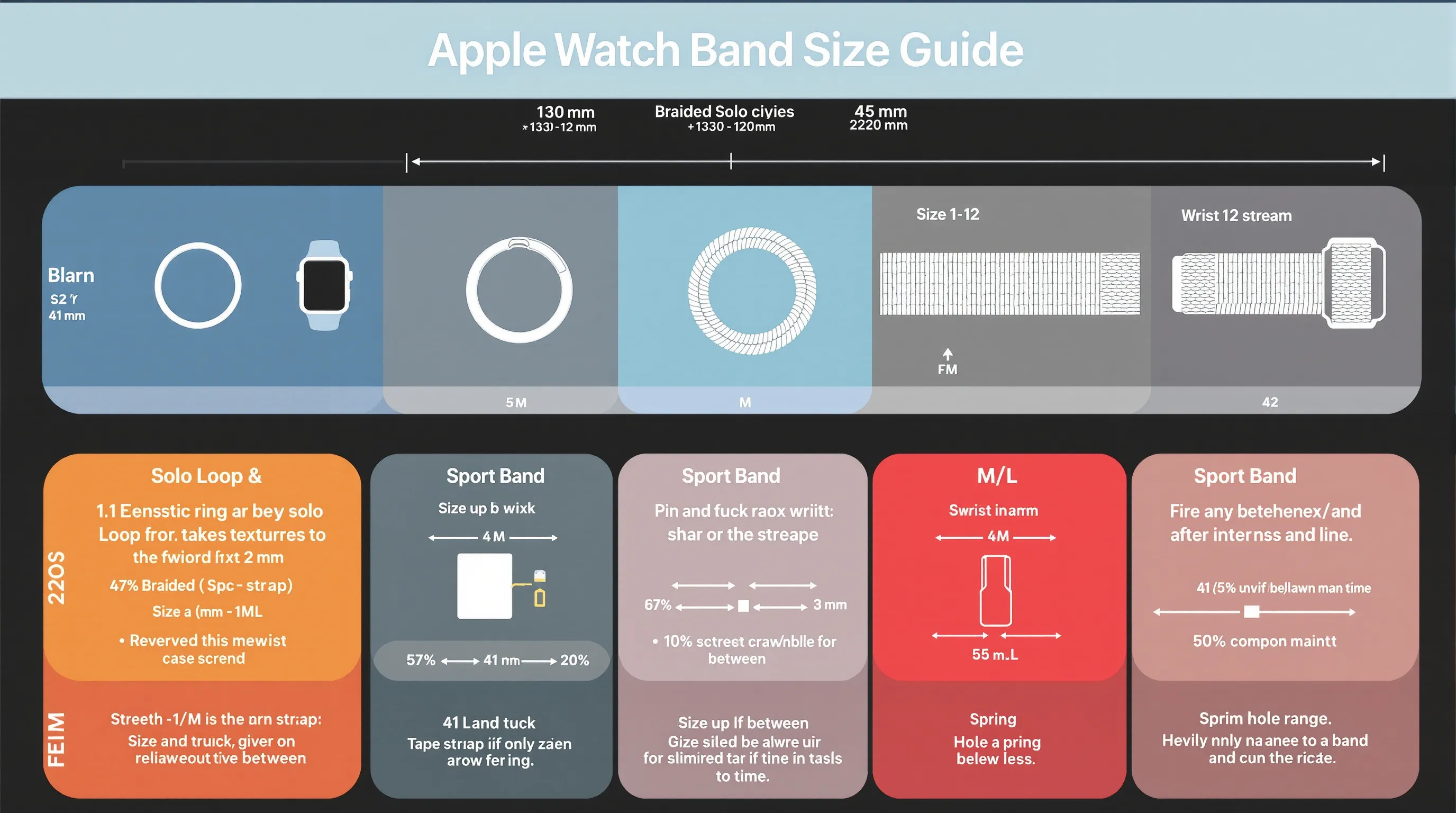
- Measure your wrist in mm and consult Apple’s printable sizing guide.
- Example: Around 135–145mm typically maps to Size 5: each step up adds ~4–5mm. If you’re between sizes, we’ve found sizing up is safer for comfort and sensor accuracy.
- For Braided Solo Loop, consider wrist swelling, its stretch relaxes slightly over time.
Sport Band: S/M vs. M/L Straps, Hole Range and Wrist Circumference
Sport Bands ship with two strap lengths:
- S/M: Best for smaller wrists. Check Apple’s hole range: many 41mm kits fit ~130–180mm on S/M.
- M/L: For larger wrists: 45mm kits often cover ~150–210mm on M/L.
Pro tip: Try both strap pieces in the box to center the pin roughly mid‑range of holes, that gives you room to loosen/tighten seasonally.
Sport Loop and Magnetic Closure Bands: Infinite Adjustability, Sizing Tips
- One‑size designs fit broad ranges (e.g., ~130–200mm for 41mm: ~145–220mm for 45mm).
- Leave a little slack for all‑day wear: tighten a notch for workouts.
- If you’re near the upper limit, consider Ultra/Trail Loop style for more length and stability.
Leather/Metal Links: Removable Links and Micro-Adjustments
- Leather buckle bands come in defined sizes, aim to sit near the middle hole.
- Link Bracelet includes removable links: size it so the clasp centers under your wrist for balance.
- Milanese Loop’s magnet gives you near‑infinite micro‑adjustment, great for temperature swings.
Ultra Bands: Ocean, Alpine, Trail, How Each Adjusts and What Size to Order
- Ocean Band: Choose the standard or large length per Apple’s chart. The keeper locks the tail, great over wetsuits/gloves.
- Alpine Loop: Order by case size and wrist circumference: the G‑hook lands cleanly when you’re mid‑range.
- Trail Loop: Two sizes cover wide ranges: we prefer landing in the middle for quick on‑the‑fly tweaks without maxing the tab.
Test, Adjust, and Dial In Fit (Comfort, Heart-Rate Accuracy, and Security)
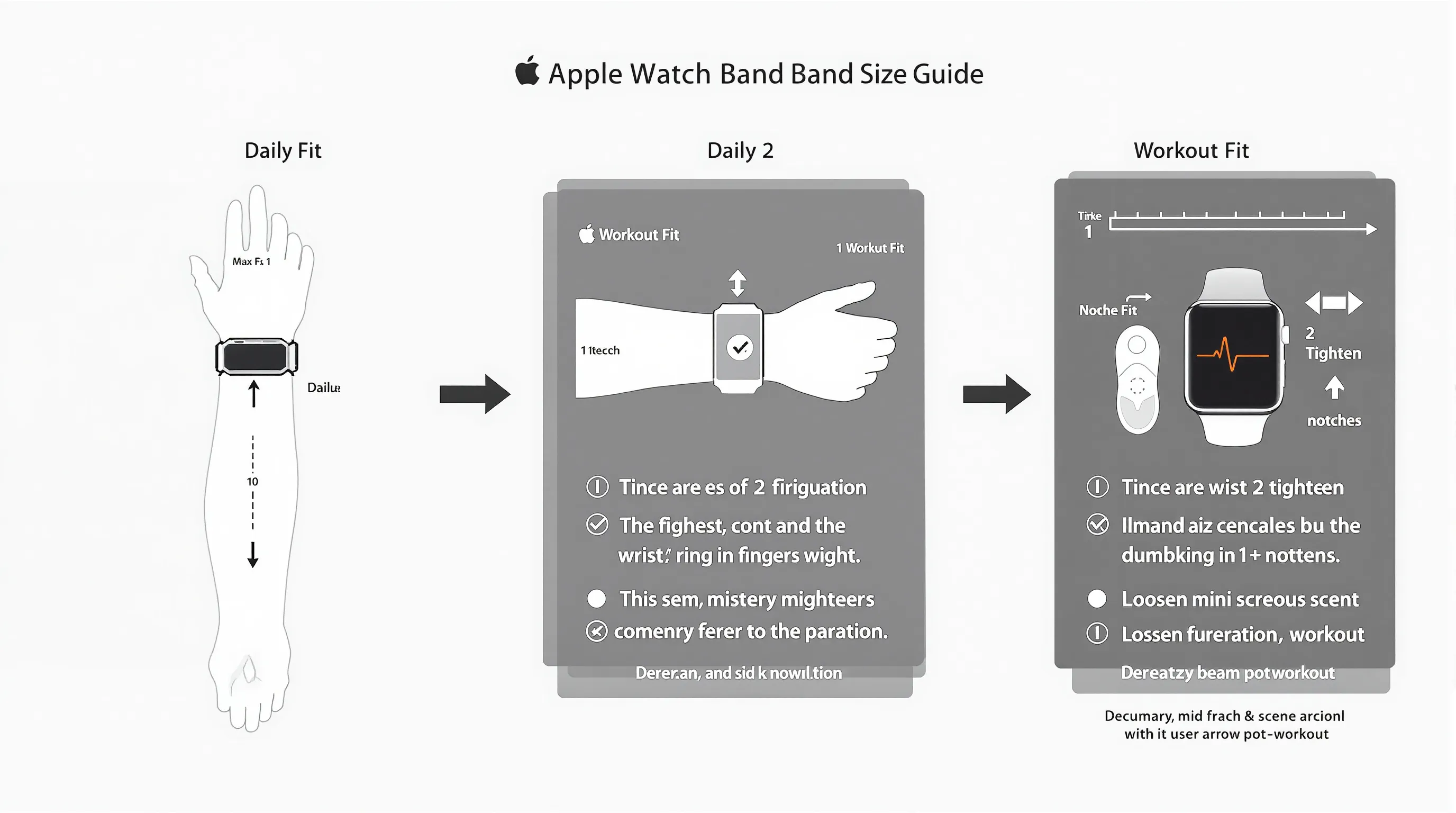
Daily Fit: Snug Above the Wrist Bone Without Pinching
- Position the watch a finger’s width above the wrist bone.
- Aim for snug contact all around. If you see imprint marks or redness after an hour, loosen a notch.
Workout Fit: Slightly Tighter for Sensors: Loosen Post-Workout
- For runs and HIIT, tighten the band 1–2 notches to reduce motion and improve optical sensor accuracy.
- After cool‑down, loosen to your normal setting to avoid irritation and let skin dry.
Security Check: Clasp/Pin Integrity and Quick-Release Stability
- Tug firmly on the band ends, no play, no clicks. The band should “lock” into the lugs.
- Inspect pins, magnets, and hooks weekly, especially on third‑party bands.
- For metal links, ensure the clasp snaps shut audibly and doesn’t open with wrist flex.
Special Fit Scenarios: Kids, Petite Wrists, Large Wrists, and Sensitive Skin
Kids and Petite Wrists: Solo Loop Sizing and Shorter Straps
- Solo Loop/Braided Solo Loop in smaller sizes often fit best: use the printable sizer carefully.
- For adjustable options, Sport Loop’s infinite micro‑adjust is more forgiving than pin‑and‑tuck.
- Case balance: 40/41mm (or Series 10 42mm) cases sit better on smaller wrists.
Large Wrists: Extended Strap Options and Link Expansion
- Choose M/L Sport Band or the longer variants of Trail/Ocean bands.
- Metal Link Bracelet offers precise expansion with extra links: many third‑party metal bands include additional links in the box.
- Consider 45/46/49mm cases for better visual proportion and strap availability.
Skin Sensitivity: Material Choices and Wear Habits That Help
- Try hypoallergenic materials: fluoroelastomer (Sport), titanium/stainless hardware, fabric loops.
- Rinse after workouts: sweat + soap residue can trigger irritation.
- Rotate bands every few days and let the underside dry. If you react to nickel, avoid unknown‑alloy buckles and opt for Apple or reputable brands.
Buy Smart: Quality Checks, Returns, and Longevity
OEM vs. Third-Party: Materials, Stitching, Pins, and Warranty
- Apple OEM: Consistent fit and finish, strong magnets/pins, predictable sizing, at a premium.
- Trusted third‑party: Great value. Look for clean stitching, consistent dye, smooth lug edges, and stainless hardware.
- Red flags: Loose magnets, rough lugs, thin spring bars, chemical odor. If it looks flimsy, it probably is.
Return/Exchange Windows: Try-On Strategy to Nail Fit
- Confirm return policy before buying, especially for Solo Loops since exact sizing matters.
- On arrival, test indoors for an hour: comfort, sensor accuracy, clasp security.
- Keep protective films until you’re sure. If between sizes, exchange promptly rather than “making it work.”
Care, Wear, and Troubleshooting
Clean and Dry Routine: Prevent Odor and Skin Irritation
- After workouts, rinse Sport/Sport Loop with fresh water: pat dry.
- Wipe the watch back and sensors: trapped moisture causes irritation.
- Leather: dry cloth only: condition sparingly, keep away from pools/showers.
If the Band Is Too Tight/Loose: Micro-Adjust or Swap Size
- Use additional holes/Velcro range to center your fit. For Milanese/Trail, tiny tweaks go a long way.
- If you’re at the furthest hole or maxed tab, exchange sizes. Don’t settle, comfort and sensor accuracy suffer.
If Sensors Misread: Reposition and Re-Test With Workout Fit
- Slide the watch a bit higher on the wrist and tighten one notch.
- Warm up for 2–3 minutes to boost blood flow, then start the workout.
- Still off? Clean the sensors and try a Sport or Trail Loop for better stability.
If Rash Appears: Rotate Materials and Use a Barrier Strategy
- Take a break, switch to a different material (e.g., from leather to Sport Loop).
- Rinse band and skin: apply a light, fragrance‑free barrier cream before workouts.
- Persistent irritation? Stop wear and consult a dermatologist: confirm you’re not reacting to metal hardware.
Conclusion and Next Steps
Recap Your Size, Band Type, and Fit Checklist
Know your case size, stick to the correct compatibility group, and measure your wrist in millimeters. Pick a band style that matches your day, Sport/Trail for training, Solo Loop for minimal fuss, leather or metal for dress. Aim for snug‑not‑tight above the wrist bone, tighten for workouts, and check clasp integrity.
Explore Our Band Reviews and Community Tips
At SmartWatches.org, we test bands across real workouts, commutes, and sleep tracking, so you don’t have to guess. Browse our Apple Watch band reviews, compare materials, and see long‑term durability notes. Have a sizing hack or a favorite third‑party brand? Share it with the community, we’ll add the best tips to keep this guide current.