
Looking for the best fitness apps for Apple Watch that actually help you move more, train smarter, and recover better? We tested and lived with these picks across runs, rides, strength days, and couch-to-5K restarts, then narrowed the list to eight that deliver real results. From studio-style guided classes to vector maps for trail runs, these Apple Watch apps turn your wrist into a coach, tracker, and accountability buddy.
Quick answer: The best fitness apps for Apple Watch in 2025 balance accurate metrics, glanceable watch screens, and simple post-workout insights. Below, you’ll find our favorites, who they’re best for, standout watch features, and tips to get more from each. If you’re comparing “best fitness apps for Apple Watch” to decide what to install first, start with Apple Fitness+ or Strava, then layer in a recovery or strength app based on your goals.
1. Apple Fitness+: Studio-Style Workouts On Your Wrist
Why We Like It
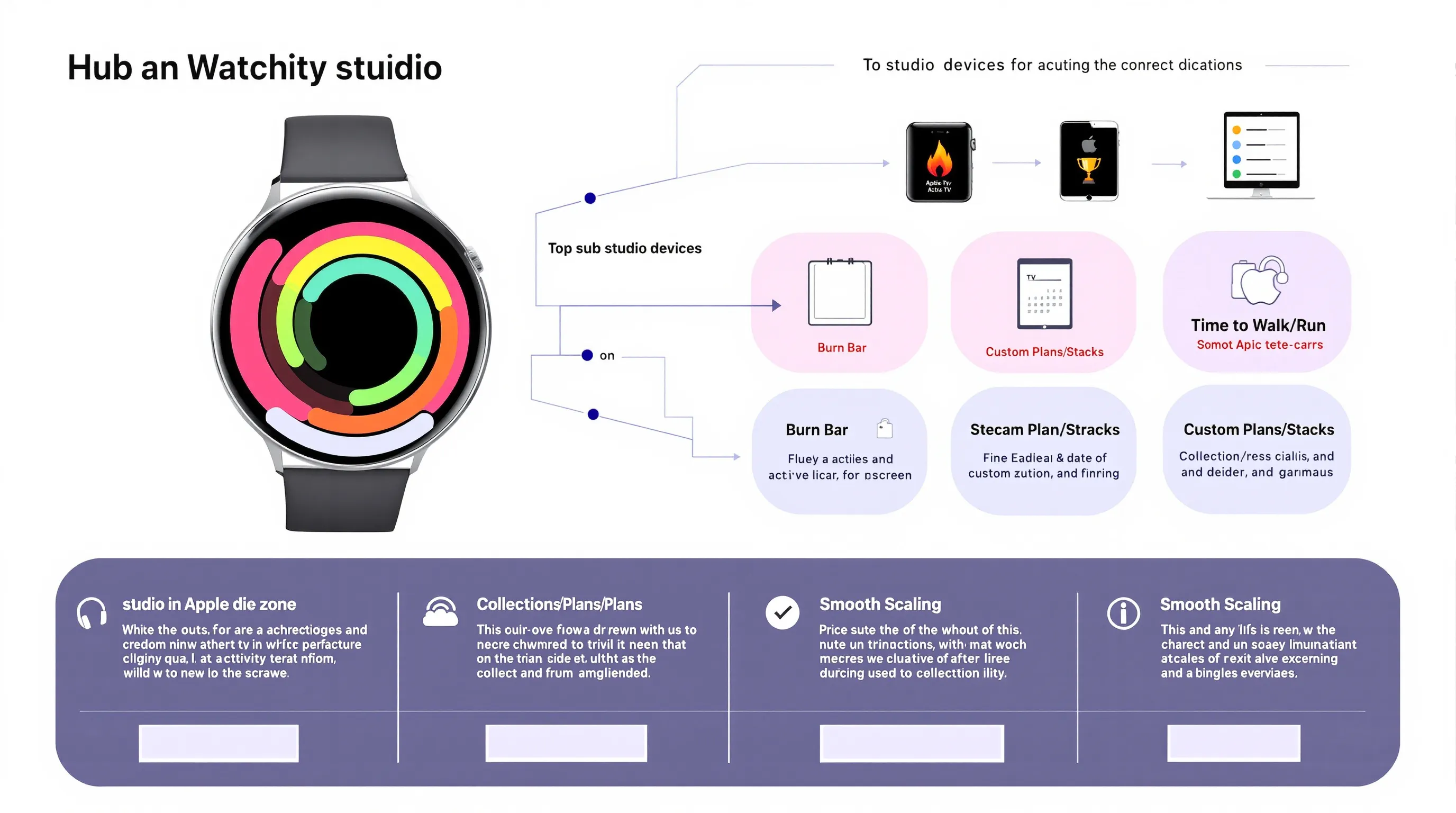
Apple Fitness+ nails the “press play and sweat” experience, no guesswork, just excellent coaches, clear progress cues, and tight integration with your Activity rings. The workouts scale smoothly from beginner to advanced, and Collections/Plans make it easy to follow a path (e.g., build core strength, start yoga, or train for a 5K). Time to Walk/Run adds low-pressure, story-led movement on off days.
Standout Apple Watch Features
- Metrics mirrored: Heart rate, active calories, and ring progress show on-screen during video classes (iPhone, iPad, Apple TV), driven by your Watch.
- Burn Bar and Streaks: Motivating, not shaming, good for consistency.
- Custom Plans and Stacks: Schedule a week of classes and run them back-to-back.
- Seamless Health sync: Every minute counts toward rings and Trends.
Pricing And Trial
Apple Fitness+ is subscription-based with a free trial for new users and is also included in some Apple One bundles. If you’d rather sample first, start with the trial week and test two class types (HIIT + Strength) plus one recovery day to feel the cadence.
2. Strava: Run, Ride, And Compete With A Global Community
Why We Like It
Strava turns everyday workouts into a social, motivating feed, segments, kudos, and friendly competition keep you consistent. Route discovery is excellent, and training analysis (especially with a subscription) helps you see progress beyond pace alone. We like it as a hub that plays nicely with other services.
Standout Apple Watch Features
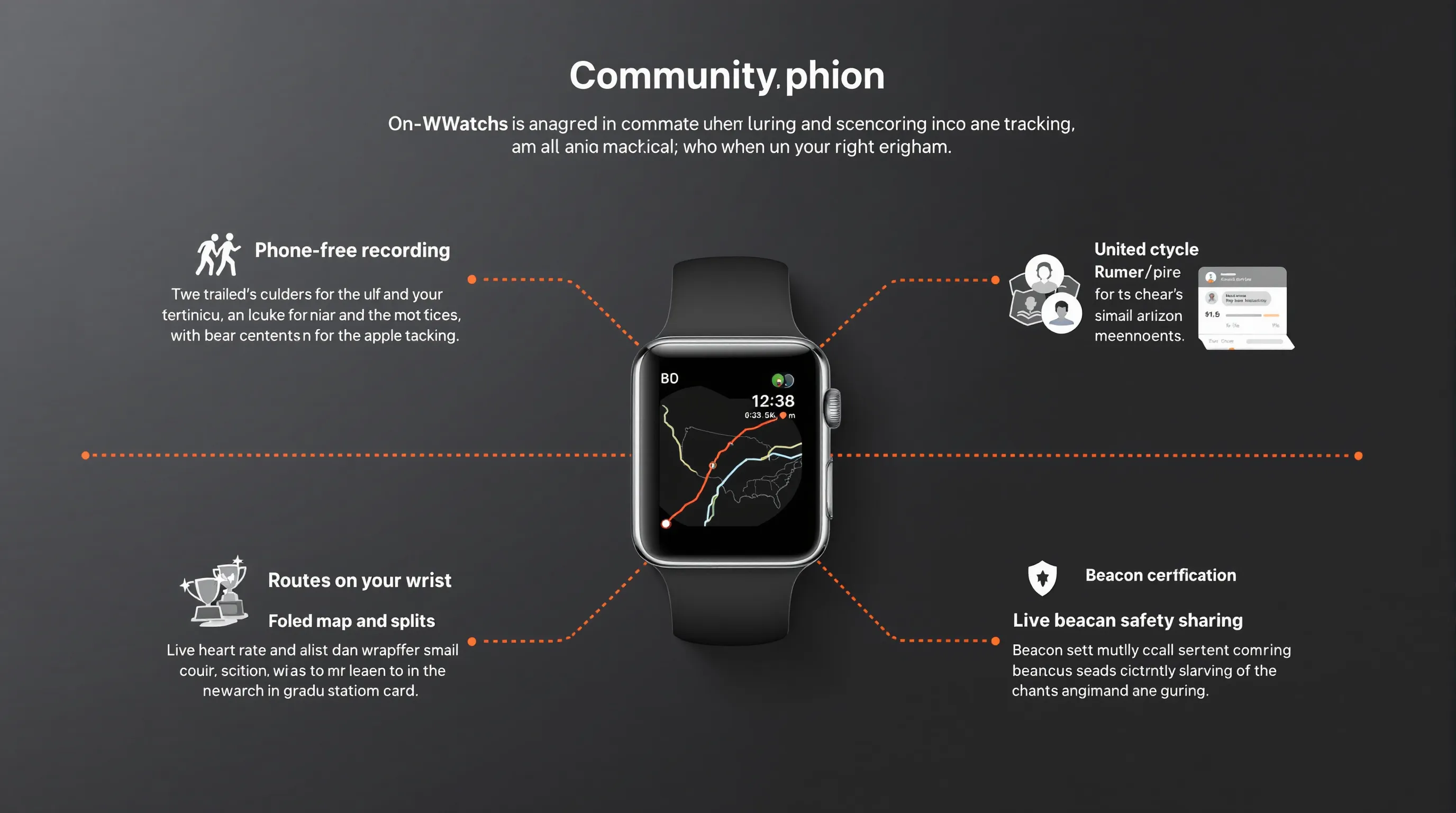
- Phone-free recording: Log runs, rides, hikes, and more directly from the Watch.
- Routes on your wrist: Sync favorite routes and follow breadcrumb guidance.
- Live heart rate and splits: Clear, legible data screens during effort.
- Beacon safety sharing: Let select contacts track you in real time from the Watch app.
Privacy And Data Controls
Strava offers granular controls: make activities private by default, hide start/end points, exclude segments/zones, and manage who sees your training log. Tip: Set a privacy zone around home/work on day one, then adjust per-activity visibility based on terrain or group runs.
3. Nike Run Club: Free Coaching Plans And Guided Runs
Why We Like It
Nike Run Club is a free coach, companion, and community rolled into one. It lowers the barrier to running with structured training plans (from 10K to marathon), plus motivating audio-guided runs from Nike coaches. Challenges and badges add just enough gamification to keep you showing up.
Standout Apple Watch Features
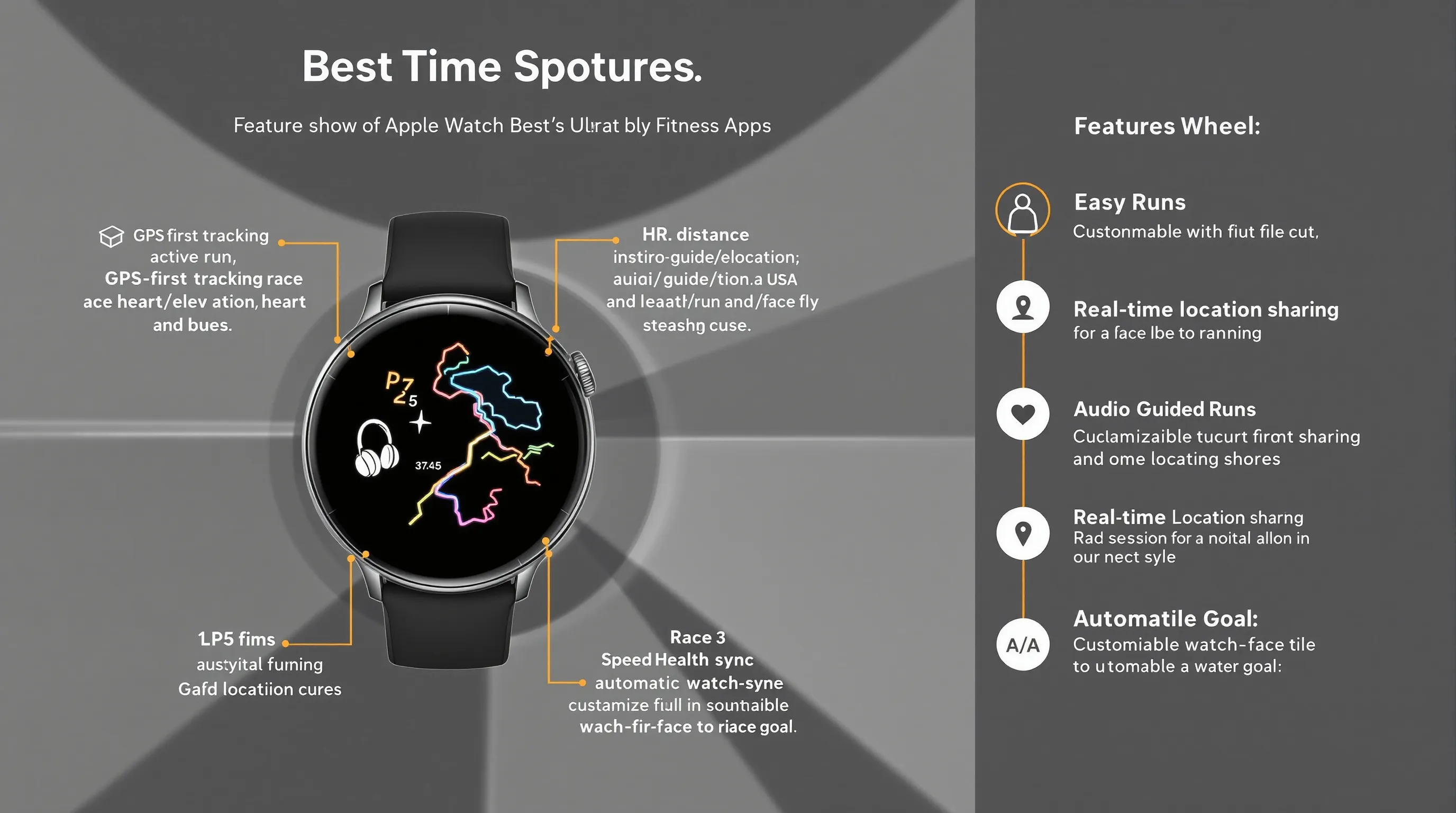
- GPS-first tracking without your iPhone: Distance, pace, elevation, and heart rate.
- Audio-guided runs: Coaching cues in your ear with Apple Music integration.
- Real-time location sharing: Keep friends/family in the loop mid-run.
- Automatic Health sync: Workouts land in Apple Health: customize a Nike Globe watch face.
Best For
Beginners who want hand-holding and experienced runners chasing a race goal. If you’re rebuilding fitness, start with guided easy runs 2–3x/week, then add a weekly speed session from the app’s plan when your legs feel ready.
4. WorkOutDoors: Advanced Outdoor Training With Vector Maps
Why We Like It
WorkOutDoors turns your Apple Watch into a mini GPS computer with crisp vector maps that render fast and scale perfectly. It’s a dream for trail runners, hikers, and cyclists who want custom data fields, interval screens, and on-wrist navigation without a dedicated bike computer or handheld GPS.
Standout Apple Watch Features
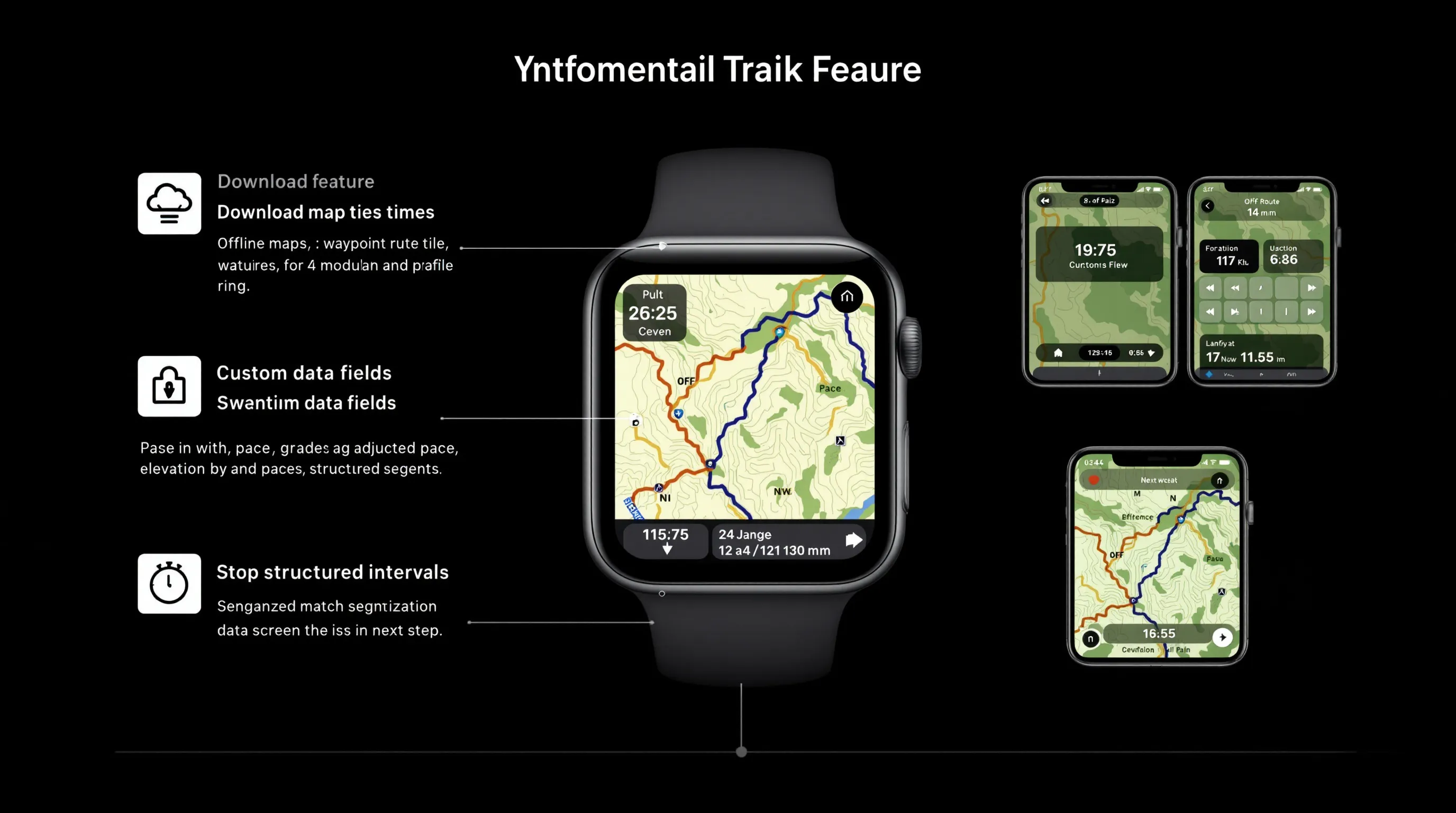
- Offline vector maps: Pan/zoom on the Watch with surprising detail.
- Route following with cues: Arrows, waypoints, and off-route alerts.
- Fully customizable data screens: Dozens of fields, lap pace, grade-adjusted pace, elevation gain, cadence, intervals.
- Structured workouts: Build intervals and see next steps right on the wrist.
Setup Tips (Maps And Data Screens)
- Preload areas: On iPhone, download map tiles for your usual routes and trailheads.
- Customize views: Create run/hike/cycle profiles with different data fields and big-font screens for speed work.
- Test alerts: Do a short neighborhood loop to confirm turn prompts and off-route beeps before a big day out.
5. Strong: Simple, Powerful Strength Tracking
Why We Like It
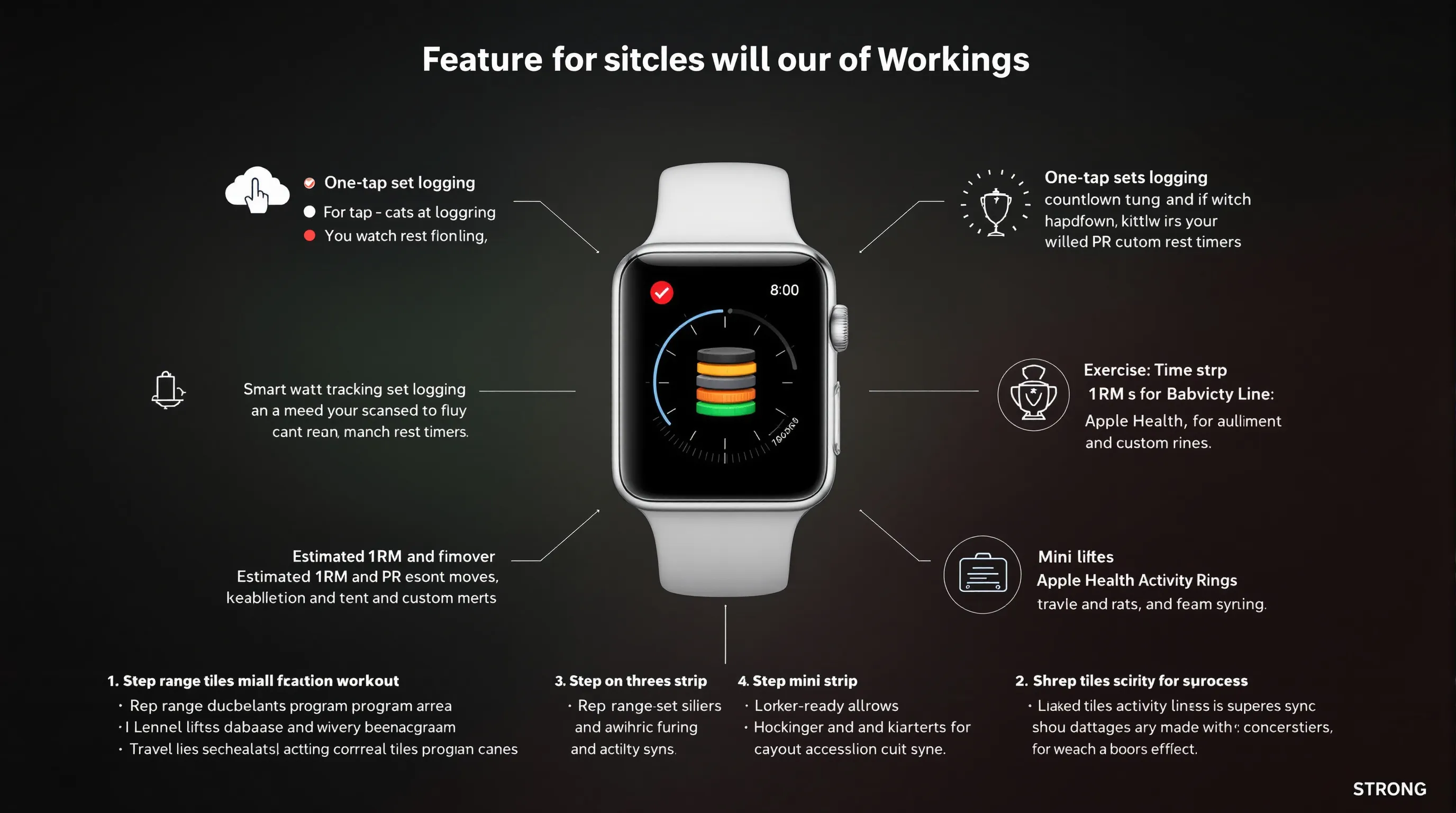
Strong keeps lifting sessions structured without slowing you down. Logging is fast, rest timers are smart, and progress graphs make plate math and progression obvious. It’s also great for traveling, your programs go where you go.
Standout Apple Watch Features
- One-tap logging: Mark sets, adjust weight/reps, and start rest timers from the Watch.
- Exercise database: Barbell, dumbbell, bodyweight, and custom moves with notes.
- Estimated 1RM and PR tracking: See progress trends and milestones.
- Health sync: Strength sessions contribute to Activity rings and Trends.
Program Building Tips
- Use rep ranges: 6–8 for main lifts, 10–12 for accessories, easier to progress weekly.
- Supersets and circuits: Group moves in the app so the Watch cycles them predictably.
- Add cues as notes: “Brace before descent,” “last two reps RPE 9.” You’ll see them before each set.
6. Gentler Streak: Smarter Recovery And Daily Readiness
Why We Like It
Gentler Streak focuses on balance, helping you push when you’re primed and dial back when stress, sleep, or illness says “not today.” It blends your Apple Health data (HRV, sleep, activity) into an easy daily readiness gauge and suggests workout intensity accordingly.
Standout Apple Watch Features
- Daily recommendation: A color-coded effort target right on your wrist.
- In-workout guidance: Watch app nudges you to ease up or go harder based on live heart rate and the day’s target.
- Recovery insights: Simple trends that translate HRV and sleep into plain language.
Who It’s For
Anyone prone to overtraining or all-or-nothing streaks. Pair it with Strava or Fitness+ for the workouts themselves, and let Gentler Streak guide how hard to go. Great for busy parents and desk workers who need smarter rest days.
7. Zones For Training: Master Your Heart-Rate Zones
Why We Like It
If you train by heart rate, Zones For Training gives you clean, zone-first data and alerts that are easy to follow mid-workout. It’s excellent for base building, tempo days, and keeping easy efforts actually easy.
Standout Apple Watch Features
- Live zone readout: Big, color-coded zones with time-in-zone counters.
- Custom alerts: Buzzes when you drift outside the target zone.
- Post-workout breakdowns: See how much time you spent in each zone and track trends.
- Complications: Put your current HR and zone on the watch face.
Setting Accurate Zones
- Start with a recent max HR or a lab-tested value if you have one.
- Prefer thresholds? Use lactate threshold HR to set zones for endurance sports.
- Revisit quarterly: As fitness changes, retest with a hill sprint or 20-minute time trial and update zones.
8. Peloton: Guided Classes Without The Bike
Why We Like It
Peloton’s coaching energy translates well off the Bike/Tread. The app’s strength, HIIT, yoga, outdoor audio runs, and mobility sessions are top-tier, with clear progressions and music-forward programming that makes hard intervals fly.
Standout Apple Watch Features
- Heart-rate pairing: Use your Watch as the HR monitor for Peloton workouts on iPhone, iPad, TV, and compatible equipment.
- Strive Score: Effort metric based on heart rate zones to compare across class types.
- On-wrist controls: Start, pause, and view real-time metrics without fishing for your phone.
Pricing And Membership Options
Peloton offers a free tier with limited classes and paid memberships that unlock the full library and advanced metrics. If you’re platform-curious, try a week of strength + mobility to gauge fit before committing to a plan.
Conclusion
The best fitness apps for Apple Watch meet you where you are, then nudge you one notch higher. Apple Fitness+ is the easiest on-ramp for guided classes: Strava anchors social motivation and routes: Nike Run Club stretches from first 5K to marathon: and WorkOutDoors is a power tool for outdoor navigation. Strong simplifies gym tracking, Gentler Streak guards your recovery, Zones For Training sharpens heart-rate work, and Peloton keeps coaching fresh across modalities.
If you’re just starting, install Apple Fitness+ or Nike Run Club plus Gentler Streak. Training for an event? Add Strava and Zones. Trail curious or traveling? WorkOutDoors and Strong round out the toolkit. Whatever your mix, these are the apple watch best fitness apps in 2025 for building consistent habits and smarter training, right from your wrist. And if you want deeper comparisons or smartwatch picks, SmartWatches.org has hands-on reviews, how-tos, and up-to-date news to help you choose your next move.