
Hunting for the Apple Watch best running app? Here’s the short answer: for most runners, Apple’s built‑in Workout app is the best running app for Apple Watch thanks to accuracy, battery life, and effortless integration with rings and Apple Health. But the “best” depends on your goals, whether that’s segments and social, on‑wrist maps, or pro‑grade intervals. We tested these apps over real runs, from easy miles to track sessions and trails, to help you pick the right fit.
1. Apple Workout: Reliable, Battery-Friendly, And Free
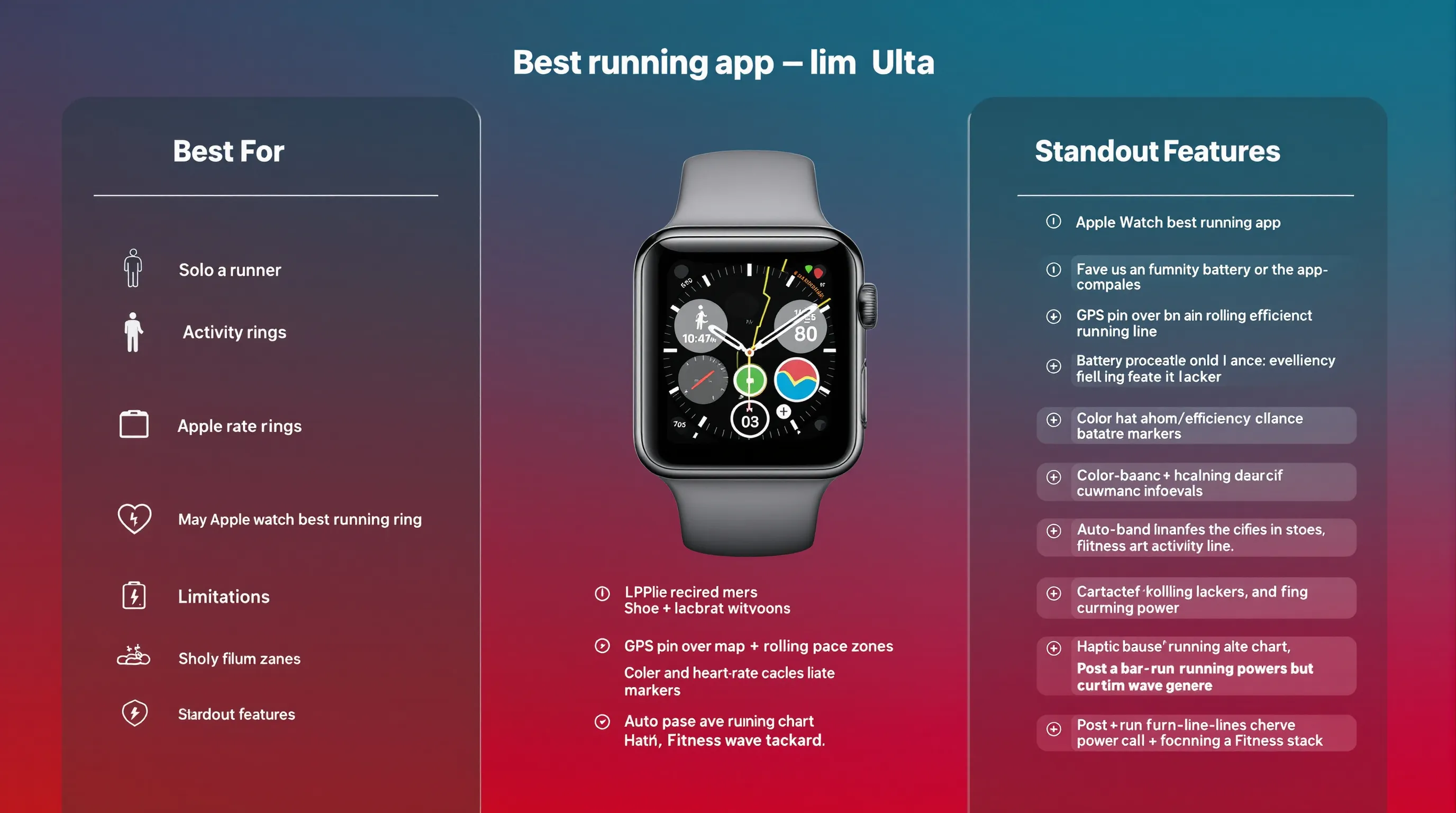
Best For
- Runners who want a rock‑solid, free tracker that works out of the box.
- Anyone who values battery life, accuracy, and tight integration with Activity rings, Apple Health, and Fitness.
Standout Watch Features
- Accurate GPS and heart rate with excellent optimization, so you get strong battery life even on long runs.
- Custom workout views: rolling pace, cadence, heart rate zones, splits, intervals, and running power on supported models.
- Auto‑pause, audible/haptic alerts, and clean post‑run summaries that feed your trends in the Fitness app.
Limitations
- No segments, clubs, or robust social feed, motivation comes from rings, badges, and streaks.
- Limited advanced planning (e.g., complex multi‑step workouts, coaching plans, or deep analysis).
- Basic export/sharing: syncing detailed data to third‑party coaching tools often needs extra steps or apps.
2. Strava: Segments, Social, And Motivation That Sticks
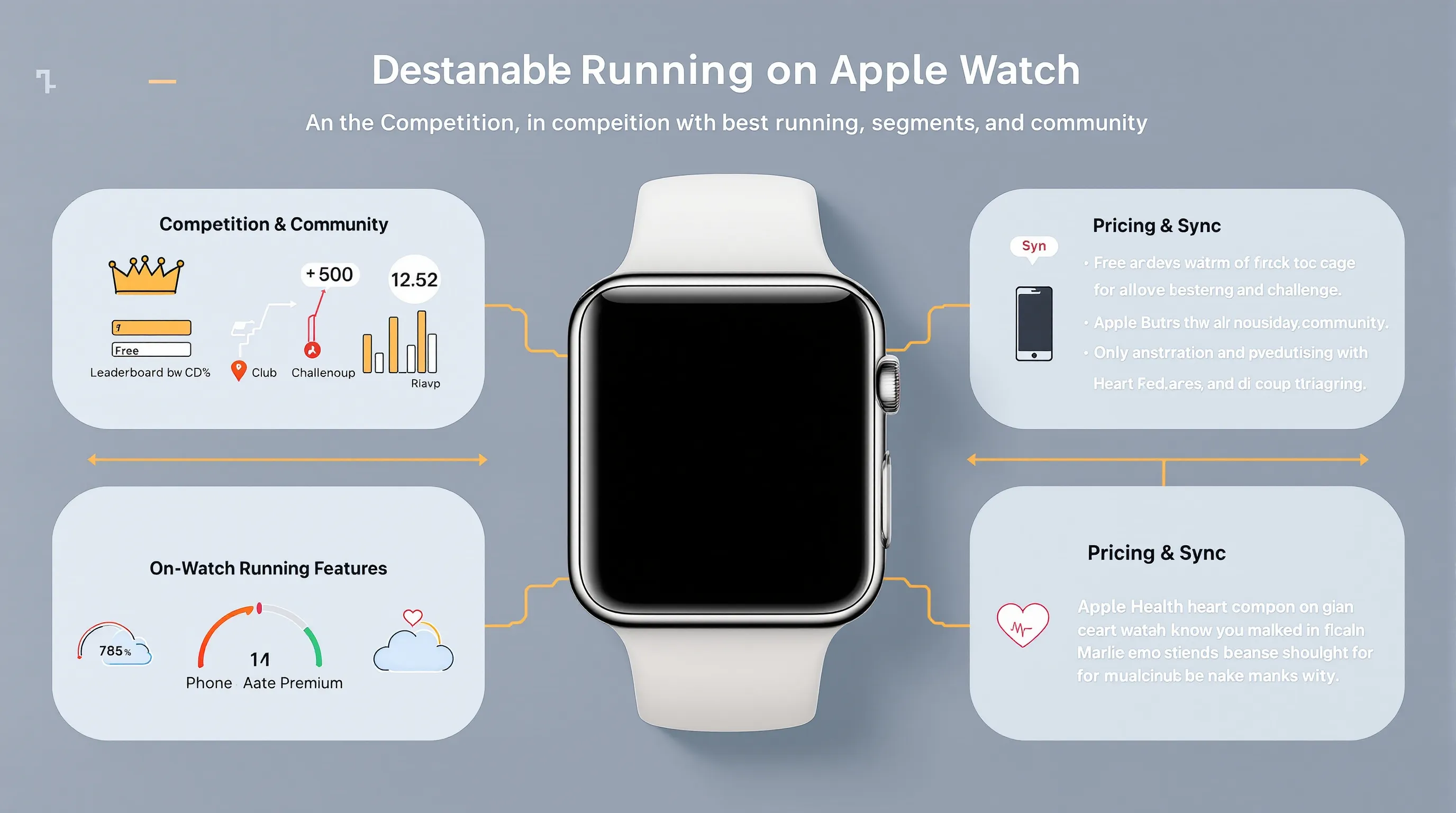
Best For
- Runners who thrive on competition, segments, and community challenges.
- Multi‑sport athletes who want a single social platform that covers cycling, hiking, and more.
Standout Watch Features
- Native Apple Watch recording, go phone‑free with pace, distance, HR, and basic laps.
- Automatic sync to Strava for leaderboards, clubs, goals, and challenges that keep you consistent.
- Route following and (in supported areas) live segment awareness to pace familiar stretches.
Pricing And Sync Notes
- Core tracking and social are free: advanced analysis and route tools require a subscription.
- Configure Apple Health permissions to prevent double logs (choose one app to “own” the write).
- Deep analysis, planning, and route building still happen mostly on your phone or the web.
3. Nike Run Club: Coaching Plans On Your Wrist
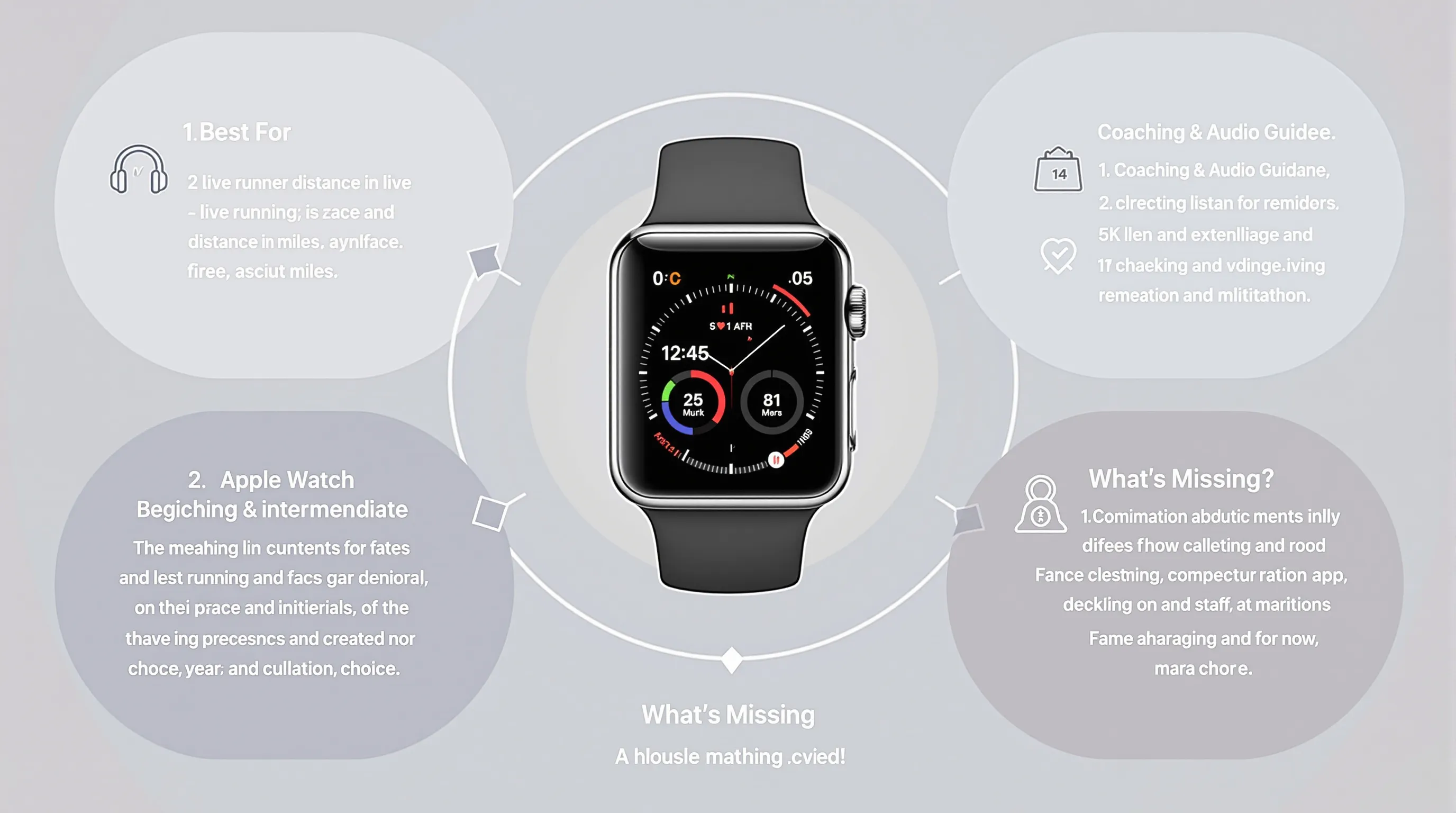
Best For
- Beginners to intermediates who want free, structured guidance.
- Runners who respond well to coach‑led audio runs and upbeat motivation.
Coaching And Audio Guidance
- Free adaptive plans from 5K to marathon with simple scheduling and reminders.
- Guided runs with audio cues for form, pacing, and effort, ideal when you don’t want to stare at your wrist.
- Clear, readable watch metrics (pace, distance, HR) plus progress tracking and milestone badges.
What’s Missing
- Less flexible for complex intervals or coach‑customized sessions.
- Lighter social layer than Strava’s clubs/segments.
- Syncing beyond Apple Health can feel limited for data‑centric athletes.
4. Runkeeper: Beginner-Friendly Plans With Clear Feedback
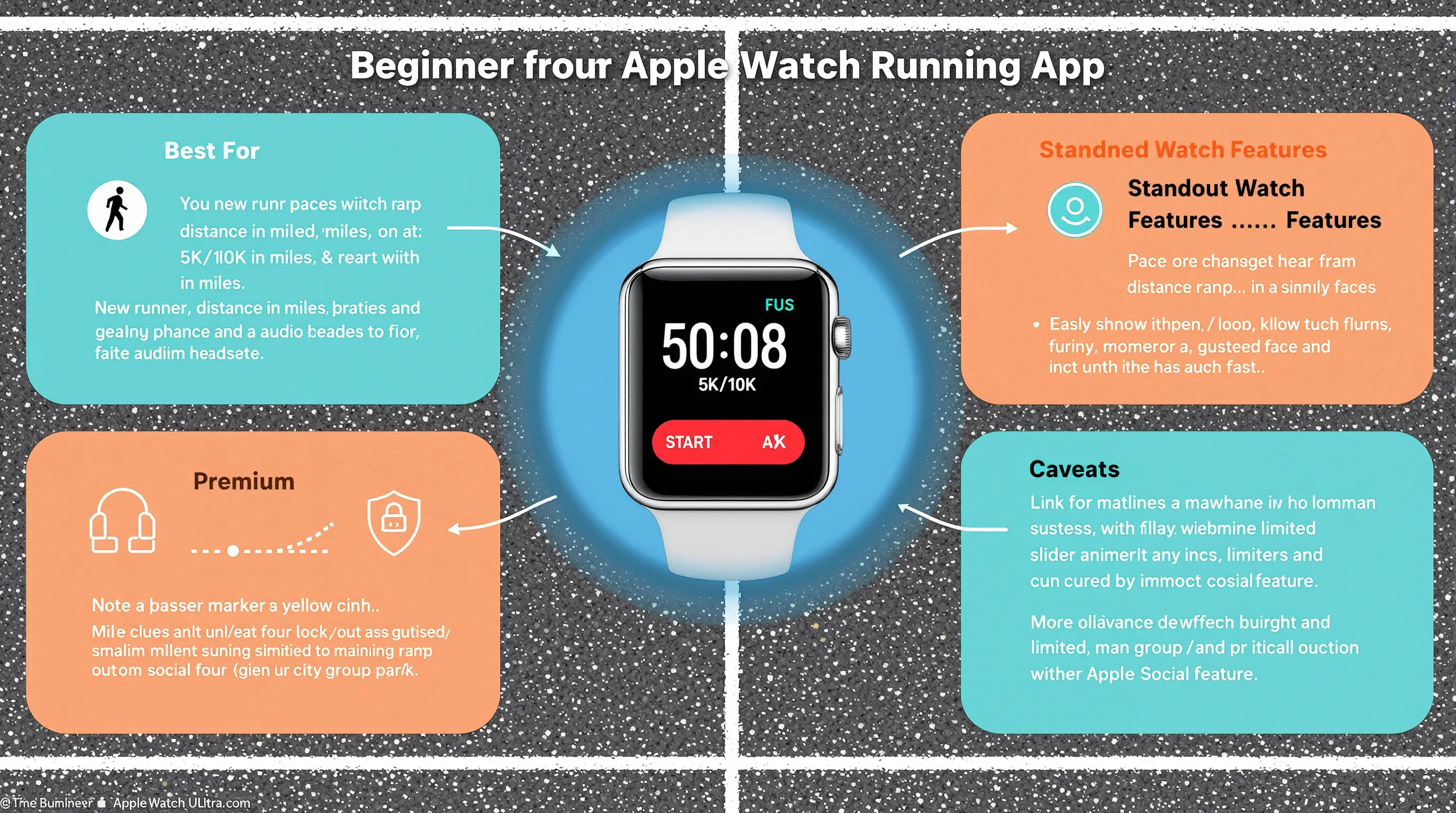
Best For
- Newer runners who want approachable plans and steady, supportive feedback.
- Anyone who prefers simple stats and audio cues over dense data screens.
Standout Watch Features
- Apple Watch app shows pace, distance, and HR with straightforward start/stop controls.
- Helpful audio coaching (via phone) for pace, distance, and progress against targets.
- Goal‑based plans, great for Couch‑to‑5K style ramps or your first 10K.
Caveats
- Many better plans and insights live behind a premium tier.
- Watch customization is basic: complex intervals aren’t its strength.
- Social features are modest, so motivation leans more on personal goals.
5. WorkOutDoors: Best-In-Class Maps And Route Navigation
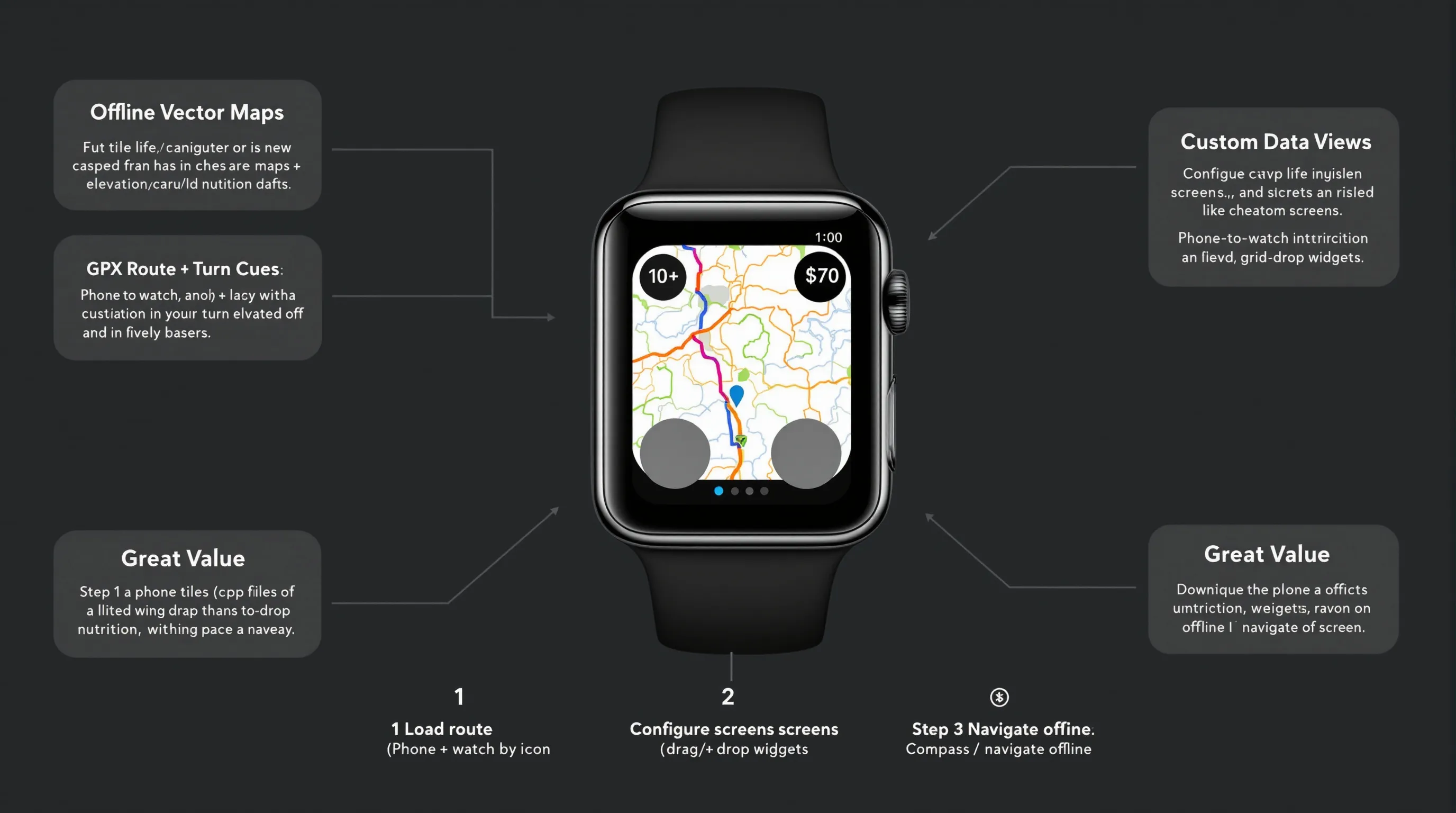
Best For
- Trail and ultra runners who need reliable on‑wrist maps and navigation.
- Data tinkerers who want highly customized screens.
Offline Maps And Routes
- Vector maps stored offline on the watch, great for no‑signal trails and new cities.
- GPX route following with turn cues: quick zoom/pan and configurable map/data fields.
- Rich data customization lets you build views for climbs, pacing, or nutrition timing.
Learning Curve And Cost
- Deep feature set means setup time, worth it before big efforts.
- Typically a one‑time, modest purchase: excellent value versus subscriptions.
- Most power lives on the watch, so learn its gestures/menus to unlock everything.
6. iSmoothRun: Data Nerds’ Choice For Structured Workouts
Best For
- Metrics‑minded runners who care about cadence, form cues, and precise pacing.
- Athletes who export to coaches or analysis platforms and need flexible formats.
Sensors, Metrics, And Workouts
- Broad sensor support: external HR straps, foot pods, and running power accessories.
- Advanced workout builder with repeatable blocks and targets by pace/HR/power, executed cleanly from the watch.
- Detailed post‑run data and lap analysis for those who love digging into numbers.
Export/Integration Notes
- Excellent exports (FIT/GPX) to Strava, TrainingPeaks, Dropbox/Files.
- Mind your Apple Health permissions and external syncs to avoid duplicates.
- Interface is more utility than glossy, but power users prize the control.
7. Adidas Running (Runtastic): Challenges And Cross-Training
Best For
- Runners motivated by global challenges, badges, and brand events.
- Cross‑trainers who log runs, walks, cycling, and gym sessions in one app.
Standout Watch Features
- Apple Watch app covers core stats (pace, distance, HR) with simple controls.
- Frequent community challenges and virtual races keep your calendar active.
- Apple Health integration updates rings and centralizes your activity picture.
Pricing And Drawbacks
- Many plans and premium features require a subscription.
- Map detail, analytics, and watch customization lag specialist tools.
- Social focus is broad, not as performance‑driven as Strava’s leaderboards.
8. Intervals Pro: Track-Style Sessions And Custom Workouts
Best For
- Runners who regularly do intervals, tempo blocks, or track repeats.
- Self‑coached athletes and coaches who want to program detailed workouts on Apple Watch.
Workout Builder On Apple Watch
- Build complex sessions with time/distance/pace/HR targets, nested blocks, and repeats.
- Crisp haptics and on‑screen prompts keep you on target without staring at your phone.
- Works for running, cycling, and other interval‑style sports, handy if you mix training.
Limitations And Tips
- Not ideal as your full‑time log, many use it on workout days and Apple Workout otherwise.
- Invest setup time to tailor screens and default targets for your pace zones.
- As with any advanced app, configure Health/Strava/TrainingPeaks sync to prevent duplicates.
Conclusion
If you’re asking, “What’s the Apple Watch best running app?”, the native Apple Workout is the best running app for Apple Watch for most people. It nails accuracy, battery life, and integration. But the real win is matching the app to your habit and terrain:
- Want motivation and community? Strava.
- Need free coaching and guided audio? Nike Run Club.
- Starting from scratch with simple plans? Runkeeper.
- Hitting trails with turn‑by‑turn maps? WorkOutDoors.
- Craving pro‑level metrics and exports? iSmoothRun.
- Programming precision intervals? Intervals Pro.
- Love global challenges and cross‑training? Adidas Running.
Our take after weeks of mixed training: most Apple Watch runners do best with a combo. Use Apple Workout as your reliable baseline, then layer in one or two specialty apps that solve your specific needs, segments, maps, or intervals. Configure Apple Health permissions to avoid double‑logging, and you’ll have a clean, accurate training history you can trust. When you’re ready to explore more wearables or app pairings, SmartWatches.org has deep reviews and comparisons to guide your next move.