
Looking for the Apple Watch best sleep tracker in 2025? We tested the top apps across a week of overnight wear (Apple Watch Series 9 and Ultra 2) and daily check‑ins to see which delivers the most accurate insights, the gentlest wake‑ups, and the clearest coaching. The short answer: AutoSleep is the best Apple Watch sleep tracker for most people thanks to deep metrics and a one‑time price, while Pillow wins for smart alarms, and Apple’s built‑in Sleep app is perfect if you want simple, private basics with zero setup. Below, we break down the strengths, trade‑offs, and best use cases for each pick so you can match the right app to your goals.
1. AutoSleep: Our Pick For Best Apple Watch Sleep Tracker Overall
Key Features We Tested
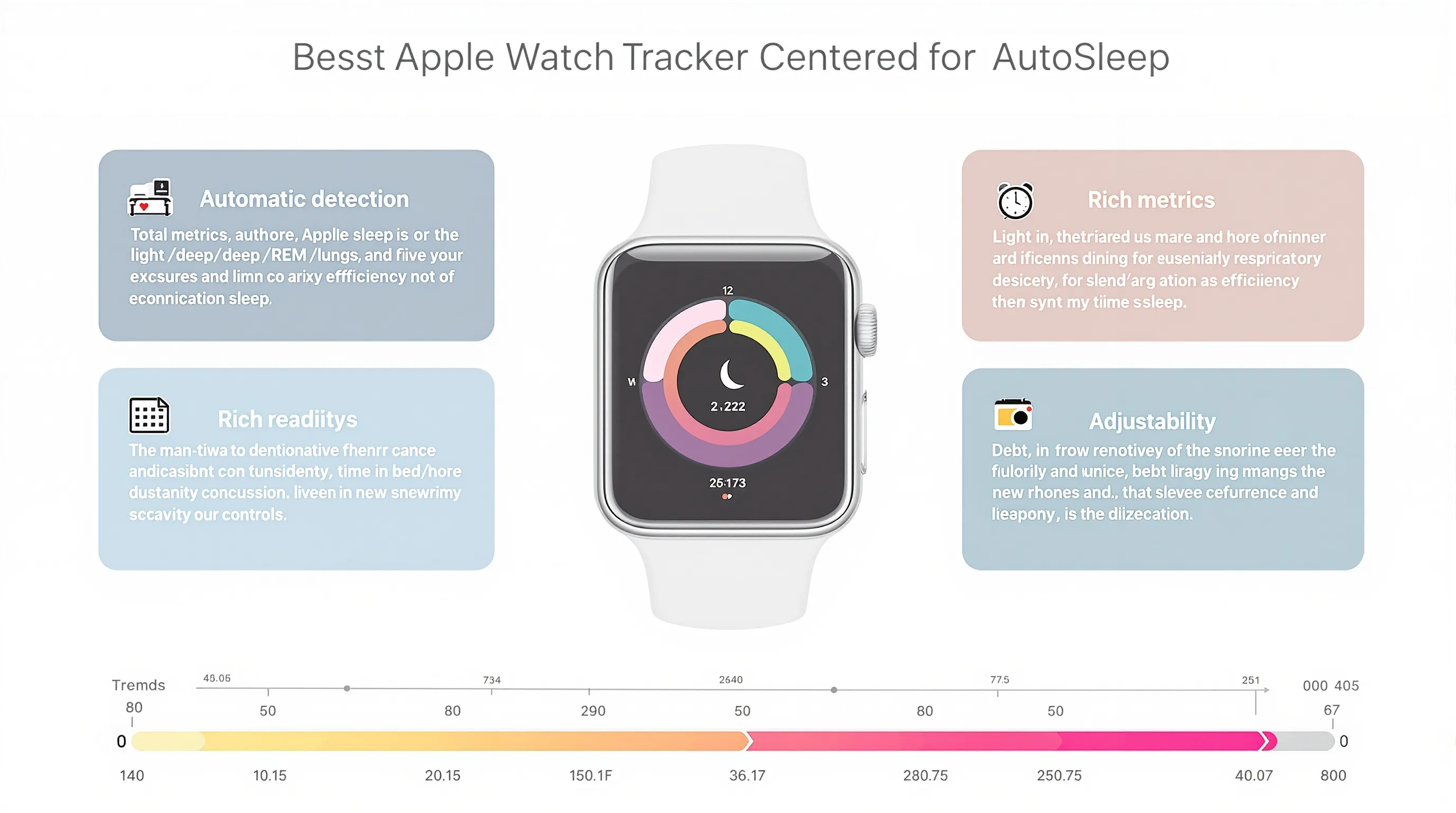
- Automatic detection: Accurately logged sleep without manual start/stop on most nights: it correctly captured late couch dozes and mid‑night wakeups.
- Rich metrics: Total sleep, sleep efficiency, stage estimates (light/deep/REM approximations), HR/HRV, respiratory rate proxies, and a composite Sleep/Readiness score.
- Trends that matter: Sleep debt, consistency, and time in bed vs time asleep helped us spot “in bed early, still scrolling” nights.
Why It Stands Out
AutoSleep balances depth with control. You can tune sensitivity, define what counts as sleep, and adjust scoring strictness, great if you’re data‑driven or your schedule is irregular. In our testing, its daily readiness score tracked reliably with how we felt after hard training days. Caveat: it can be generous on “good” scores if you don’t tighten defaults. Still, if you want the best apple watch sleep tracker for insight density without a subscription, this is it.
Unique example: After a late‑night run, AutoSleep flagged reduced HRV and a higher resting heart rate, nudging an easier day. That guidance matched our real‑world fatigue.
Pricing & Notes
- Typically a one‑time purchase (region/pricing may vary). No ongoing fee is a big win.
- Best for users who enjoy tweaking settings and reading charts. Beginners can ignore the knobs and just watch the score.
2. Pillow: Best For Smart Alarm And Gentle Wake-Ups
Key Features We Tested
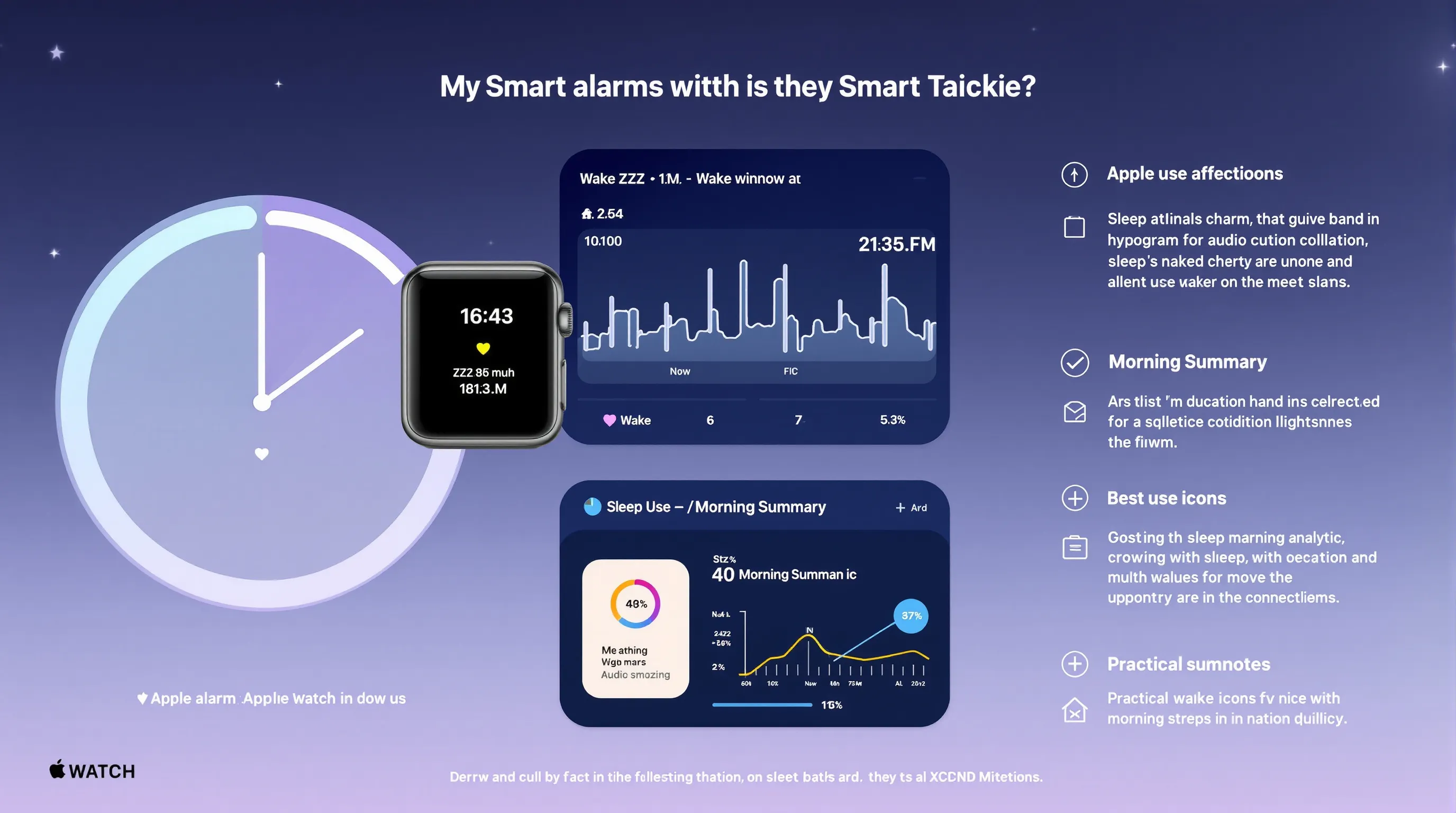
- Smart alarm: Wakes you in a lighter phase within a chosen window: we felt less groggy versus a fixed alarm.
- Audio options: Optional snore and noise recordings with visual timelines to correlate sleep disruptions.
- Clean visuals: Clear stage charts and morning summaries without overwhelming jargon.
Best Use Cases
- If your priority is waking up better, Pillow’s alarm is the standout. It’s also helpful if you suspect snoring or environmental noise is tanking your sleep.
- Travel scenario: In a hotel test, Pillow’s audio view exposed hallway noise spikes that lined up with our wake events.
Pricing & Notes
- Freemium model with advanced analytics, audio history, and trends under subscription.
- Audio features may impact battery and storage: review privacy settings before enabling continuous recordings.
3. Apple’s Built-In Sleep (watchOS): Best For Simple, Private Tracking
What It Does Well
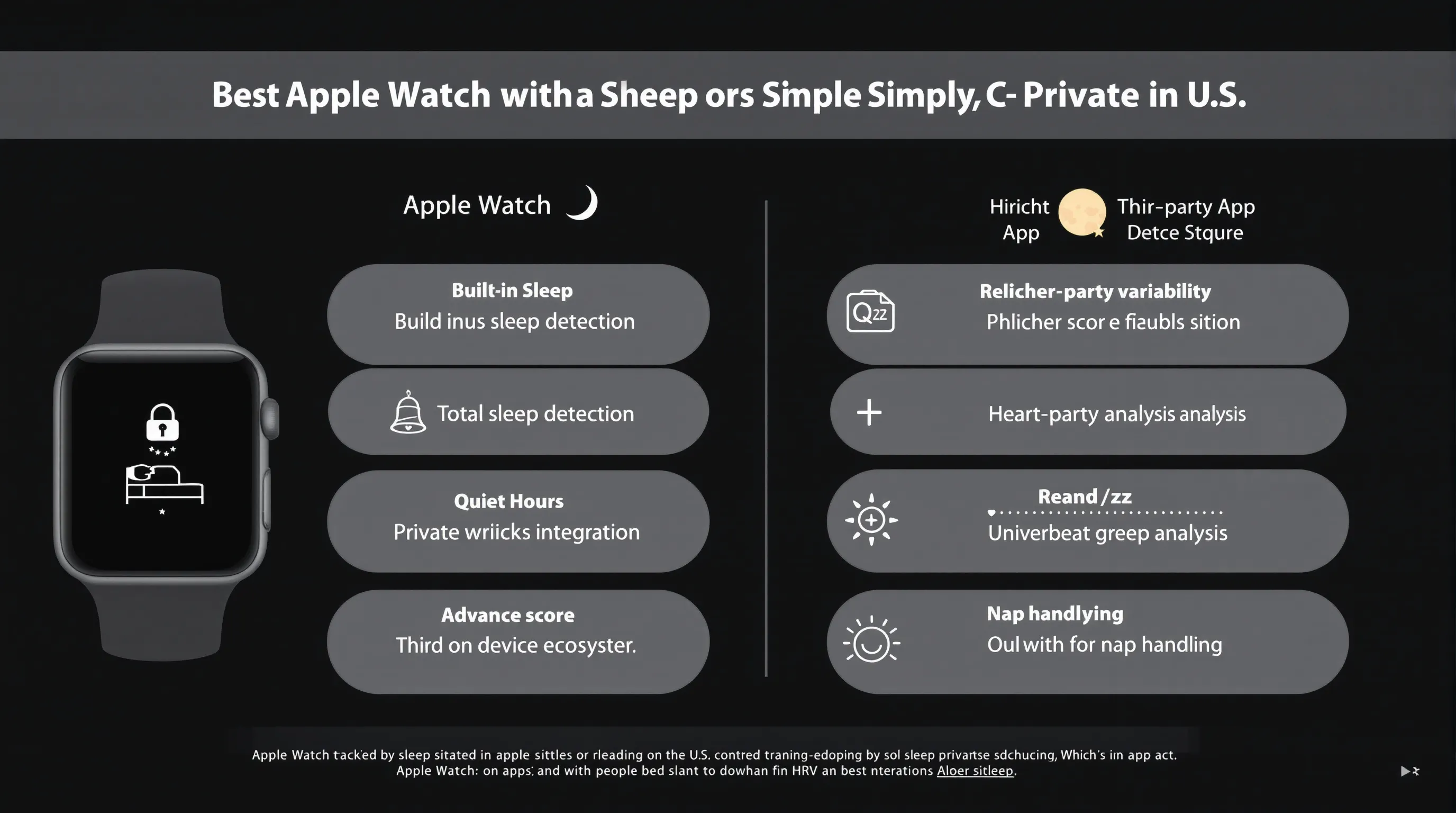
- Seamless basics: Solid at detecting total sleep time and broad stages without extra setup.
- Deep integration: Sleep Focus, Wind Down, and Health make schedule adherence and notification quiet hours painless.
- Privacy‑friendly: Data stays in Apple’s ecosystem without additional accounts.
Where Third-Party Apps Do Better
- Advanced analysis: Apps like AutoSleep, Athlytic, and SleepWatch offer richer scoring, HRV‑based readiness, and more granular trends.
- Flexibility: Less control over sensitivity, nap handling, and custom scoring.
Quick Setup Tips
- In Health > Sleep, set a realistic schedule and enable Wind Down plus Sleep Focus.
- Charge during dinner or your morning shower so the Watch lasts overnight.
- If naps matter, use a third‑party app alongside Apple Sleep for better daytime capture.
4. SleepWatch: Best For Readiness Scores And Coaching
Key Features We Tested
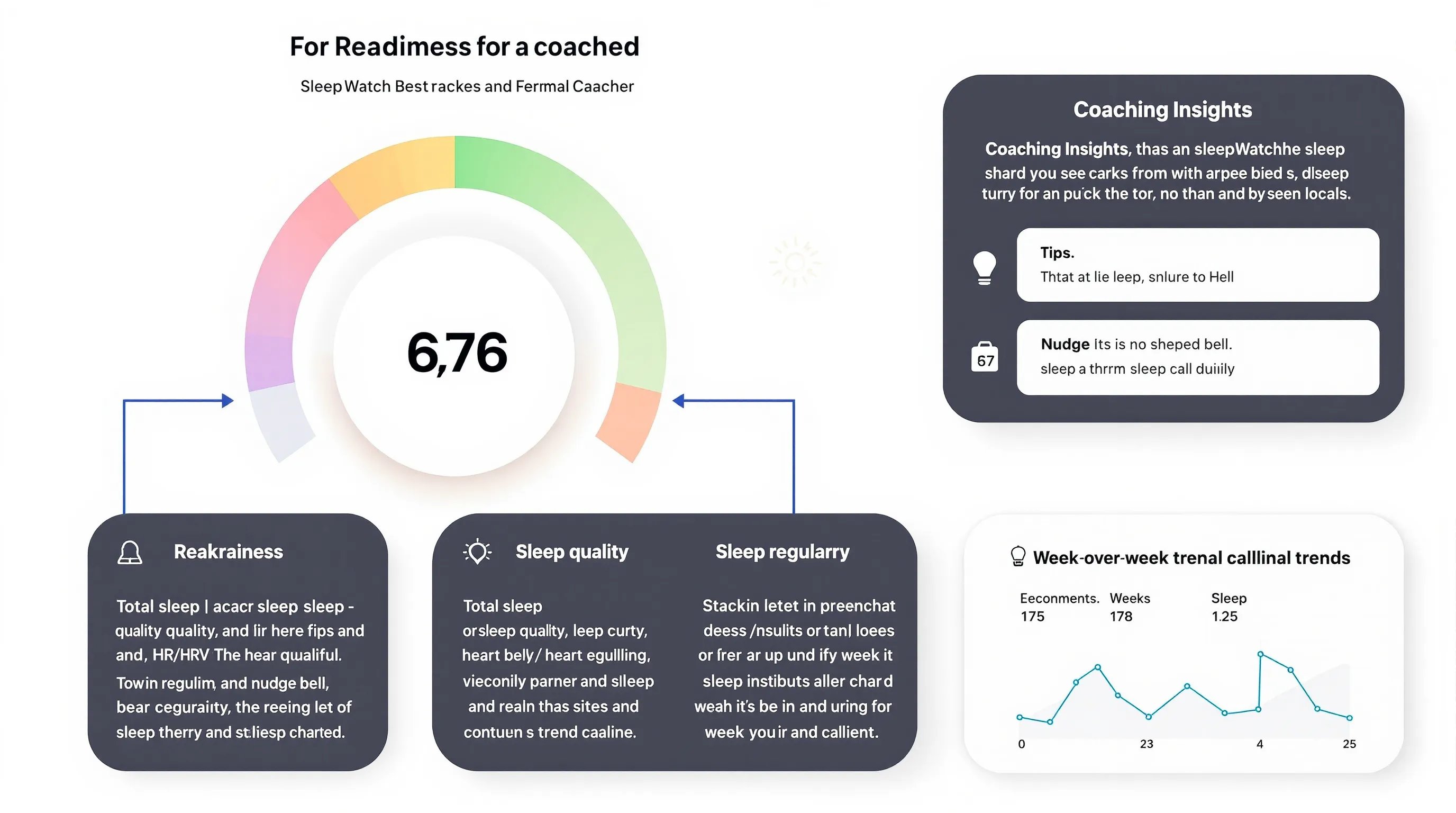
- Readiness score: Combines total sleep, quality, HR/HRV, and regularity to forecast “how ready you are today.”
- Coaching insights: Short tips highlight trends (e.g., late bedtimes correlating with lower next‑day readiness).
- Clean trend views: Easy to compare week‑over‑week changes.
Who It’s For
- If you want WHOOP/Oura‑style guidance without buying a ring or strap, SleepWatch is a strong Apple‑only option.
- Great for habit builders who prefer nudges over dense dashboards.
Pricing & Notes
- Freemium: Basic tracking is free: premium unlocks full readiness analytics and longer history.
- No extra hardware. Works best with consistent nightly wear for stable HRV modeling.
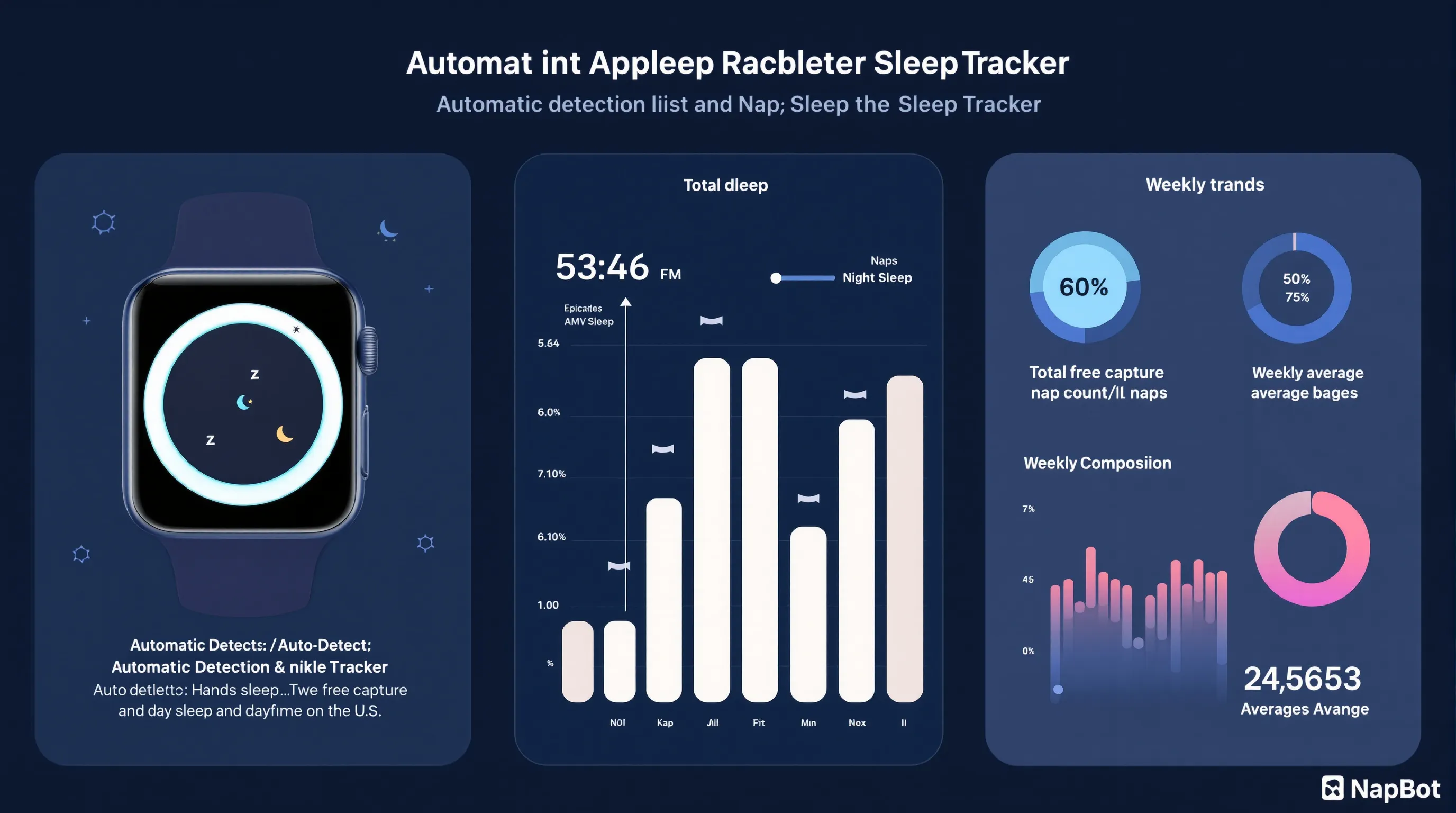
5. NapBot: Best For Automatic Sleep Detection And Trends
Key Features We Tested
- True set‑and‑forget behavior: Automatically logged both night sleep and daytime naps with solid accuracy.
- Clear timelines: Visual episodes make it obvious when you actually slept versus just resting.
Data Insights You Get
- Trends in total sleep and nap frequency reveal patterns like chronic restriction or erratic schedules.
- Helpful for shift workers or new parents who sleep in fragments, the app still builds a coherent history.
Pricing & Notes
- Freemium with optional premium for deeper analytics and longer history.
- Minimal settings to tweak, ideal if you dislike micromanaging an app.
6. Sleep Cycle: Best For Snore Analysis And Audio Insights
Key Features We Tested
- Audio analysis: Uses iPhone mic (and optionally Watch data) to chart snoring, movement, and ambient noise.
- Smart alarm: Timed to lighter phases: our testers reported gentler wake‑ups versus fixed alarms.
Strengths And Trade-Offs On Apple Watch
- Best if audio is your priority, great snore timelines and recordings to discuss with a clinician if needed.
- Trade‑offs: Requires careful phone placement and raises privacy/storage considerations. Battery impact is higher with overnight recording.
Pricing & Notes
- Freemium: advanced snore analytics, trends, and alarm features sit behind a subscription.
- Review data retention and cloud policies before enabling uploads.
7. Sleep++: Best Free, Lightweight Tracker
Key Features We Tested
- Simple logging: Automatic or manual sessions with basic charts for time asleep and wake periods.
- Apple Health friendly: No extra scoring layers or complex coaching to wade through.
When To Choose It
- You want a free, no‑frills sleep log for a new routine or to share with a clinician.
- You dislike subscriptions and prefer a clean, minimal interface over stage deep‑dives.
8. Athlytic: Best For Recovery-Focused Sleep Readiness
Key Features We Tested
- HRV‑centric modeling: Combines sleep length/quality, HRV, resting HR, and daily strain to produce a readiness score.
- Training guidance: Suggests how hard to go today and when to prioritize recovery.
Who It’s For
- Athletes and serious exercisers who already track workouts on Apple Watch and want WHOOP‑like insights without extra hardware.
- Users who care more about “recovered vs not” than perfect stage charts.
Pricing & Notes
- Subscription model with ongoing feature updates.
- Best with consistent 24/7 wear so HRV and strain models have robust data.
Conclusion
If you’re chasing the Apple Watch best sleep tracker, start with AutoSleep for the most complete feature set and a one‑time price. Prefer to wake up in a sweet spot? Go with Pillow. Want zero fuss and strong privacy? Apple’s built‑in Sleep app is good enough for most people. For readiness‑driven guidance, SleepWatch and Athlytic deliver WHOOP/Oura‑style clarity on an Apple Watch you already own. Set‑and‑forget types will love NapBot, audio‑focused users should try Sleep Cycle, and budget hunters get a reliable basic log with Sleep++.
Quick buying tip: Match the app to your goal. If your priority is better mornings, choose a smart alarm. If it’s training performance, prioritize HRV‑based readiness. If it’s building habits, look for clear trends and coaching. And whatever you pick, keep the Watch charged and wear it consistently, consistency is the quiet superpower behind every “best Apple Watch sleep tracker.”
Smartwatches.org is here to help you compare, test, and share what works. If you’ve found a setup that improved your sleep, drop your tips, we’ll keep testing and refine this guide as new watchOS updates land.