
If you’re searching for the Apple Watch best watch for your wrist and budget, you’ve probably noticed there isn’t just one “right” answer. After living with the latest models, the Apple Watch Series 9, Apple Watch SE (2nd gen), and Apple Watch Ultra 2, we can say each one nails a different target. The trick is matching features and battery life to how you actually move through the day. We’ll start with quick picks, then break down the lineup, share how we test, and end with a buying guide so you leave confident. If you’re hunting the best by Apple Watch deals, we’ll flag money‑saving tips too.
Quick Picks
Best For Most People
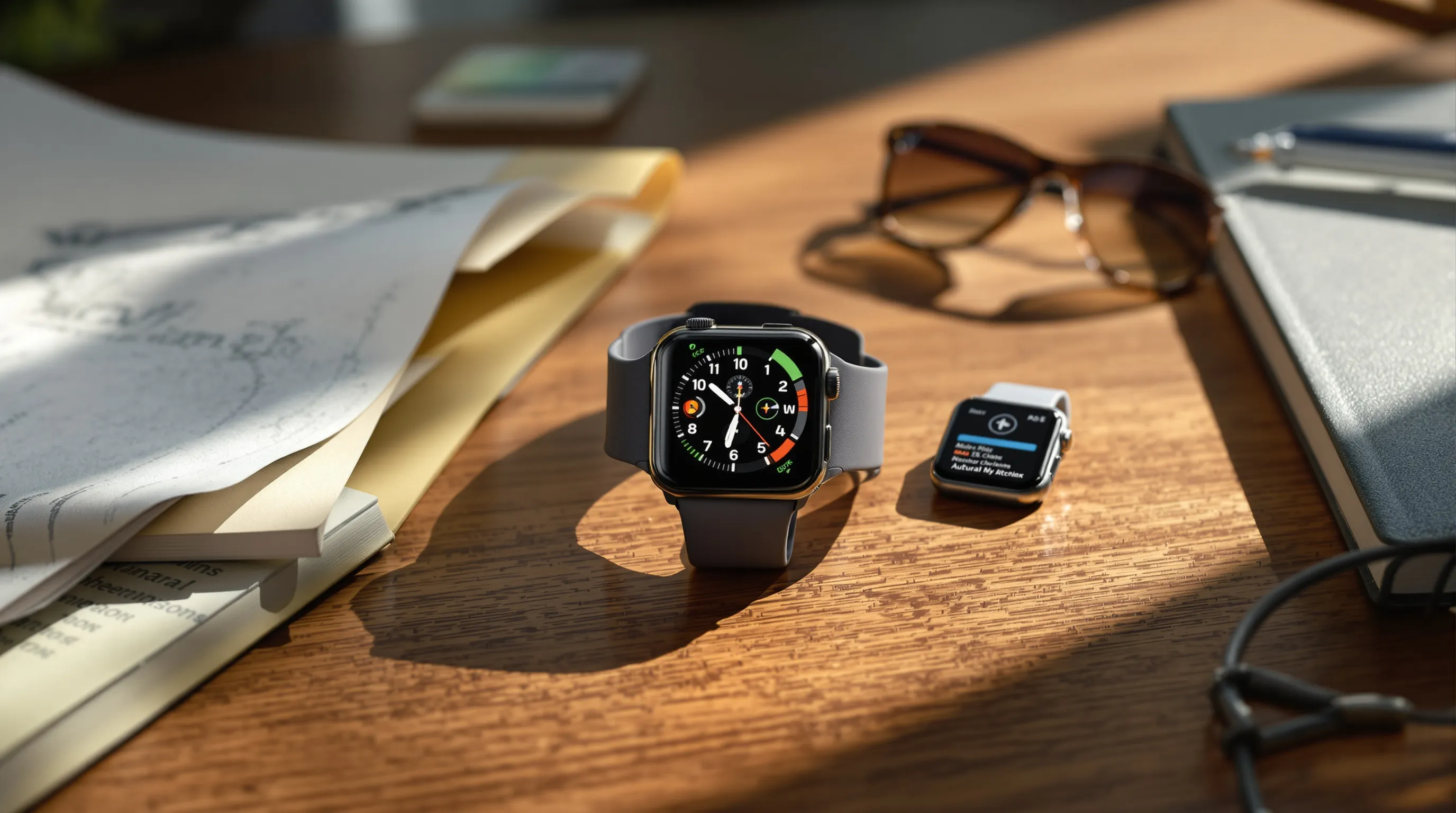
Apple Watch Series 9. It’s the best balance of price, performance, and health features. You get an always‑on display (great for glancing at pace mid‑run or checking the time discreetly), fast performance, and Apple’s full health suite including ECG and blood oxygen. In our testing, Series 9 was the easy recommendation for anyone who wants a modern Apple Watch without going big on size or cost.
Best Value On A Budget
Apple Watch SE (2nd Gen). Core fitness tracking, notifications, Apple Pay, crash detection, and fall detection, at a lower price. You don’t get the always‑on display or advanced sensors (ECG, blood oxygen), but day‑to‑day it covers the essentials. For students, first‑time buyers, or parents shopping for a capable starter watch, the SE 2 is the value pick.
Best For Outdoor Athletes And Battery Life
Apple Watch Ultra 2. If you want a brighter screen, tougher build, and battery that stretches well past a day, this is it. The Ultra 2’s dual‑frequency GPS improved track accuracy for us on city runs with tall buildings and on wooded trails. It’s bigger and pricier, but for hikers, runners, and divers, it’s the performance option.
Best For Kids And Teens (Family Setup)
Apple Watch SE (2nd Gen, GPS + Cellular). It’s the most affordable model that supports Family Setup, letting kids use an Apple Watch without owning an iPhone. Add LTE and you can message, call, and set location alerts while they leave the phone at home. The SE keeps the safety features parents want, Emergency SOS, crash detection, and fall detection, without inflating cost.
Apple Watch Lineup At A Glance
Apple Watch Series 9: Flagship Features Without The Bulk
The Series 9 comes in 41 mm and 45 mm sizes and slips into daily life easily. The always‑on display is bright and readable outdoors, and battery life reliably covers a full day with workouts and sleep tracking if you top up before bed. We like it because it feels “complete” without being a tank: ECG, blood oxygen, irregular rhythm notifications, high/low heart rate alerts, crash detection, the works. For most people, this is the Apple Watch best watch because it does nearly everything the platform is known for, at a price that often dips during sales.
Who it’s for: iPhone users who want health sensors, a premium display, and the current Apple Watch experience in a comfortable size.
Apple Watch SE (2nd Gen): Essentials At A Lower Price
The SE trims a few extras to hit a friendlier price. There’s no always‑on display, the bezels are slightly thicker, and you skip ECG and blood oxygen. But the experience still feels very Apple Watch: fast app launches, reliable notifications, accurate daily activity tracking, fall/crash detection, and Apple Pay from your wrist. In our week of mixed use (3 runs, sleep tracking, notifications), the SE kept pace and never felt slow.
Who it’s for: budget‑minded buyers, parents outfitting kids with Family Setup, or anyone who wants Apple’s software polish without paying for advanced health sensors.
Apple Watch Ultra 2: Rugged Build, Bigger Battery
The Ultra 2 is Apple’s adventure watch: 49 mm titanium case, sapphire crystal, big speakers, and the brightest display in the lineup. The dual‑frequency GPS produced the cleanest routes in dense downtown testing, and the larger battery meant we could do a long trail run, log sleep, and still have charge to spare the next day. It’s thicker and heavier, small‑wristed folks may find it chunky, but if you prioritize durability, battery longevity, and outdoor features (Waypoints, Backtrack), it earns its keep.
Who it’s for: endurance athletes, hikers, divers, and anyone who wants more than a one‑day battery, plus a screen that stays readable in harsh sun.
How We Test And Compare Apple Watches
Health And Fitness Accuracy
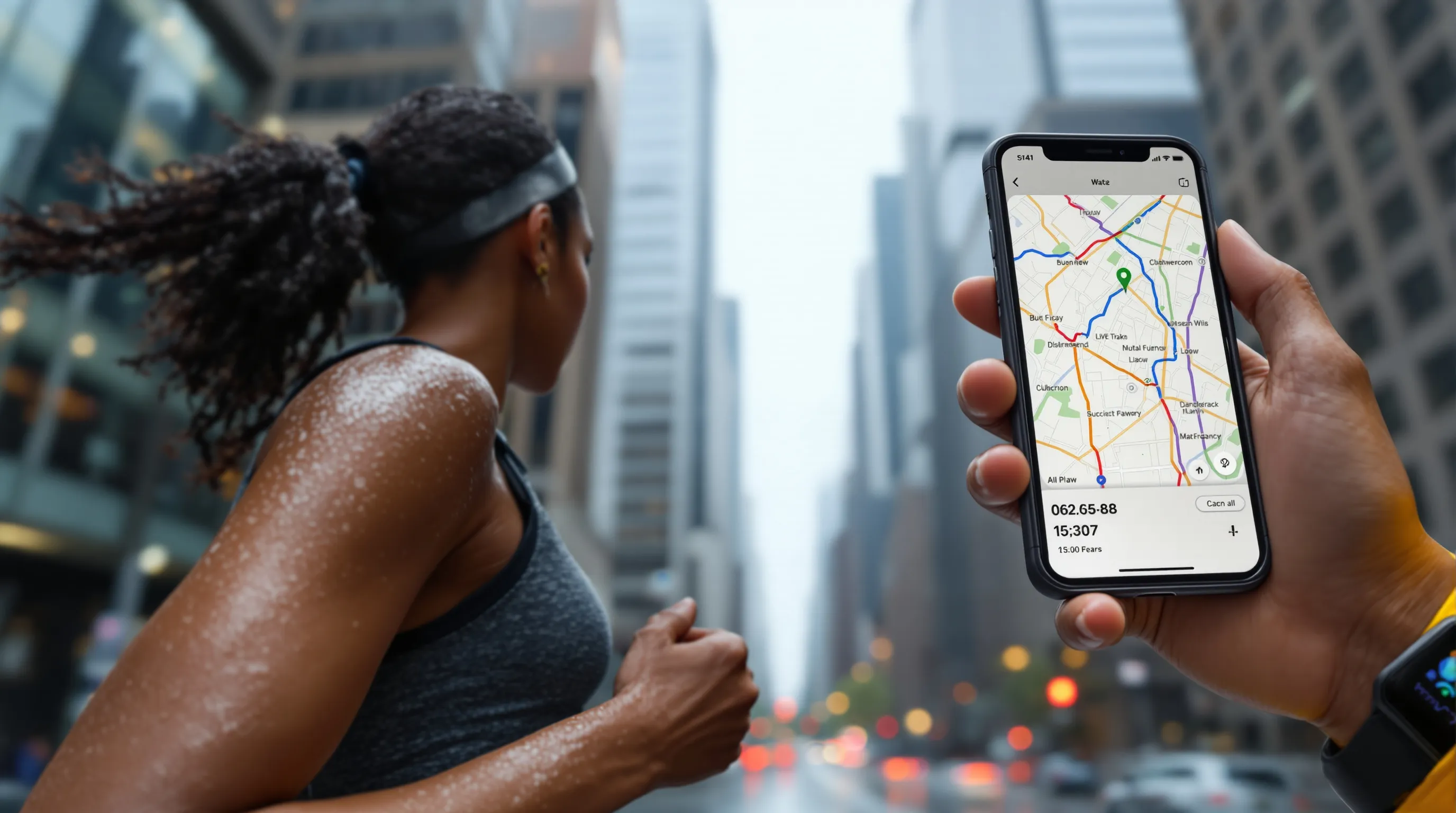
We compare heart‑rate data against a chest strap during steady runs, intervals, and strength sessions. For GPS, we run repeated city loops and open‑trail courses, then overlay tracks to spot drift. Series 9 and Ultra 2 stayed closest to the chest‑strap averages, with the Ultra 2 holding lock better around high‑rises. The SE was close enough for everyday fitness and Apple’s Activity rings.
Battery And Always‑On Display Performance
All‑day use to us means: notifications on, two 30–45 minute workouts, and sleep tracking. Series 9 comfortably does a day: plan a quick top‑up before bed if you track sleep. The Ultra 2 stretches to roughly two days under the same load. The SE matches Series 9 on endurance but lacks the always‑on display, which some actually prefer to save power.
Durability, GPS, And Water Resistance
Every current model is swim‑proof. We showered, swam, and ran in rain without issues. The Ultra 2’s titanium body and sapphire front crystal resisted scratches best and its dual‑frequency GPS kept routes cleaner in tricky environments. If you’re rough on gear, that extra ruggedness pays off.
Apps, Siri, And iPhone Integration
All current models run the latest watchOS, handle Apple Pay, and mirror iPhone notifications. Siri is faster on newer hardware, and the app ecosystem remains a strength, sleep trackers, run coaches, smart‑home controls. Integration is the reason many pick Apple Watch over rivals: setup is simple, and features like unlocking your Mac or pinging your iPhone become second nature.
Buying Guide: What To Consider Before You Buy
iPhone Compatibility And Setup
You need an iPhone to set up an Apple Watch. Make sure your phone supports the current watchOS and iOS versions. Family Setup is the exception: you can set up an SE (Cellular) for a child on your iPhone even if they don’t have one. If you use Android, pause here, consider Garmin, Fitbit, or Samsung instead.
Health Sensors And Safety Features
Ask yourself: do you want advanced health checks or just great fitness tracking and safety? Series 9 and Ultra 2 add ECG and blood‑oxygen measurements. All current models include high/low heart rate alerts, irregular rhythm notifications, fall detection, crash detection, Emergency SOS, and international emergency calling on cellular models. For many, those safety tools are the reason to wear a watch.
Size, Case Material, And Band Comfort
- Series 9: 41 mm or 45 mm: aluminum or stainless steel. Aluminum is lighter and more affordable: steel looks and feels premium but adds weight and cost.
- SE (2nd Gen): 40 mm or 44 mm: aluminum only, which keeps the price down.
- Ultra 2: 49 mm titanium, light for its size, but still large. Try it on if you have a smaller wrist.
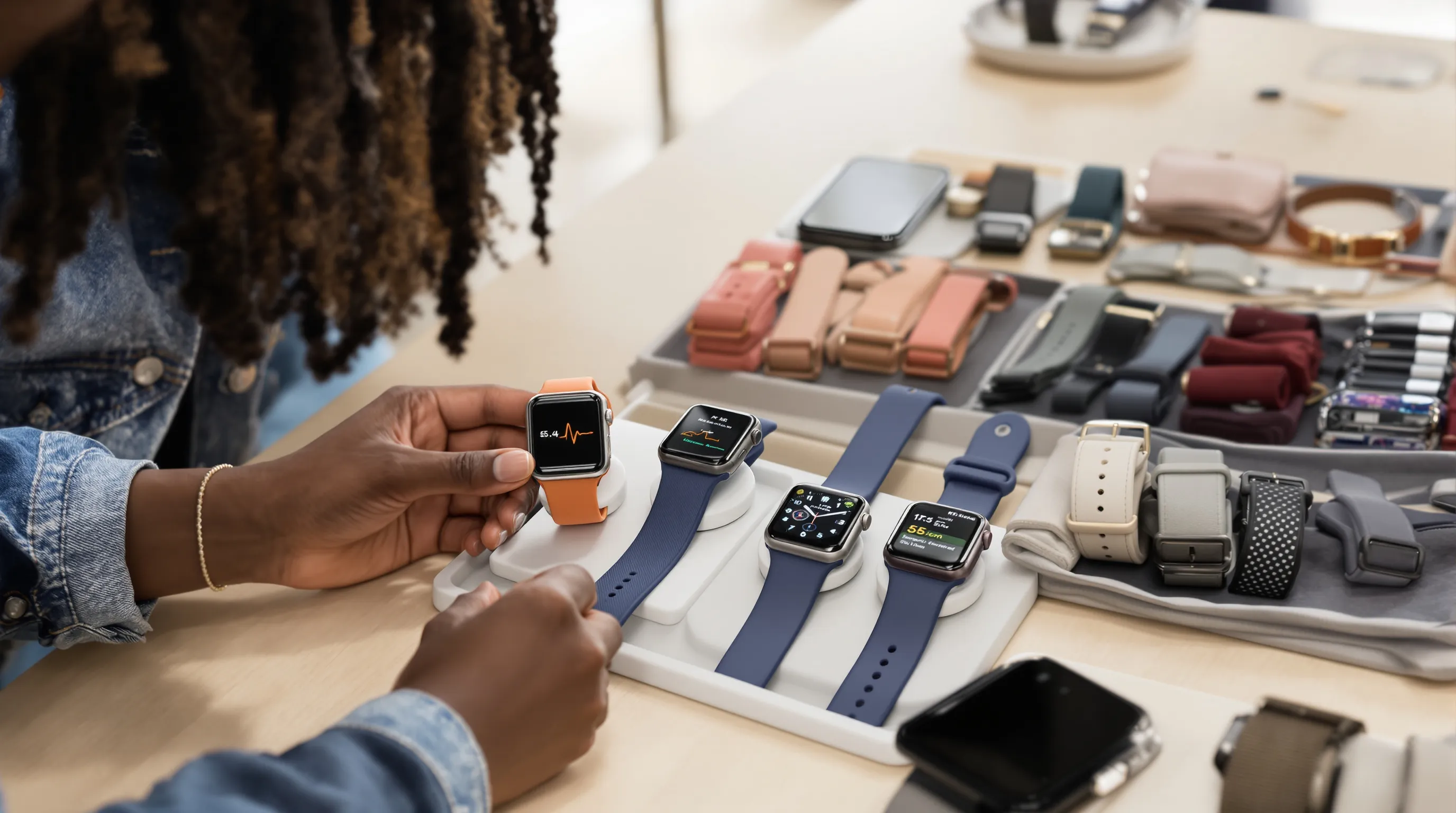
Bands matter more than most people think. The sport band is a safe default: the sport loop breathes better for workouts. For Ultra 2, the Alpine and Trail loops feel secure during activity. If you’re sensitive to materials, consider fabric or silicone over metal.
GPS vs. Cellular: Who Needs LTE?
GPS‑only models are fine if you always carry your iPhone. Cellular lets you leave the phone behind for runs or school pickup and still get calls, texts, and Apple Music streaming. It’s also required for most Family Setup use. Remember: LTE adds to the upfront price and requires a monthly carrier plan.
Best‑Buy Tips: Pricing, Trade‑Ins, And Seasonal Deals
- Prior‑year still great: If the newest model hasn’t added a must‑have for you, a discounted Series 9 or Ultra 2 is a smart purchase.
- Watch for retail promos: Major retailers often run “best by Apple Watch“ deals around back‑to‑school and holidays: Apple’s own refurbished store is another safe bet.
- Trade‑ins: Apple and carriers offer trade‑in credits that can meaningfully cut costs. Keep your box and accessories, it can boost resale value.
- Bands and chargers: Third‑party bands are fine if well‑reviewed: stick to reputable brands for chargers to avoid battery issues.
Who Should Skip The Apple Watch (And What To Get Instead)
If you use Android, skip Apple Watch, the experience requires an iPhone. Consider Samsung’s Galaxy Watch line for tight Android integration or Fitbit for simple health tracking. If you want multi‑week battery life and deeper training metrics, Garmin and Coros are better fits. They’re not as seamless with iPhone notifications, but for ultrarunners or backpackers, the endurance wins.
Conclusion
For most people, the Apple Watch Series 9 is the best Apple Watch, and likely the Apple Watch best watch, thanks to its display, health sensors, and everyday comfort. Budget buyers and families should look to the SE (2nd gen). Outdoor athletes and battery chasers will love the Ultra 2. If you’re still unsure, use the buying guide above to map features to your daily routine. And if you’ve tested different models, share your tips with us at SmartWatches.org, we’re a community of tinkerers helping each other land the right watch.