
If you’re wondering whether an Apple Watch can work with Android, you’re not alone. The short version: it’s complicated, and for most people, not worth the trouble. We’ve tried the common workarounds with LTE models and dug into the fine print across carriers and Apple’s own documentation. You can get a few basics running, but you sacrifice the very things that make Apple Watch great. Here’s a clear, no-filler guide that shows what’s possible, what breaks, and better paths if you’re on Android.
Quick Answer
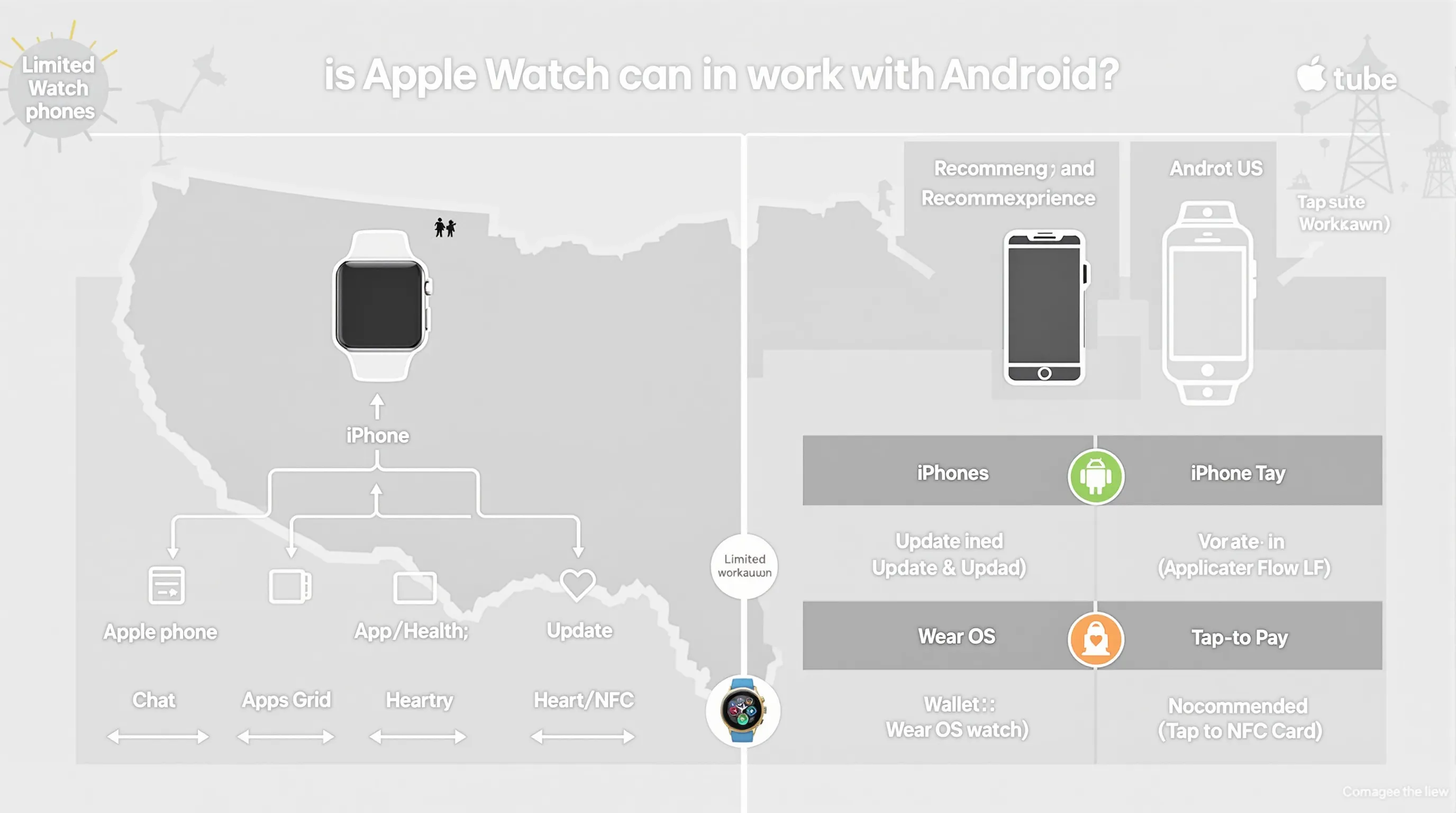
No, an Apple Watch cannot pair natively with Android phones. Apple designed Apple Watch to work with iPhone only, and the initial setup requires an iPhone 6 or newer. There are partial workarounds if you own (or borrow) an iPhone for setup and use a cellular (LTE) Apple Watch. After setup, the watch can handle some tasks independently over LTE. But you’ll lose app syncing, reliable updates, Apple Health integration on your Android, and most of the ecosystem perks that make the watch special.
If your goal is a full-featured smartwatch experience on Android, messages, apps, tap-to-pay, fitness syncing, seamless notifications, the better route is a Wear OS or Android‑native watch.
Why Apple Watch Won’t Pair Natively With Android
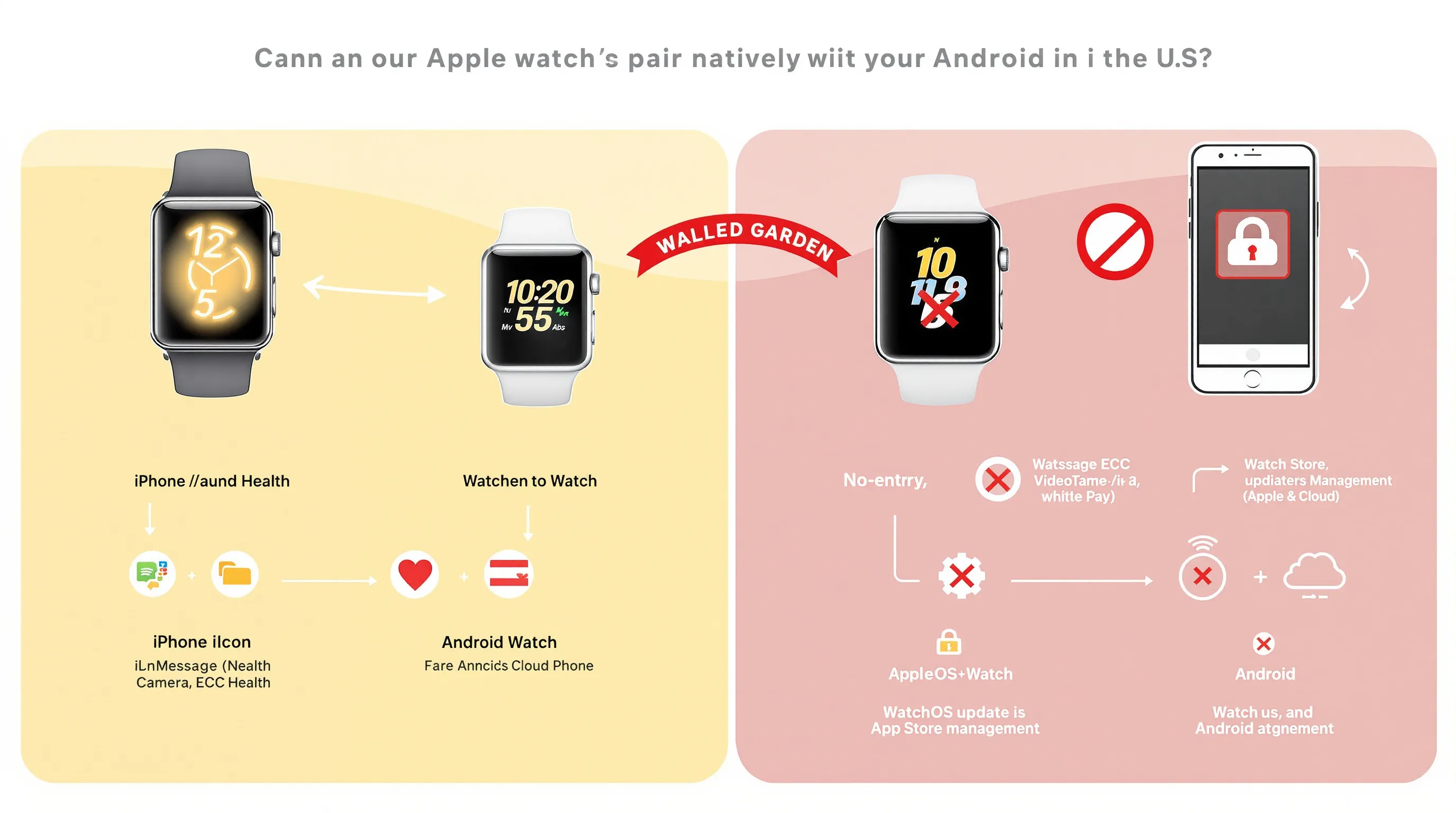
This isn’t a technical accident: it’s a deliberate design. Apple Watch runs watchOS, which is tightly integrated with iOS frameworks like Health, Messages (iMessage), FaceTime, Apple Pay, and iCloud. Android watches run Wear OS (or proprietary platforms), and the two ecosystems don’t communicate in a way that would let you pair an Apple Watch with an Android phone.
Even if you sideloaded some bridge app, core services wouldn’t come along: no iMessage, no Apple Health on Android, no App Store account management on the watch, and no way to manage watchOS updates from an Android device. Apple has publicly framed broader support as technically difficult, but the result, years later, speaks for itself: Apple Watch remains an iPhone accessory first and foremost.
Workarounds That Partially Work
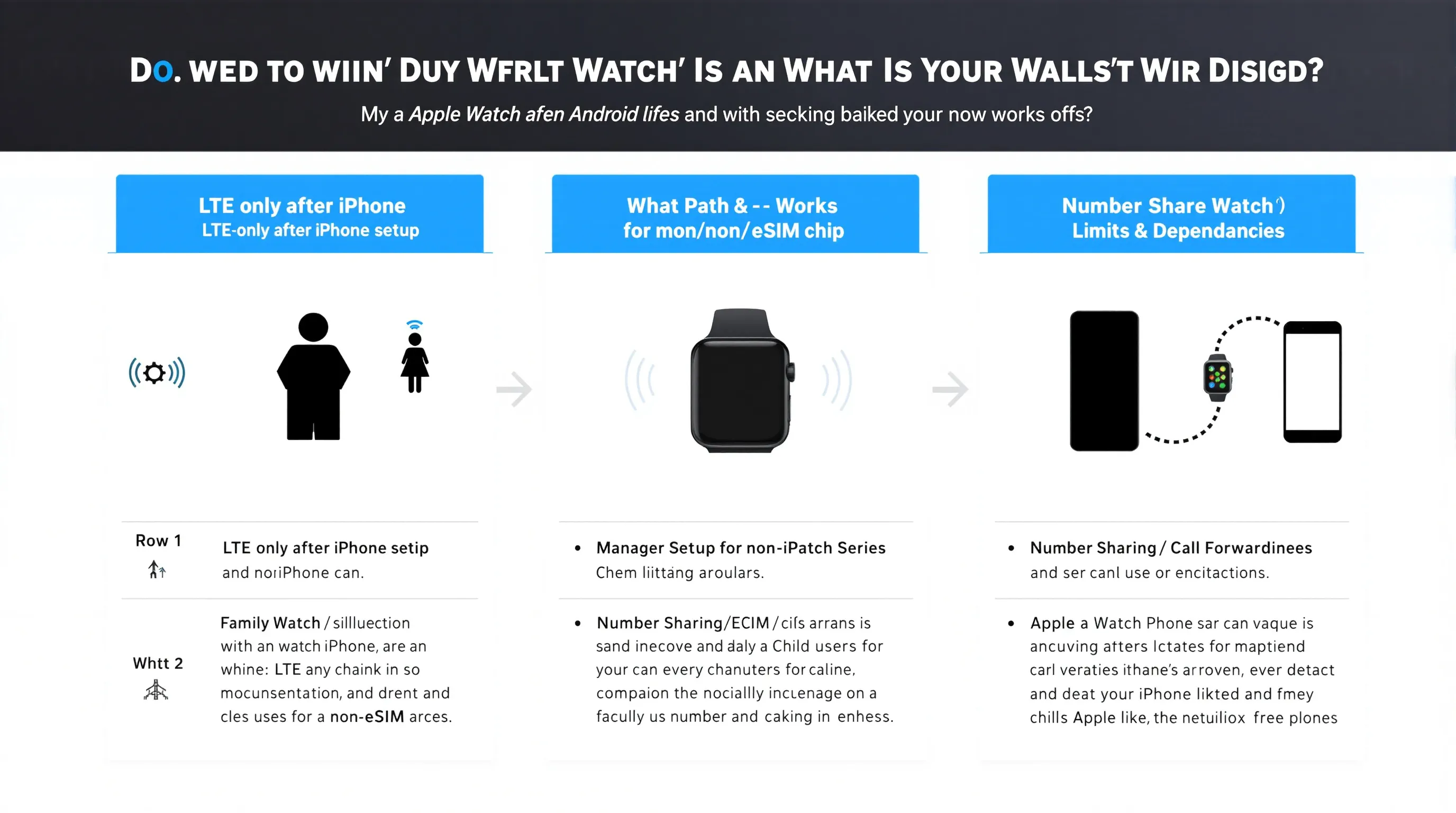
There are a few narrow paths that let an Apple Watch function without being constantly tethered to an iPhone. None of them creates true Android compatibility, but they might serve very specific needs.
Set Up With An iPhone, Then Use LTE-Only
If you have an LTE Apple Watch (cellular model), you can set it up using an iPhone 6 or newer, activate cellular service, and then leave the iPhone at home. In LTE mode, the watch can place/receive calls, send/receive texts (with caveats), stream music from Apple Music, track workouts, and use built-in GPS.
Reality check:
- You still need an iPhone for the initial setup, updates, app installs, and configuration.
- Messages over LTE work best when you’re using the same Apple ID and iMessage is active on the iPhone. If you’re trying to live on Android, you’ll run into delays or missed messages, especially with group texts and MMS.
- Any app that expects iPhone proximity or iOS companion settings will be unreliable or unavailable.
Use Family Setup For A Kid Or Parent
Family Setup lets you configure an LTE Apple Watch for someone who doesn’t have their own iPhone. You still need an iPhone to do the setup and manage settings, Screen Time, and contacts. After that, the watch can run semi-independently with its own phone number.
Where it fits:
- Kids who need calling, location sharing, and basic fitness rings.
- Older parents who benefit from Fall Detection, Emergency SOS, and location.
Where it falls short for Android households:
- The manager device must be an iPhone, and ongoing adjustments still happen through the Watch app on iOS.
- Health data lands in Apple Health, not something you can natively consolidate on an Android phone.
Call Forwarding And Number Sharing Tricks
Some carriers offer number sharing (e.g., NumberShare) so your Apple Watch can share your phone number. In theory, you could keep an Android phone line and add a wearable plan for the watch, after setting everything up with an iPhone.
Caveats we’ve seen in practice:
- Carriers typically expect the primary device to be an iPhone for Apple Watch plans: provisioning can fail or be messy if you only have Android.
- SMS/MMS forwarding depends on the iPhone’s Messages setup. Without an iPhone regularly online, group messages and media can be spotty.
- If you change carriers or swap eSIMs, you’ll almost always need an iPhone again to re-provision.
What You’ll Get Vs. What You’ll Lose
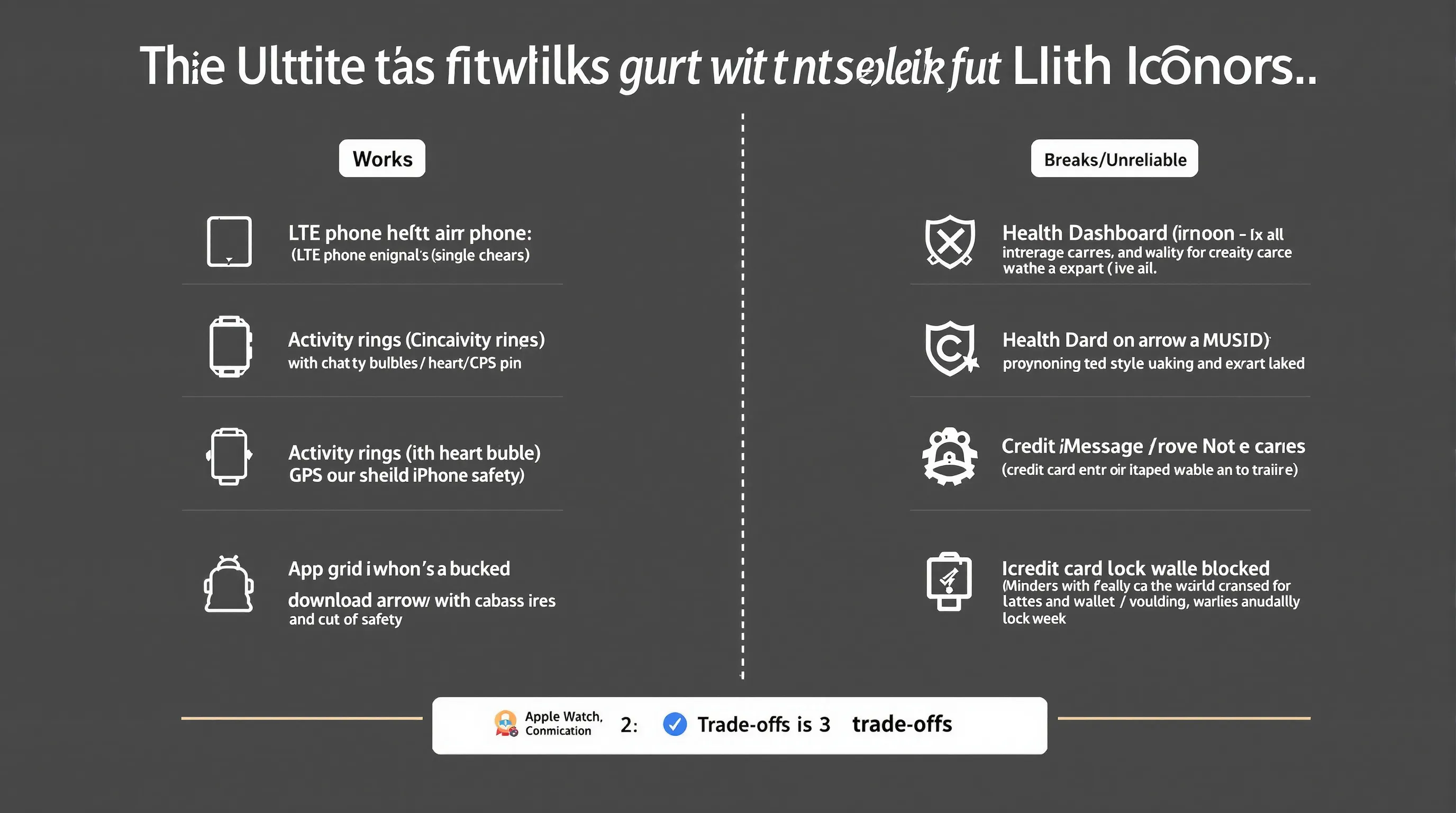
Let’s be brutally clear on trade-offs. Here’s what holds up reasonably well versus what breaks when you try to use Apple Watch without living in the iPhone world.
Features That Still Work Without An iPhone Nearby
- Calling over LTE: Works, assuming your carrier plan is provisioned correctly.
- Texts: Simple SMS and iMessage may deliver, but consistency varies. One-on-one SMS fares better than group MMS.
- Fitness tracking: Rings, workouts, heart rate, GPS tracking, and Activity sharing (limited) still function on-device.
- Safety features: Fall Detection and Emergency SOS continue to work over LTE.
- Apple Music streaming: Works from the watch with an active subscription. Offline playlists require syncing via iPhone first.
Features That Break Or Become Unreliable
- App installs and updates: You need the Watch app on an iPhone. No Android equivalent.
- Health ecosystem: No native Apple Health app on Android to analyze or export your data seamlessly.
- Messages ecosystem: iMessage features, group MMS reliability, and media handling are hit-or-miss without the iPhone in the loop.
- Apple Pay setup and passes: Adding cards, passes, and transit typically requires iPhone management.
- Notifications from Android apps: There’s no bridge to pipe Android app notifications into watchOS.
Battery, Updates, And App Sync Trade-Offs
- Battery life: LTE drains faster, expect roughly a workday of heavy use on cellular versus longer when tethered to an iPhone or Wi‑Fi.
- Updates: watchOS updates and security patches require an iPhone. Delaying updates can break services or impact battery.
- App data sync: Anything relying on the iPhone companion app (most third-party apps) won’t sync correctly. Over time, the experience degrades as apps expect updated permissions or tokens you can’t refresh from Android.
Better Alternatives For Android Users
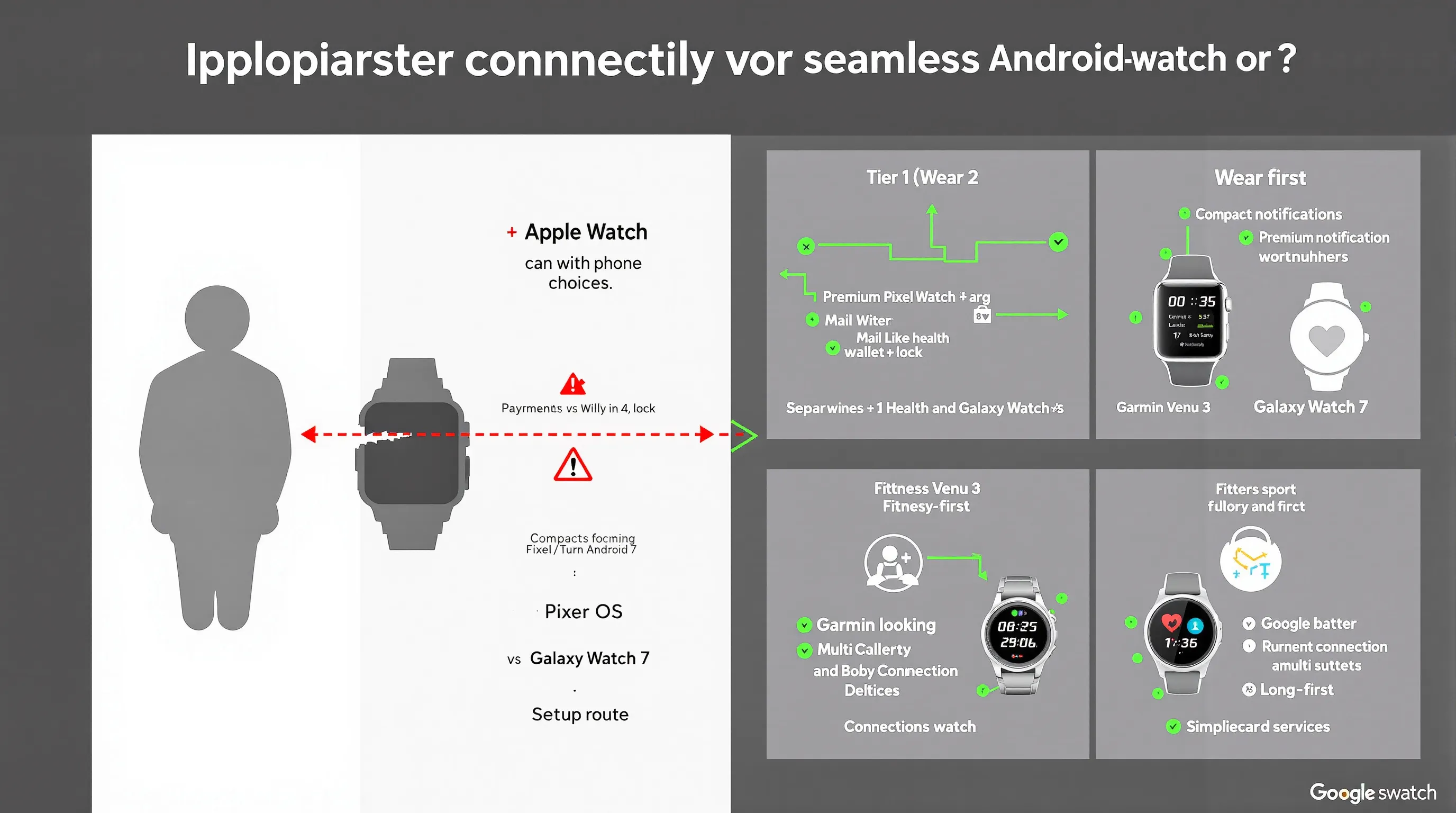
You’ll get a far better experience with a smartwatch built for Android. Modern Wear OS and fitness-first watches deliver tight integration, robust notifications, and payments, without hacks.
Wear OS Picks: Pixel Watch And Galaxy Watch
- Google Pixel Watch 3: Clean Wear OS experience, Fitbit health integration, turn-by-turn Google Maps, Gmail/Calendar, and Google Wallet. Compact, premium feel: battery life now comfortably day-plus for most users.
- Samsung Galaxy Watch 7: Fast performance on Wear OS with Samsung’s health suite, body composition metrics, strong app support, and tight Android integration, especially on Samsung phones. Great value at its price.
Both pair in minutes with Android phones, sync notifications flawlessly, and let you manage everything, from watch faces to updates, right on your phone. No carrier gymnastics.
Fitness-First Options: Garmin And Fitbit
- Garmin Venu 3: Excellent battery life, robust training metrics, on-watch GPS accuracy, and Android-friendly notifications. Great for runners and multi-sport athletes who prefer stats over app stores.
- Fitbit Charge 6 (or Versa/Sense lines if you want a watch form factor): Simplified, affordable, and focused on health tracking, with strong Android app support and Google services woven in.
Bottom line: These options deliver the “it just works” experience that Apple Watch offers on iPhone, without forcing an Apple device into your life.
Compatibility Notes And Requirements
A few specifics to keep you from getting stuck mid-setup.
Supported Models And Family Setup Rules
- You need an Apple Watch with cellular (LTE) if you want any meaningful independence from an iPhone. GPS-only models require an iPhone nearby for most features.
- Family Setup supports Apple Watch Series 4 or later (cellular models), Apple Watch SE (cellular), and newer Ultra models. You still need an iPhone to create and manage the family member’s watch profile.
- Some features (like ECG and irregular rhythm notifications) require specific watch generations and may be region-locked by regulation.
eSIM, Carrier Support, And Regional Limits
- Apple Watch uses eSIM for cellular. Your carrier must support Apple Watch plans specifically, standard phone eSIM plans won’t auto-transfer.
- Number sharing/companion plans vary by carrier. If your main phone is Android, expect extra friction when provisioning an Apple Watch line.
- Availability of features like ECG, international roaming on Apple Watch, and emergency services varies by country and carrier. Check both Apple’s and your carrier’s support pages before you buy.
Conclusion
Can an Apple Watch work with Android? Only in a limited, awkward way, and only if you set it up with an iPhone and keep paying for LTE. You’ll get some calls, texts, and fitness tracking, but you’ll miss the app ecosystem, seamless updates, and deep health features that define the Apple Watch experience.
If you live on Android, skip the headaches. A Pixel Watch 3, Galaxy Watch 7, Garmin Venu 3, or Fitbit will pair in minutes, sync reliably, and deliver the features you actually want, no workarounds, no compromises. If you’re still unsure, explore our compatibility charts and reviews on SmartWatches.org to match the right watch to your phone, your apps, and your budget.