
If your child isn’t ready for a phone but you still want a quick way to reach them, and see where they are, a kids smart watch with SIM hits a sweet spot. It makes calls and sends messages, shares GPS location, and lets you set tight safety rules. We’ve tested SIM and eSIM kids watches for school runs, soccer practice, and weekend outings. Below, we break down how they work, what to watch for with carriers and costs, and which features (and models) make sense by age.
How SIM-Enabled Kids Watches Work
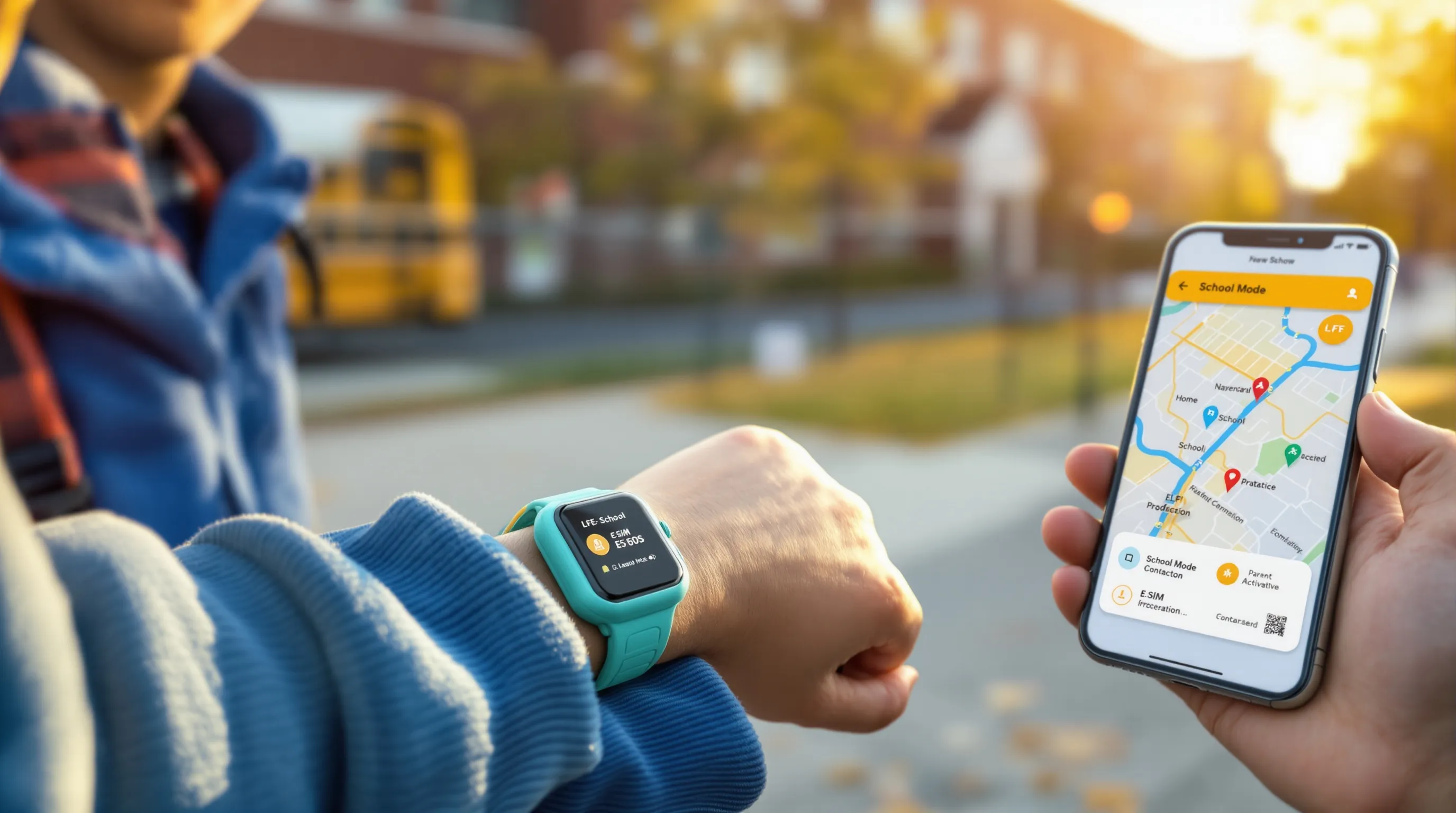
A SIM-enabled kids’ smartwatch connects to a cellular network, just like a phone. That single change unlocks the key stuff parents want: calling, texting, GPS tracking, and an SOS button that actually dials out, even when your child isn’t near Wi‑Fi.
SIM Vs eSIM And Coverage
You’ll see two types:
- SIM: a physical nano SIM you insert into the watch. Easy to swap between carriers but you’ll need the tiny tray tool and a plan.
- eSIM: built-in and activated in the app with a QR code. No tray, faster setup, but carrier options can be narrower depending on the brand.
Coverage matters more than anything. Most kids watches use GSM/LTE networks: some don’t play nicely with Verizon, and very few support legacy CDMA tech. Check the specific LTE bands the watch supports against your carrier’s network map in your ZIP code before you buy. If coverage is weak at school or the field, features won’t be reliable.
Calls, Texts, And Data Basics
Expect controlled, simple communication:
- Calls and texts are limited to a parent-approved contact list (often 10–20 people). No random calls from strangers.
- Data usage is tiny, mainly GPS pings, app updates, and sometimes sending voice notes or photos.
- Many watches add one-tap voice messages, which younger kids find easier than texting.
In our weeklong tests, typical daily use is a couple of short calls, a handful of messages, and background GPS. Even on busy days, data stays low.
GPS And Emergency Functions
Real-time GPS lets you see your child’s location on a map. Two must-haves:
- Geofencing: create zones (home, school, practice) and get alerts when your child arrives or leaves.
- SOS: a dedicated button that calls and/or messages guardians with the current location.
When we toggled “School Mode,“ the watches still sent GPS updates and allowed SOS, while muting calls, games, and notifications, exactly what teachers want.
Pros, Cons, And Who Should Consider
A kids smart watch with SIM is a middle ground between walkie-talkies and smartphones. It shines for families who want limited independence with strong guardrails.
Key Benefits For Families
- Instant contact without handing over a full phone
- Peace of mind: live GPS, geofenced alerts, and an SOS that actually calls
- Tighter control: only trusted contacts can reach your child
- Health basics: step counts, move reminders, sometimes heart rate
- More affordable and simpler to manage than a smartphone plan
For ages 5–12, this “just enough tech“ approach tends to stick. It reduces the screen time tug-of-war and keeps communication purposeful.
Trade-Offs, Risks, And Age Readiness
- Monthly fees: typically $10–$20 on top of the device price
- Distraction risk: enable School Mode to lock things down during class
- Battery and loss: plan for nightly charging: choose a snug, durable band
- Privacy: you’ll have location data, use it thoughtfully and secure the parent app with a strong login
Readiness cues we’ve seen work: Younger kids (5–8) need simple interfaces and big SOS buttons. Tweens (9–12) can handle contact lists, zones, and light messaging with clear rules. Teens often need fuller app ecosystems, but draw lines on social apps to keep the watch a tool, not a time sink.
Features To Prioritize
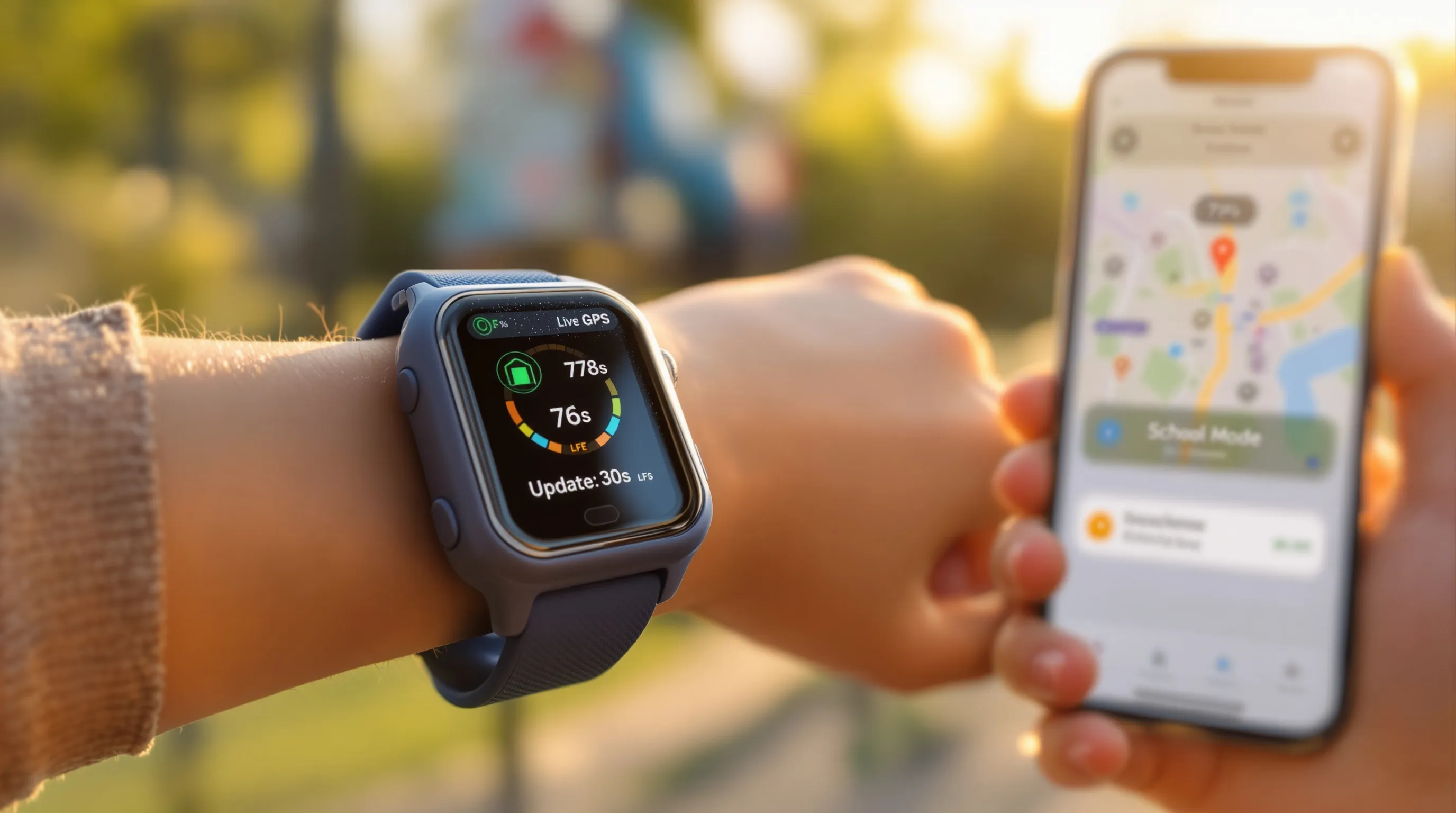
You don’t need every bell and whistle. Focus on the stuff that impacts safety, durability, and day-to-day sanity.
Safety Tools: GPS, Geofencing, And SOS
- GPS should be accurate and frequent enough to show meaningful movement. Look for adjustable update intervals.
- Geofences should be simple to set and reliable, alerts within a minute or two are ideal.
- SOS must be easy for small hands to press and hard to trigger by accident. Bonus: SOS that cycles through multiple guardians.
Controls: Trusted Contacts, School Mode, App Permissions
- Contact whitelist: only approved numbers can call/text: some models also block unknown VoIP calls.
- School/Quiet Mode: disables calls, games, and camera during class, while keeping SOS live.
- App permissions: the parent app should let you disable features (camera, step challenges, music) as needed.
Build Matters: Durability, Water Rating, Battery Life
- Durability: look for shock-resistant cases and tough bands with proper retainers so the strap doesn’t slip.
- Water rating: IP67/68 means rain and accidental splashes are fine: 5 ATM is better for pool play. Check each model’s do/don’t list.
- Battery: 2–5 days is typical with moderate GPS. Heavy location updates and long calls drain faster. A magnetic charger with firm alignment reduces nightly fuss.
Carriers, Compatibility, And Costs
Cellular details are where many parents get tripped up. A five-minute compatibility check upfront saves headaches later.
Network Bands, Activation, And Coverage Checks
- Match bands: confirm the watch’s LTE bands against your carrier’s supported bands in your area.
- Activation: SIM watches need a nano SIM and a wearable/companion plan: eSIM models activate via QR code in the parent app.
- Coverage: test where your child actually goes, home, school, practice. One dead zone can make the watch feel unreliable.
Tip we use: Insert/activate the SIM, then do a mini field test, call from the school pickup line, send a voice note from the field, check GPS in a crowded parking lot.
Plans, Fees, And Real-World Data Use
Expect $10–$20 per month for a kid wearable line, plus taxes/fees and the device cost. Data usage is low, but carriers still price it like a line add-on. Some brands sell their own service bundles, convenient, but you’re tied to that provider.
In our testing, even on busy days, data stayed well under a few hundred megabytes monthly: minutes matter more than megabytes.
Travel And Roaming: What To Know
- Domestic roaming is usually fine, but features can slow in fringe areas.
- International travel: check if the watch supports roaming and whether your plan includes it. Some SIM-based models let you pop in a local nano SIM when abroad: eSIM models may need a supported international plan. Always test before you fly.
Setup, Privacy, And Ongoing Management
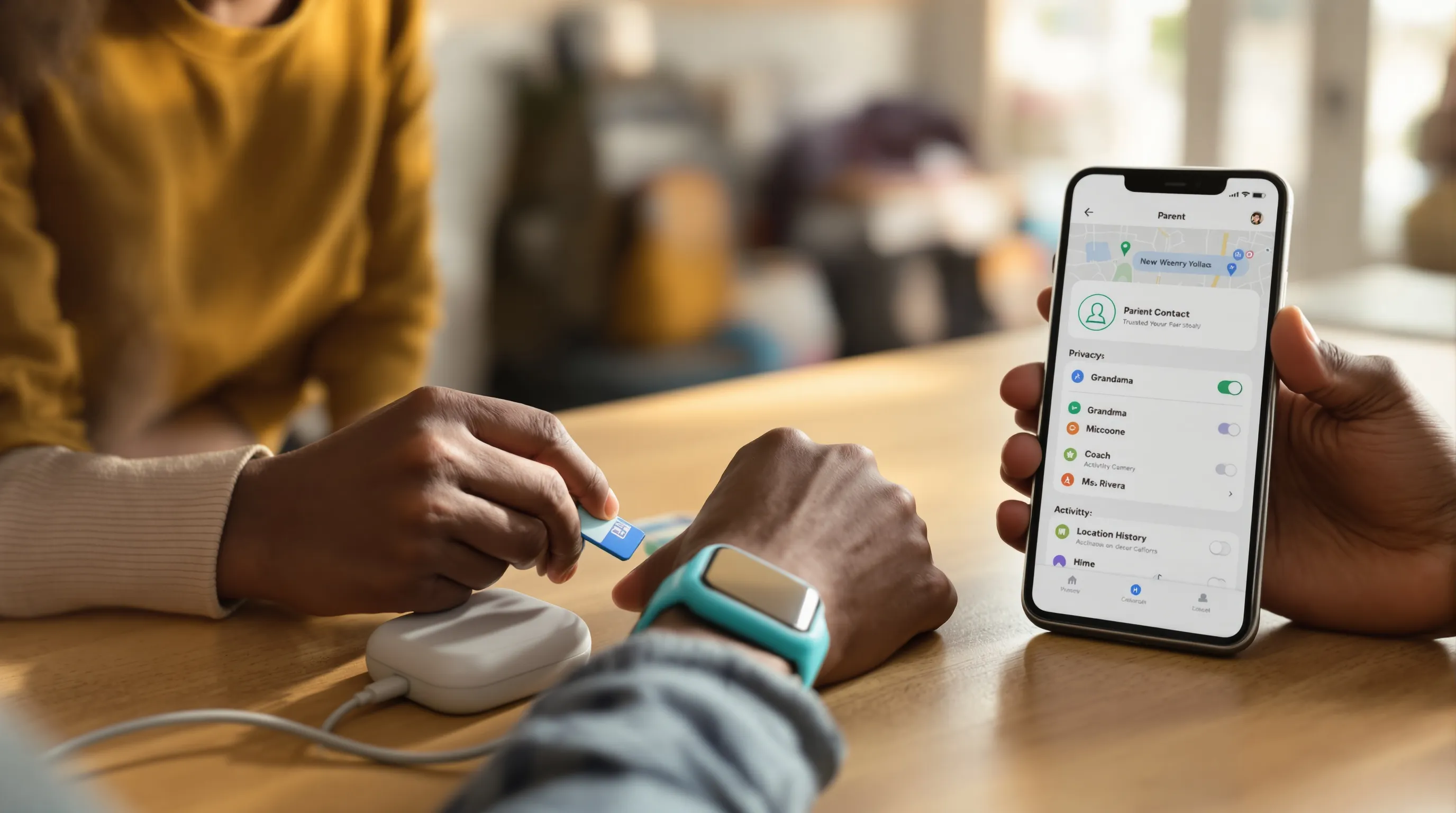
Setup takes 10–20 minutes if you’ve got the SIM or eSIM ready. Spend a few extra minutes on privacy and you’ll avoid most issues later.
Initial Setup, Pairing, And Contact Whitelists
- Install the parent app, create your family profile, and pair the watch.
- Add guardians and the trusted contact list (grandparents, caregivers, neighbors). Put full names so kids can identify callers quickly.
- Set geofences for school and home on day one: test arrival/leave alerts.
Privacy Settings, Data Consent, And Location Sharing
- Review app permissions: camera, microphone, activity data, and location history. Disable anything you’re not using.
- Require a PIN or biometric lock on the parent app. Turn on two-factor authentication if offered.
- Discuss boundaries with your child: when you check location, who can call them, and when the watch should stay in School Mode.
Daily Use Tips, Battery Habits, And Troubleshooting
- Charge nightly or every other night depending on battery size. Keep brightness modest: set GPS to a balanced interval.
- Update firmware when prompted, bug fixes often improve GPS and calling reliability.
- If calls fail: re-seat the SIM, reboot the watch, and check APN settings/carrier plan status in the app. If GPS drifts: step outside for a minute or toggle airplane mode on/off to refresh.
Recommended Picks And How To Choose
We stay brand-neutral and test broadly. Match the watch to your child’s age, maturity, and your carrier.
For Young Kids (5–8): Simple, Durable, Easy Controls
- What to prioritize: big SOS, strict contact whitelist, School Mode, and tough casing.
- Good fits: Pingo, Gabb Watch, Verizon Gizmo (Gizmo 2/Watch). These lean into core safety features with minimal distractions and are easy for small wrists.
For Tweens (9–12): More Independence, Tighter Safety
- What to prioritize: reliable GPS, geofenced zones, better messaging, and optional camera/step challenges.
- Good fits: TickTalk 4, myFirst Fone R2. Both add richer communication and tracking while keeping parent controls front and center.
For Teens: Phone Alternatives And Social Boundaries
- What to prioritize: eSIM support, stronger app ecosystems, music, and fitness tracking, without turning into a social feed on the wrist.
- Good fits: a mainstream smartwatch with LTE, like Samsung Galaxy Watch LTE, paired with strict notification and app rules. Teens get real capability: you retain oversight.
How to choose quickly:
- Check carrier/band compatibility first.
- Decide SIM vs eSIM based on your plan flexibility.
- Pick the simplest feature set your child will actually use, then lock down the rest in settings.
Conclusion
A kids smart watch with SIM offers the right kind of independence: your child can call you, you can see where they are, and an SOS button is only a press away. The trick is nailing the basics, coverage, GPS accuracy, contact controls, and a durable build, then keeping monthly costs predictable. Start with your carrier check, choose the simplest model that fits your child’s age, and set School Mode on day one. If you’ve tried a model you love (or one that didn’t hold up), share your tips with us at SmartWatches.org, your real-world stories help other families get this decision right.