
If you’re considering a kids smartwatch with GPS, you’re probably juggling two goals: giving your child more independence while keeping them safely on your radar. We get it. After testing multiple models at SmartWatches.org, from school drop-offs to soccer fields, some features matter more than others, and a few marketing claims don’t hold up in the real world. This guide breaks down how GPS kids’ watches actually work, what safety tools are worth paying for, and how to pick the right device and plan without overspending. We’ll also share what surprised us in testing and whether a kidsmart gps watch fits your family’s routines and rules.
How GPS Kids’ Watches Work
GPS + LTE vs. Bluetooth-Only Trackers
This is the big fork in the road. A true GPS watch with LTE (cellular) can share your child’s location in real time almost anywhere there’s cell coverage. You’ll also get two-way calling, texts or voice messages, geofencing alerts, and an SOS button that dials through your trusted contacts. Bluetooth-only trackers, by contrast, are more like smart tags: they’re fine for finding a backpack in the house, but they can’t provide reliable, wide-area location for your kid. If you need peace of mind beyond your driveway, prioritize GPS + LTE.
Location Sources: GNSS, Wi‑Fi, And Bluetooth Fallback
Good kids’ GPS watches pull from multiple signals:
- GNSS (GPS, GLONASS, Galileo): Best for outdoor accuracy and longer distances.
- Wi‑Fi: Helps when GNSS is weak indoors, often narrowing position to a room or building level.
- Bluetooth: Short-range fallback. Helpful around home or school beacons but not a substitute for GPS.
The watch blends these sources automatically to report the best available location, and better models switch smoothly when your child moves from playground to classroom.
Accuracy Indoors vs. Outdoors And Update Frequency
Outdoors is where these watches shine, park days, bus stops, field trips. Indoors, accuracy leans on Wi‑Fi and can drift by several meters. Also check how often the watch refreshes location: quicker updates (e.g., every 1–5 minutes or on-demand) feel reassuring but can drain battery faster. Many parent apps let you choose “power saving” or “high accuracy” modes, which is worth using on long days away from chargers.
Safety And Privacy Features That Matter
Geofencing, SOS, And Trusted Contacts
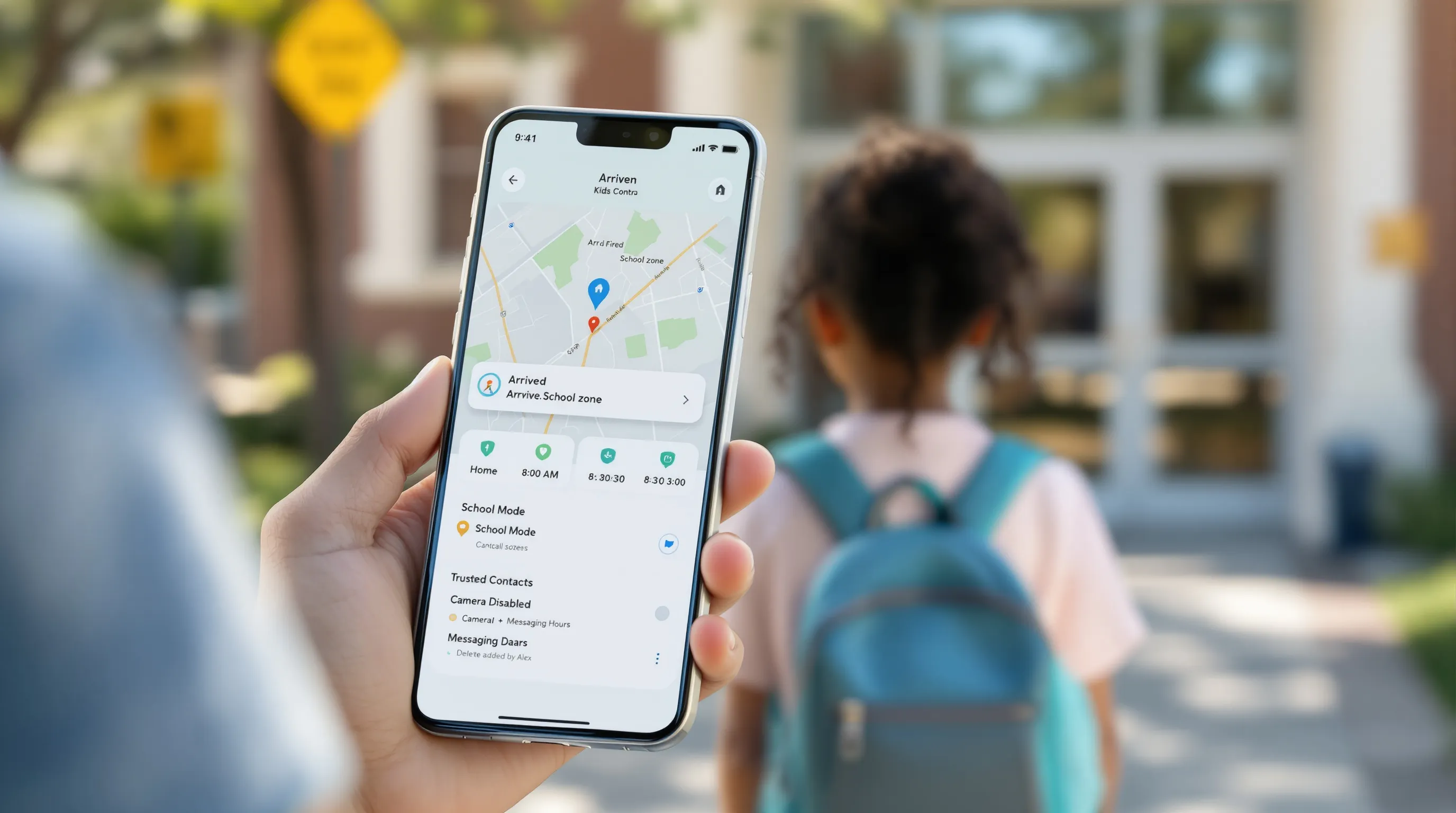
Geofencing lets you draw zones, home, school, practice, and get alerted when your child arrives or leaves. It’s simple but powerful because you’re not staring at a map all day. The SOS button should be easy to trigger yet hard to bump accidentally, ideally calling the first trusted contact and cascading if there’s no answer. We also look for strict whitelisting: only approved numbers can call or text the watch. That cuts spam and keeps communications focused on caregivers.
Call/Text Controls And School Mode
A good kids smartwatch with GPS respects classroom time. School Mode locks down games and nonessential functions during set hours but leaves emergency calling intact. We’ve found this reduces teacher pushback and keeps kids from sneaking peeks. Voice, text, and video calling capabilities vary by model and carrier, video can be useful, but it hits battery harder and isn’t allowed in every school. Match features to your child’s maturity and your school’s rules.
Data Handling, Parental Accounts, And Consent
You’ll manage everything through a parent app, contacts, geofences, alerts, even feature toggles. Look for clear data policies, two-factor authentication, and the ability to delete data or transfer ownership as your child grows. Bonus points for audit logs (who changed what and when) and granular permissions, for example, disabling the camera or limiting who can message after a certain time. If you co-parent, make sure multiple guardians can share access cleanly without alert chaos.
Comfort, Durability, And Battery Life In Daily Use
Size, Fit, And Strap Materials For Smaller Wrists
Kids’ wrists vary a lot. Aim for a case size that doesn’t overwhelm, thick, heavy watches slide around and get ditched in a backpack. We prefer soft silicone or antimicrobial straps with multiple notches: quick-release pins are handy for swapping styles or washing bands after muddy days. If your child is sensory-sensitive, try a rounded case with a flush heart-rate bump or no bump at all.
Water Resistance And Ruggedness Ratings
Look for at least IP67/68 for splashes and brief dunks, or 5 ATM if your kid lives in the pool. Rugged designs with raised bezels protect the screen from playground scrapes. We’ve seen plastic housings survive drops better than metal on heavier models, simply because the extra weight increases impact forces.
Battery Expectations: All-Day Vs. Multi-Day
With GPS + LTE active, expect a solid all-day battery on most modern models, roughly 16–36 hours depending on how often you request location updates and use calling. Simpler or non-cellular devices can stretch into multi-day territory. Practical tip: schedule higher accuracy during commutes and sports pick-ups, then let power-saving take over at home with Wi‑Fi nearby.
Setup, Apps, And Carrier Compatibility
Activation Steps And eSIM/Carrier Support
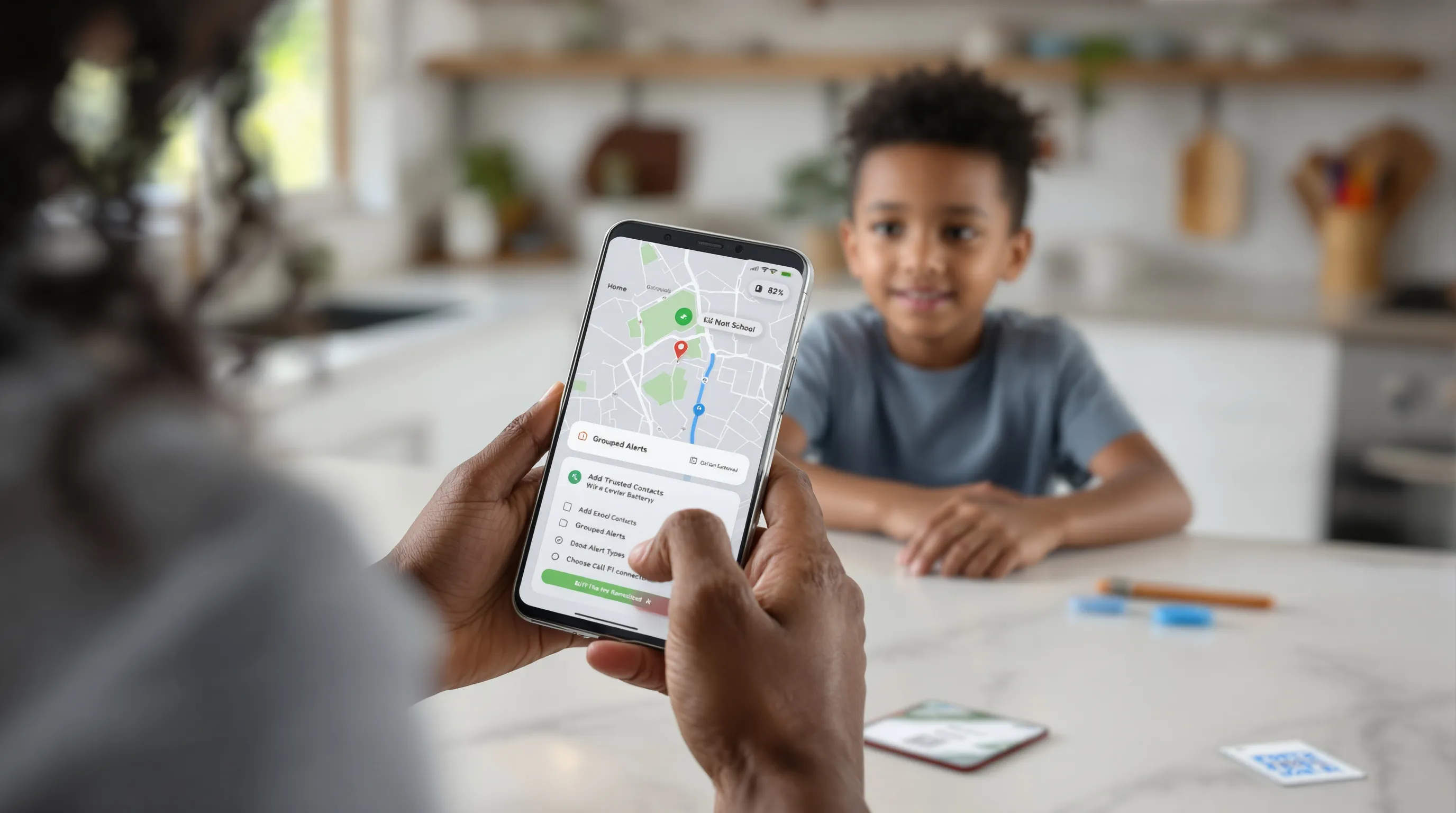
Most GPS watches for kids use an embedded SIM (eSIM) or a physical nano‑SIM tied to specific carriers. Common options include AT&T- and T‑Mobile‑based plans: some budget watches work with MVNOs like Red Pocket. Verizon compatibility is less common, check before buying. Activation usually goes: install parent app, scan QR/eSIM, pick a plan, add trusted contacts, set geofences, and test a call and SOS. Do this at home with good Wi‑Fi so firmware updates don’t stall.
Parent App Usability And Alert Management
The app is half the product. You want a clean map view, obvious battery indicator, and quick toggles for School Mode and Do Not Disturb. Good apps let you:
- Customize geofence sizes per location
- Choose alert types (push, SMS, email) and quiet hours
- See location history without digging through menus
We prefer apps that group alerts, arrivals, departures, low battery, so your phone doesn’t feel like a siren.
Cross-Platform Compatibility (iOS/Android)
Most parent apps support both iOS and Android, but advanced features (like video calling or watch face galleries) can lag on one platform. If your household mixes phones, verify everyone who needs access can install the app, log in, and receive alerts consistently.
Is A Kidsmart GPS Watch Right For Your Family?
Age Ranges, Maturity, And Boundaries
We typically recommend GPS watches for ages 5–12. The sweet spot is kids who need check-ins but aren’t ready for a smartphone. Tech aside, readiness is about boundaries: will your child respect School Mode, wear the watch daily, and use SOS only for real issues? A quick family agreement, when to message, who can call, charging rules, keeps expectations clear.
Use Cases: School, After-School, And Travel
- School: Quick arrival/departure pings reduce the “Did the bus come?“ stress.
- After-school: Great for handoffs between caregivers and coaches: check the map instead of sending five texts.
- Travel: In crowded places, on-demand location and the SOS shortcut are confidence boosters. Just make sure your plan has coverage where you’re going.
Cost Of Ownership: Device, Plan, And Accessories
Budget for the full picture: $80–$250 for the device, plus $5–$12/month for service. Add a spare charger and maybe a tougher strap or bumper case. If you plan to keep the watch for multiple kids, choose a model with replaceable bands and widely supported carriers to extend its life.
What We Look For When We Test Kids’ GPS Watches
Real-World Route Testing And Location Accuracy
Lab specs only tell part of the story. We walk common routes, school to park, park to home, then compare the breadcrumb trail against known landmarks. Good watches lock onto GNSS outdoors within seconds and transition to Wi‑Fi indoors without teleporting across the block. We also test geofence reliability with tight boundaries around school entrances: quality models alert within a minute of crossing.
Battery, Comfort, And Durability Over A Week
We run watches for a week with a typical child schedule: school mode on, a few check-ins, one or two short calls, and weekend sports. We log battery at pickup and bedtime, note charging time, and photograph wear points, strap holes, lugs, and bezel edges. Comfort matters: if a watch pinches or wobbles, kids stop wearing it, and accuracy drops when it’s left on a desk.
Safety Feature Reliability And App Experience
SOS should call fast and retry if the first contact misses it. We test response time, call clarity, and whether the app pushes an immediate alert with location. In the app, we look for sane defaults (School Mode off-hours, contact whitelists), straightforward onboarding, and transparent privacy settings. Bonus for accessibility: large fonts, color-blind-friendly maps, and easy-to-find logs build trust for the whole family.
Conclusion
A kids smartwatch with GPS works best when it’s simple to wear, precise enough when it counts, and backed by a parent app that stays out of your way. Prioritize GPS + LTE, strong geofencing and SOS, and a battery that comfortably covers your longest day. If you’re on the fence, start with a month-to-month plan and a family agreement, then adjust update frequency and alerts to fit your rhythm. And if you’ve found a feature that really helps your crew, share it with us at SmartWatches.org: the community learns faster together.