
If you’re considering a T-Mobile kid phone watch, you probably want two things: quick check-ins without handing over a smartphone, and guardrails that actually work. After testing T-Mobile’s SyncUP KIDS Watch alongside cross-carrier favorites like TickTalk and Apple Watch SE (with Family Setup), we’ve pulled together what matters, plans and costs, features you’ll use daily, and the best models for different ages. This guide keeps it simple, evidence-first, and parent-friendly.
What A Kid Phone Watch Is And How It Works On T-Mobile
A kid phone watch is a tiny wrist-worn phone with built-in LTE, GPS, and strict parental controls. Your child can call or text only the contacts you approve, share real-time location, and send an SOS if they need help. There’s no open web browser and no social media, by design.
On T-Mobile, these watches get their own line and phone number. They connect over LTE like a smartphone but with a pared-back operating system that keeps distractions out. You manage everything from a companion app: whitelist contacts, set School Mode schedules, create geofences (virtual boundaries), and review location history. In our testing around school pickup chaos and weekend sports, the appeal is clear: your kid can reach you from their wrist, and you get useful context (arrived at practice, left school early) without handing them a full phone.
Common use cases we saw: after-school coordination, “I’m on the bus“ check-ins, and quick photos sent to grandparents, while still keeping the tech simple enough for a seven-year-old.
Key Features That Matter For Kids’ Watch Phones
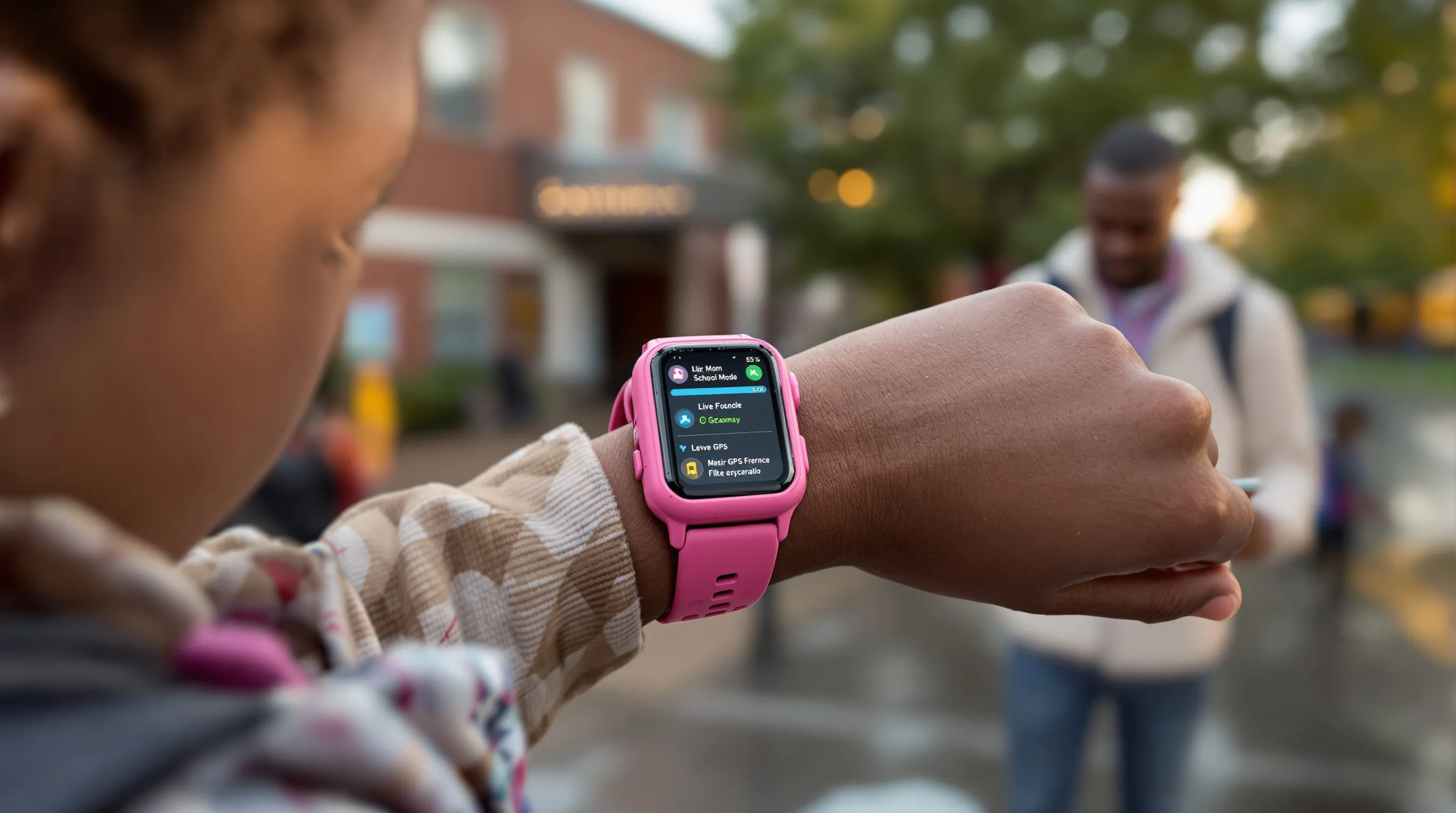
- Two-way calling and messaging with parent-approved contacts only. This is the core safety net, no random numbers.
- GPS location and geofencing. Real-time location with alerts if a child leaves a set area (school, home, practice). We found geofence alerts most helpful at dismissal time.
- Parental controls and School Mode. School Mode mutes calls and disables games during class while still letting SOS through.
- SOS help button. One long press pings parents immediately with location.
- Durability and water resistance. These take playground abuse: look for IP-rated watches or ones labeled water resistant.
- Optional cameras and games. Fun, but you can usually limit or disable them, nice for younger kids who get distracted.
T-Mobile Plans, Coverage, And Costs For Kids’ Watch Phones
Line Options And Fees
T-Mobile treats a kid watch as its own line. The SyncUP KIDS Watch plan runs about $12/month with AutoPay when added to an existing voice line. In promos, the watch itself can be free via 24 monthly bill credits with an active plan. Expect standard taxes and fees, and remember: you can’t share data from your phone’s plan, the watch needs its own line.
For non–SyncUP devices (TickTalk, Angel Watch, or Apple Watch SE via Family Setup), budget roughly $10–$15/month for a wearable/smartwatch line. Pricing can vary slightly by promo and region.
Activation, eSIM, And Porting Tips
Activation is straightforward online or in-store. The SyncUP KIDS Watch ships ready to pair with its companion app. Apple Watch SE uses eSIM and requires an iPhone to set up Family Setup. Porting an existing line to a kid watch is generally not supported, you’ll start a new activation for the watch.
A quick tip from our setup: do the first firmware update at home on Wi‑Fi before your kid wears it out. It saves battery and avoids hiccups on day one.
Coverage Considerations And Roaming Limits
T-Mobile’s LTE network covers most urban and suburban areas we tested. As with any carrier, GPS and call reliability drop in poor coverage zones. Internationally, T-Mobile allows limited roaming on certain plans, handy for cross-border families (Canada/Mexico), but check the exact roaming terms for your line. If your child travels, confirm whether geofence alerts still trigger abroad and what limitations apply.
Best T-Mobile-Compatible Kids’ Watch Phones (Pros And Cons)
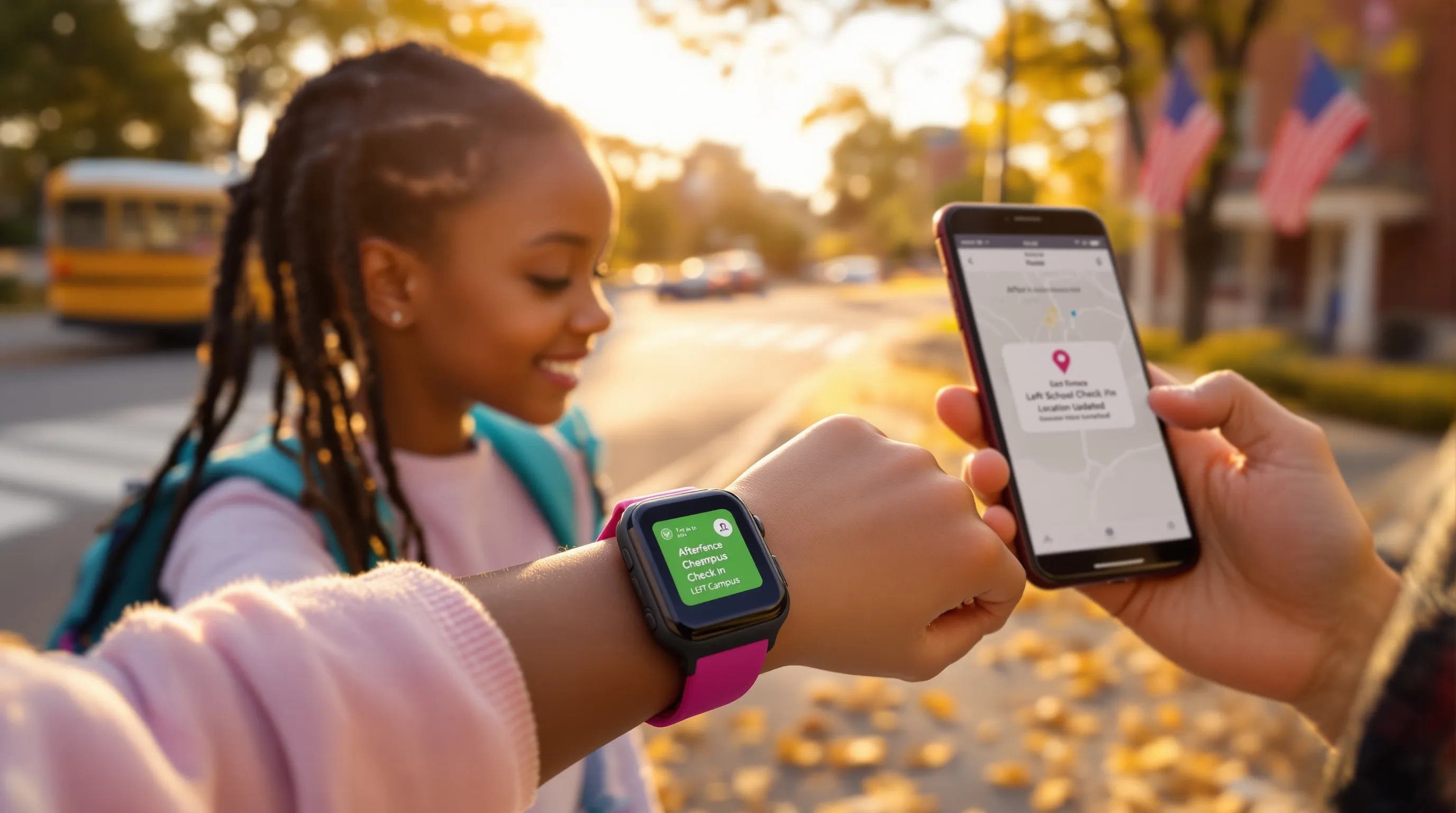
T-Mobile SyncUP KIDS Watch
This is the most seamless choice on T-Mobile. It’s designed for younger kids and managed through T-Mobile’s app.
Pros:
- Often free with plan (via 24 monthly credits)
- Strong GPS + geofencing, clear SOS flow
- Two cameras, Bluetooth for fun extras, water resistant
- Simple interface that kids grasp quickly
Cons:
- Only works on T-Mobile
- Basic OS: limited app ecosystem (by design, but older kids may outgrow it)
Real-world note: Battery easily handled a typical school day plus aftercare in our testing, and geofence alerts hit within a minute when leaving campus.
TickTalk 5 (And TickTalk 4)
TickTalk consistently ranks high for parental control depth and cross-carrier flexibility.
Pros:
- Robust parental controls, excellent contact management
- Video calling, messaging, and a friendly app
- Works with multiple carriers, including T-Mobile
Cons:
- Pricier upfront than carrier-branded watches
- Slightly bulkier on smaller wrists
We liked the balance of features for kids 8–12 who want video calls and a little more freedom, without jumping to a full smartwatch platform.
Angel Watch R-Series
A niche pick for families who prioritize health and international use.
Pros:
- Advanced health options compared to kid-first models
- Broad international support
Cons:
- Higher price and sometimes limited local support
- Interface feels more utilitarian than playful
If health tracking and travel readiness rank higher than games or cameras, Angel Watch fits well on T-Mobile lines.
Apple Watch SE With Family Setup (For Older Kids)
For teens or mature tweens, this is the gold standard, if your family uses iPhone.
Pros:
- Best-in-class safety and health features
- Polished app ecosystem: future-proof for older kids
- eSIM, Schooltime mode, strong privacy controls
Cons:
- Expensive upfront
- Requires an iPhone for setup and management
- Not ideal for very young children (too many features)
In day-to-day use, the Apple Watch SE felt far more “grown up,“ which is exactly why teens buy in, and why younger kids might get distracted if you don’t lock it down.
Setup, Safety, And Everyday Use
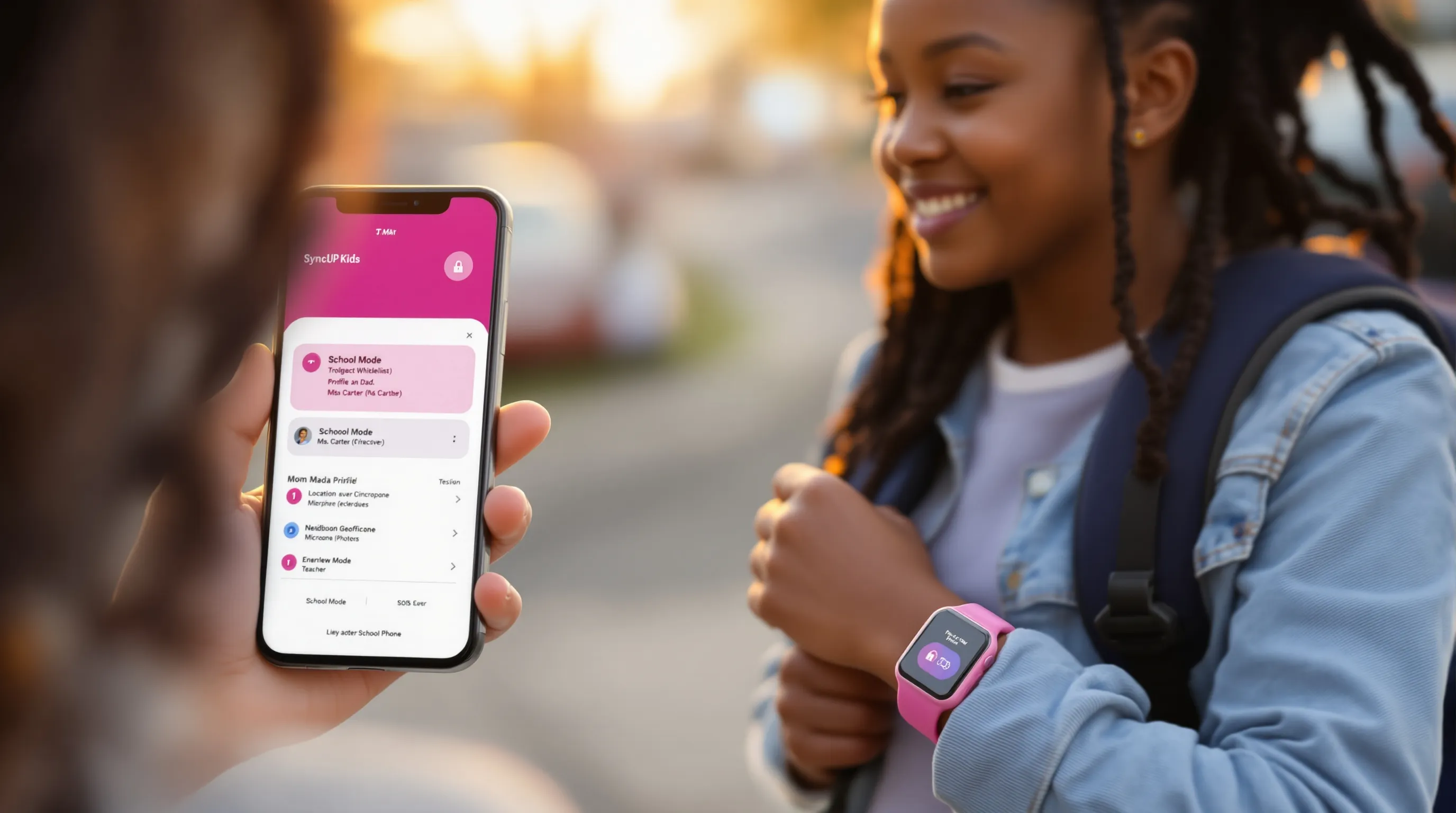
Parental Controls, Contact Whitelists, And School Mode
Start in the companion app: add yourself and caregivers first, then teachers, neighbors, and trusted friends. Keep the whitelist short at the beginning, you can expand later. Enable School Mode for class hours: your child still has SOS access but can’t text friends during math. We suggest a short “practice call” routine at home so kids know how the SOS works without anxiety.
GPS Accuracy, Geofencing, And Alerts
Expect real-time location that’s accurate within a house or two in most neighborhoods. In our school tests, departure alerts arrived fast enough to beat the crowd to the pickup lane. For must-not-miss alerts (like leaving campus mid-day), keep geofence radii modest, too wide and the alert is delayed: too tight and you may get false positives near the boundary.
Privacy, Data Sharing, And App Permissions
T-Mobile’s SyncUP line is built with kid privacy in mind, no advertising or data sharing for kids under 16, and parents control app permissions. Apple brings its standard privacy toolkit and granular permissions via Family Setup. No matter the brand, audit permissions monthly: photos, microphone, and location should be intentional. Teach kids that they’re sharing their location with you, transparency builds trust.
Real-World Performance: Battery Life, Durability, And Water Resistance
The SyncUP KIDS Watch claims up to around 8 hours of talk time and up to 10 days of standby. In real use, school, a few calls, GPS on, we recharged every other night. Apple Watch SE is an all-day device: expect nightly charging for active teens. TickTalk and Angel Watch landed in between depending on call volume and video use.
Durability has improved across the board. We saw scuffs but no screen cracks after a week of playground use with SyncUP. Water resistance handled handwashing and drizzle: for pool days, check each model’s rating and set expectations, watches are water resistant, not dive computers.
T-Mobile Watch Phone For Kids: Who Should Buy What
- Young kids (5–12): Choose the T-Mobile SyncUP KIDS Watch. It’s affordable, simple, and tightly integrated with T-Mobile’s network and app. Parents get the essentials: SOS, geofences, School Mode, and a gentle learning curve.
- Teens or older kids: Go Apple Watch SE with Family Setup if your household is on iPhone. It scales with your child, fitness, safety, and a mature app experience, with strong parental controls.
- Special needs or health-focused families: Consider Angel Watch R-Series for its health options and international support.
- Need more flexibility or cross-carrier options: TickTalk 5 (or 4) offers powerful controls and video calling with broader compatibility.
If you’re budget-first and already on T-Mobile, SyncUP is the easy win. If longevity and advanced features matter more, Apple Watch SE earns its price.
Conclusion
A T-Mobile kid phone watch gives your child a lifeline and gives you peace of mind, without handing over a full smartphone. For most families on T-Mobile, the SyncUP KIDS Watch nails the basics at a friendly monthly price. For older kids, Apple Watch SE (Family Setup) is the right leap. TickTalk and Angel Watch play strong supporting roles for flexibility and health.
Before you buy, map your priority list: safety alerts, School Mode, battery cadence, and budget. Then pick the model that fits your child today with room to grow. Have tips or questions? Share them with the Smartwatches.org community, parents helping parents is how we all get better at this.
Bonus tip: When you activate, test SOS and geofences together on day one. It takes five minutes and pays off the first time your schedule runs late.